The admin assistant
Ask for it in plain words.Confirm it with one tap.
Move a lesson, send an invoice, mark a roll, find out who is falling behind. Type or say what you need on any page, and the assistant reads your records, prepares the change as a card that shows exactly what will happen, and does it through the same checks as the front desk once you confirm.
Before anything changes
- kinds of change it prepares as cards
- 9
- kinds of question answered with a chart
- 6
- card confirmed at a time
- 1
- modes, Quick and Thorough, always named
- 2
It does the admin
Ask for the change. Read the card. Confirm.
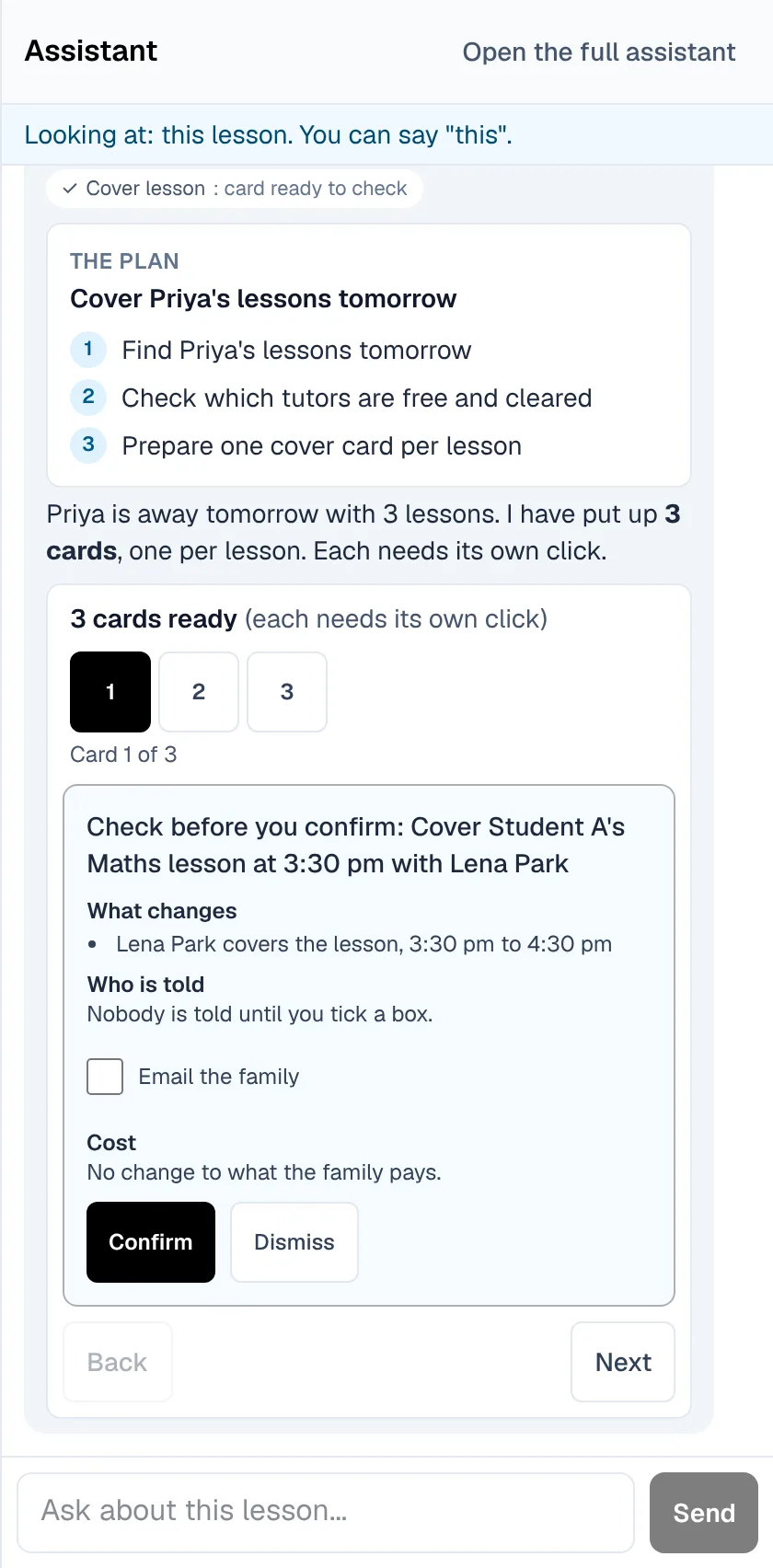
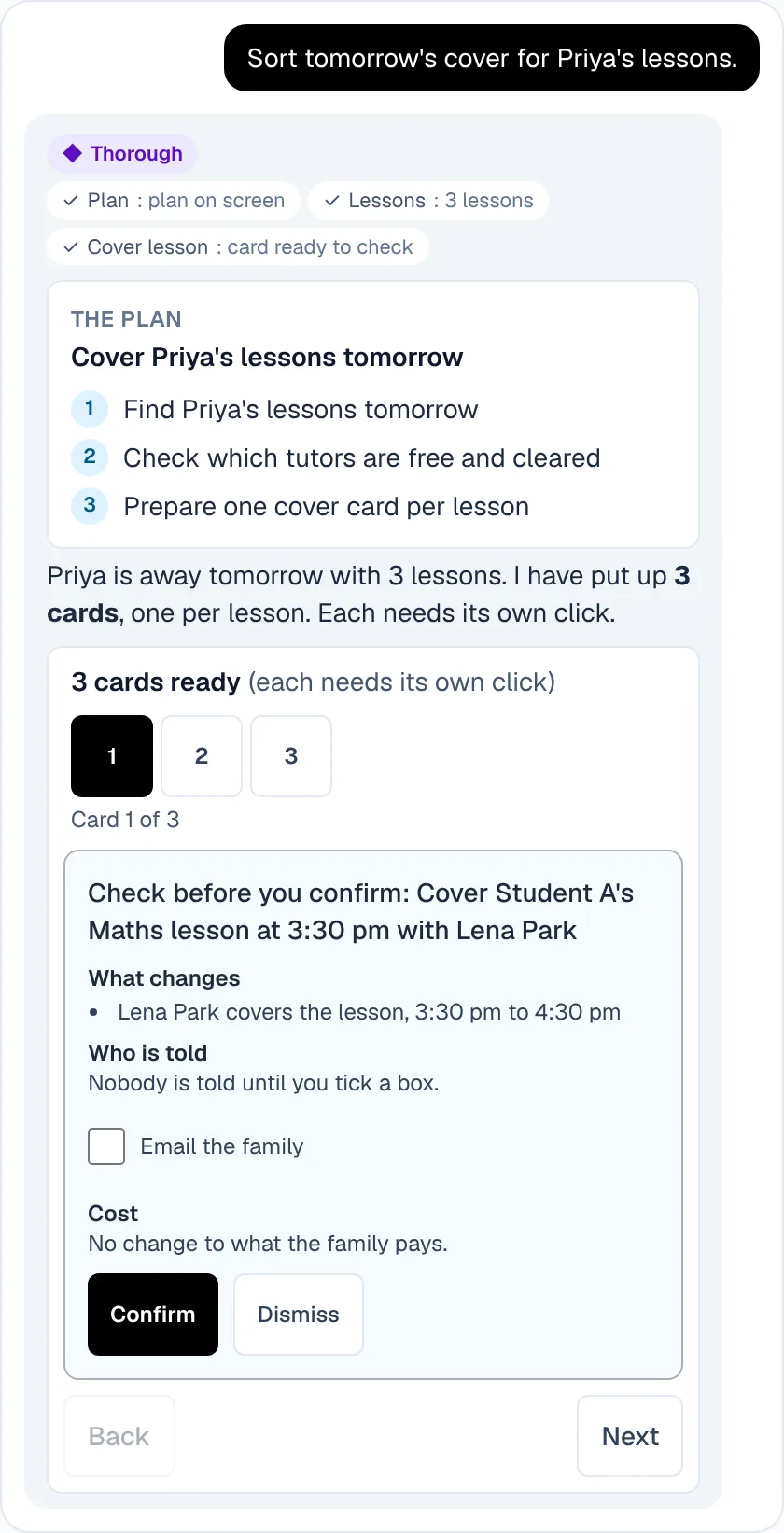
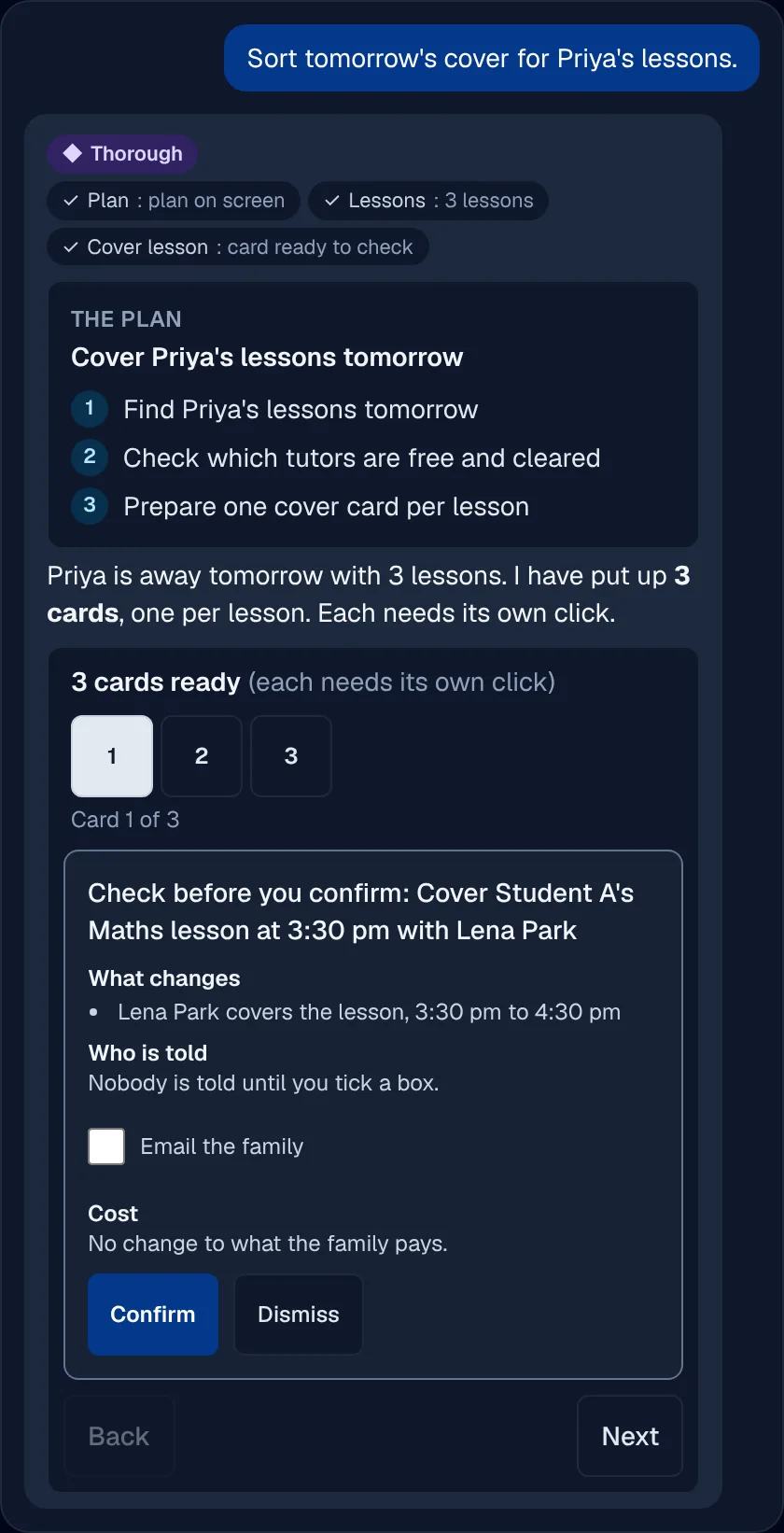
Help that changes records without asking is help nobody trusts. Every change the assistant prepares is a card that says what changes, who is told and what it costs, before anything happens.
Lessons moved and booked
Move a lesson or book a new one, with the price, clashes and your cancellation terms on the card, and tick whether the family is emailed or texted.
Invoices, credits and the roll
Send an invoice, write a credit note or a write-off, or mark a roll, each its own card. An invoice card goes stale if the invoice changes first.
Messages and tasks
Email or text a family, choosing on the card whether it is correspondence or a promotion, and add a task to the staff board.
Through the same doors as you
A confirmed card runs through the route a person uses, with every permission, campus and safety check that route already makes, and works once only.
It answers questions
Ask about your centre and get the figure, the chart and the link.
Owners want the answer, not a report to build. The assistant reads your own records and shows its working.
Questions with charts
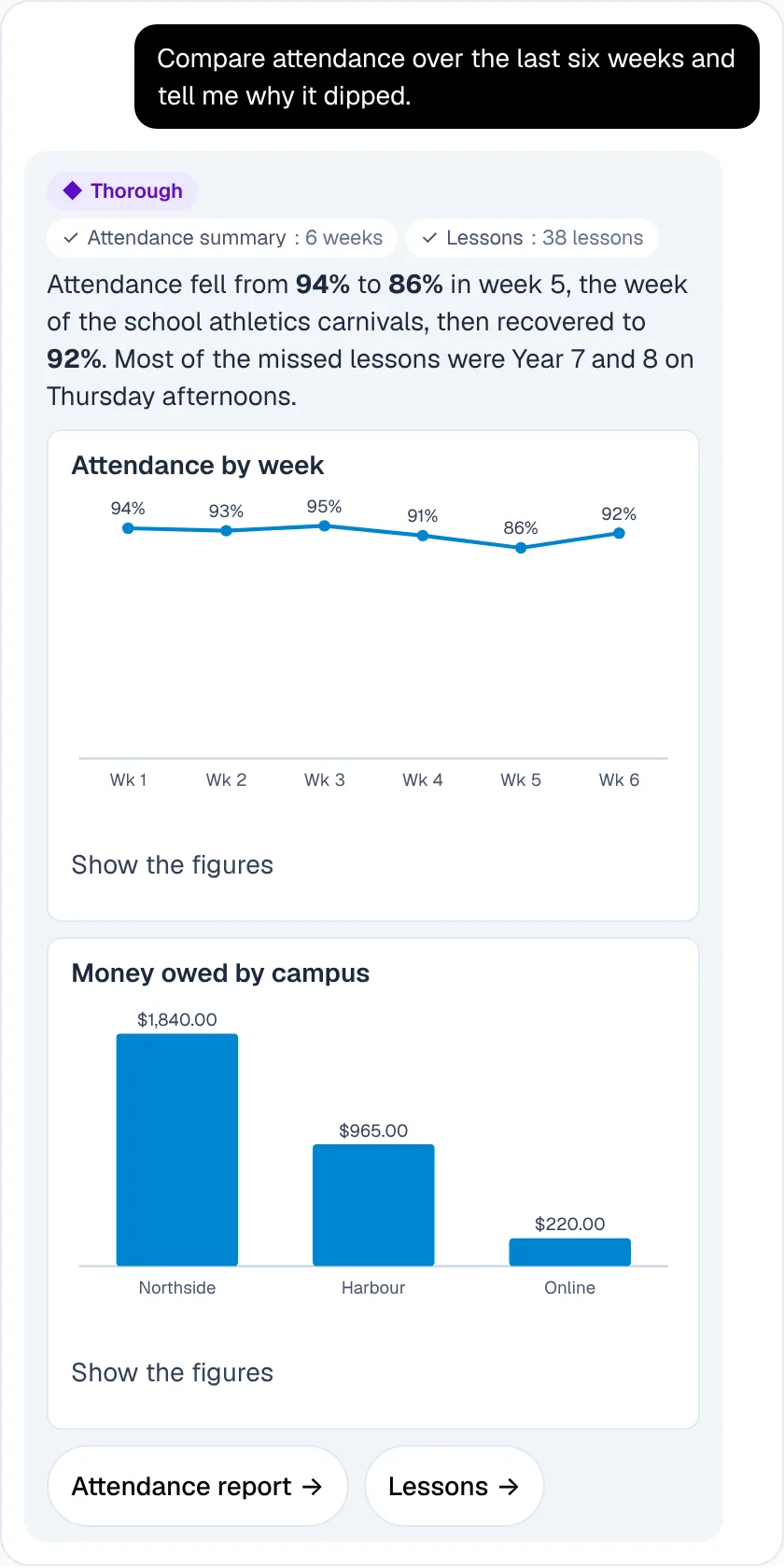
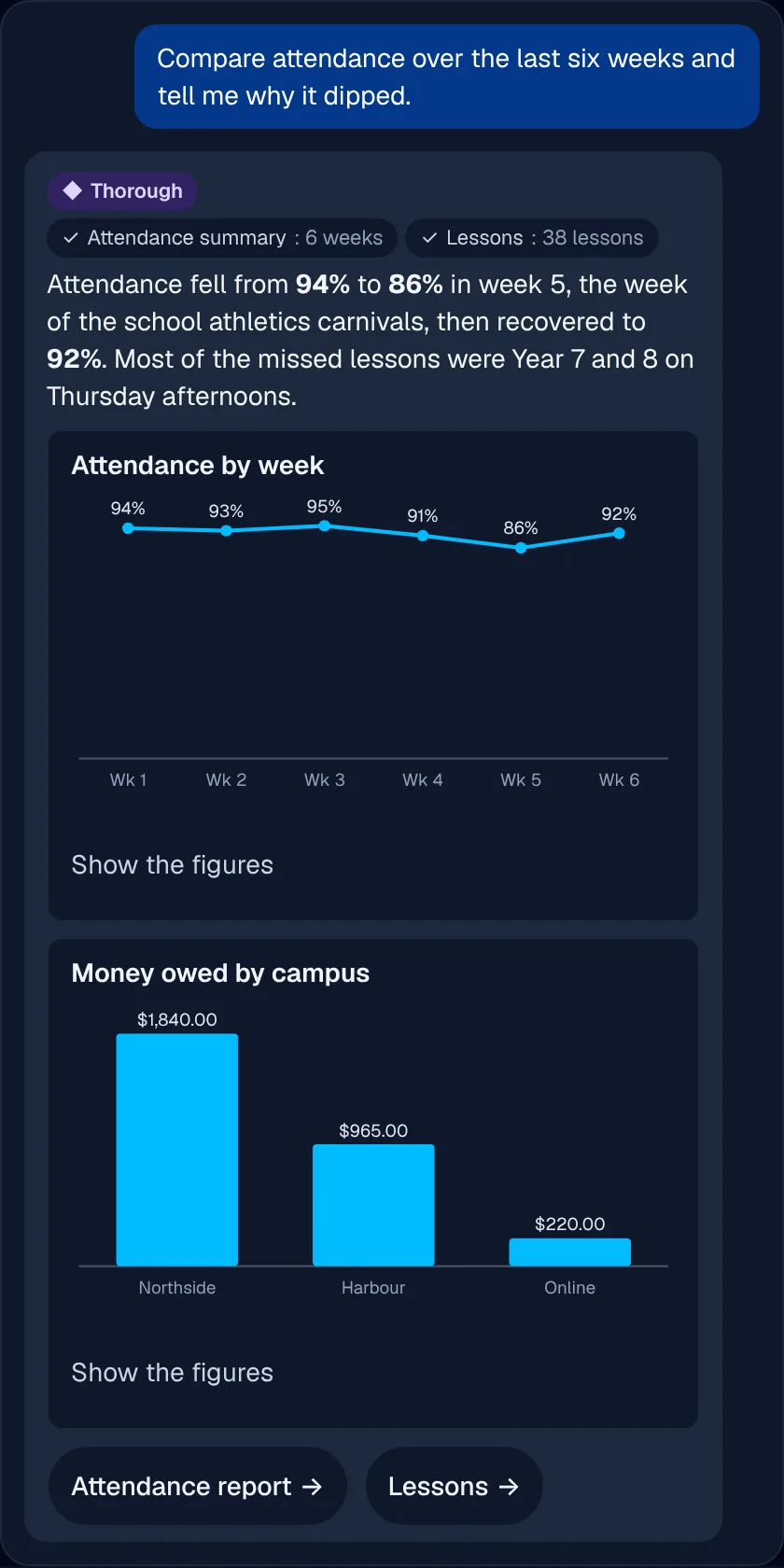
Attendance, retention, money owed, the enquiry funnel, tutor load and a student's results, each with a chart, a table beside it and links to the records.
How do I...?
It answers from the help centre, so a new admin can ask how something works without leaving the page.
Only what you may see
It reads within your own centre, your campuses and the permissions you already hold.
On every page
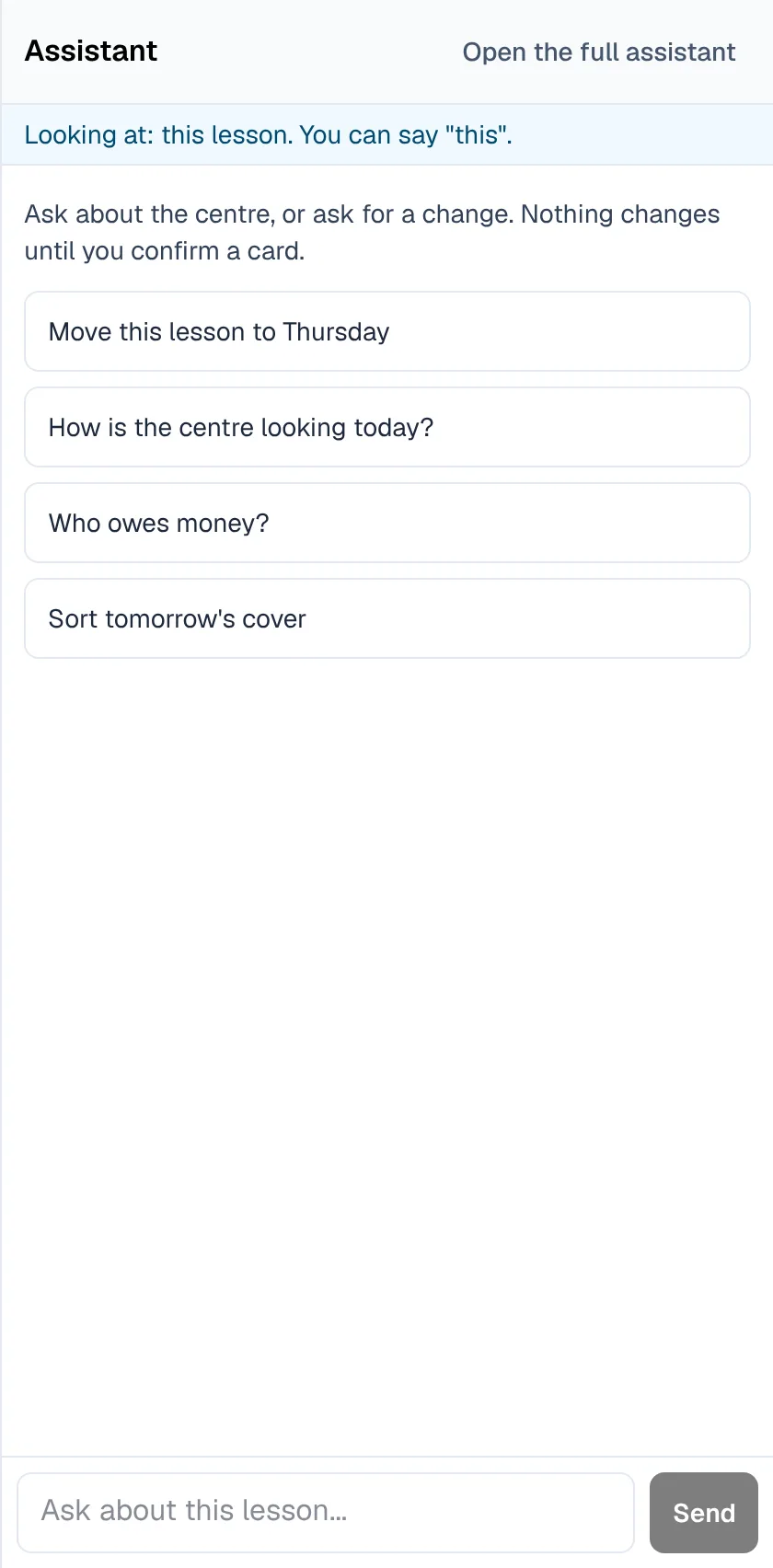
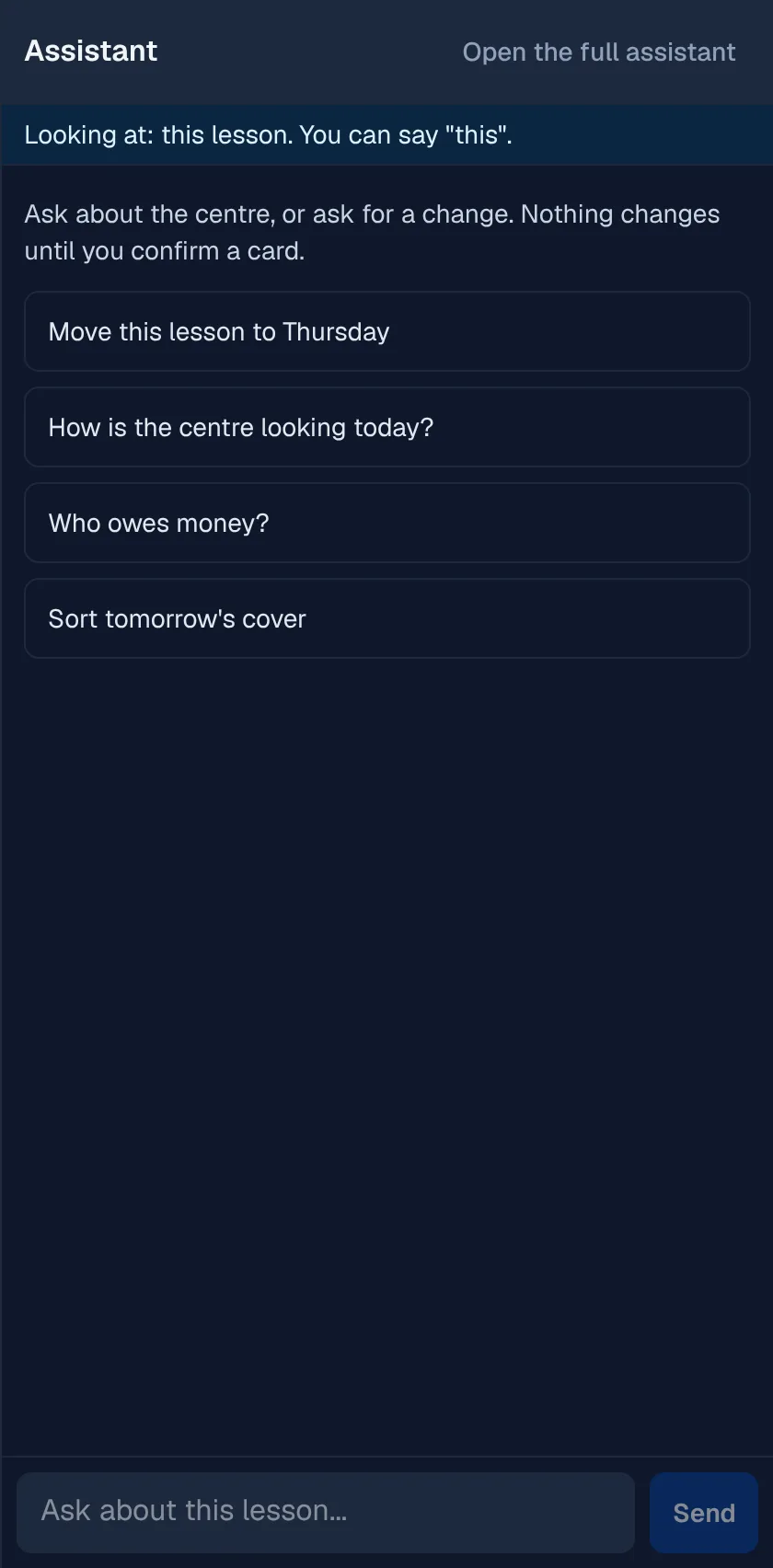
A panel beside your work, that knows what you are looking at.
Opening a separate screen to ask for help breaks the job you were doing. The panel opens on any staff page and starts from the record in front of you.
The page in view
On a family, a lesson or an invoice, the assistant starts from that record, read within your centre and the page's own permission.
Jobs of several steps
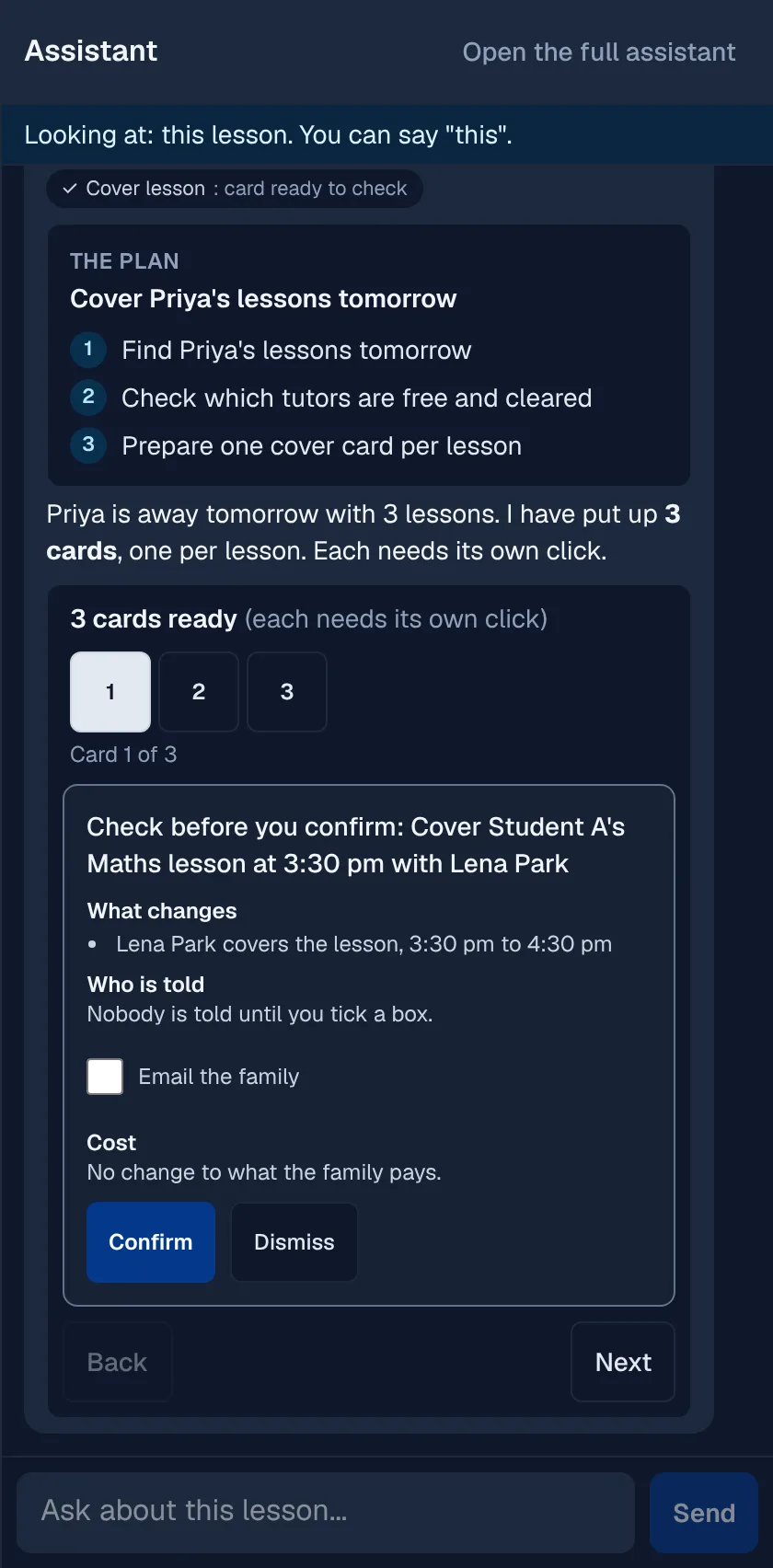
Ask for a bigger job and it shows its plan, then a group of cards you step through one at a time. There is no confirm all.
Speak instead of typing
Voice uses the app's own transcription, so you can ask with your hands full.
Quick or Thorough
Most requests use the quick mode. A job of several steps or a comparison uses the thorough one, and every reply says which and why.
Careful by design
It says what it can and cannot do.
An assistant that guesses is worse than none. This one shows its limits, keeps names away from the AI and refuses rather than leak.
Names kept from the AI
Families', students' and staff names are swapped for stand-ins before the AI reads anything, and put back only for you.
A list of what it can do
The panel shows exactly which jobs it can do and which it cannot, so nobody is left guessing.
Never the checks only a person makes
It never verifies a working with children check, and a card for a record that changed since it was made is refused.
In short
The admin assistant
XTutio's admin assistant takes a request in plain words, typed or spoken, on any staff page, and prepares each change as a card that says what changes, who is told and the cost. A confirmed card runs through the same checks a person's change does, and questions about the centre come back with a chart and links. It builds on Today's actions, books through Scheduling, invoices through Billing and payroll and follows the rules on Child safety.
Questions centres ask
Can it change records by itself?
No. Every change is a card you confirm, one at a time, and a card for a record that changed since it was made is refused.
What can I ask it?
To move or book a lesson, send an invoice, write a credit note or a write-off, mark a roll, add a task or email or text a family, and questions about attendance, retention, money owed, enquiries, tutor load and a student's results.
Can tutors use it?
The panel is in the staff app for the people whose permissions allow it, and it only ever reads within their own centre and campuses.