
XDeck
Lesson slides,presented witha pen in hand.
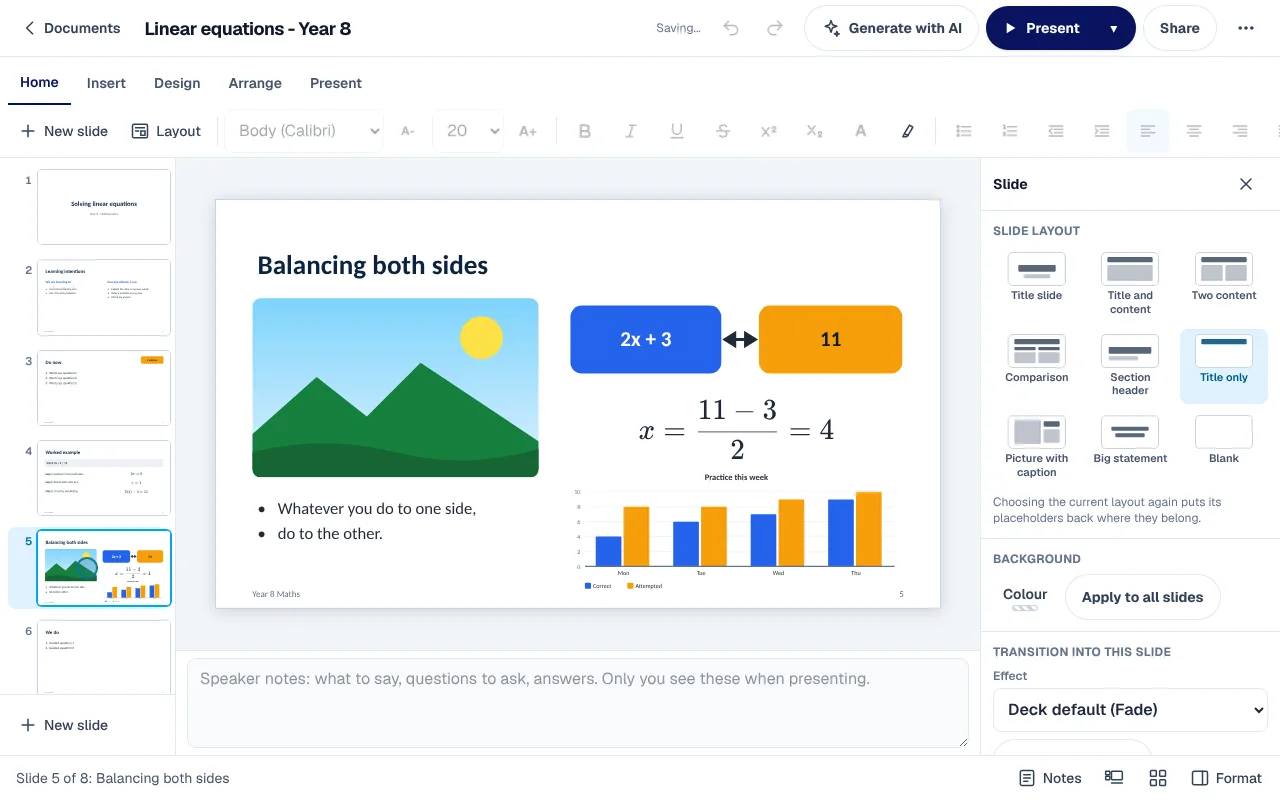
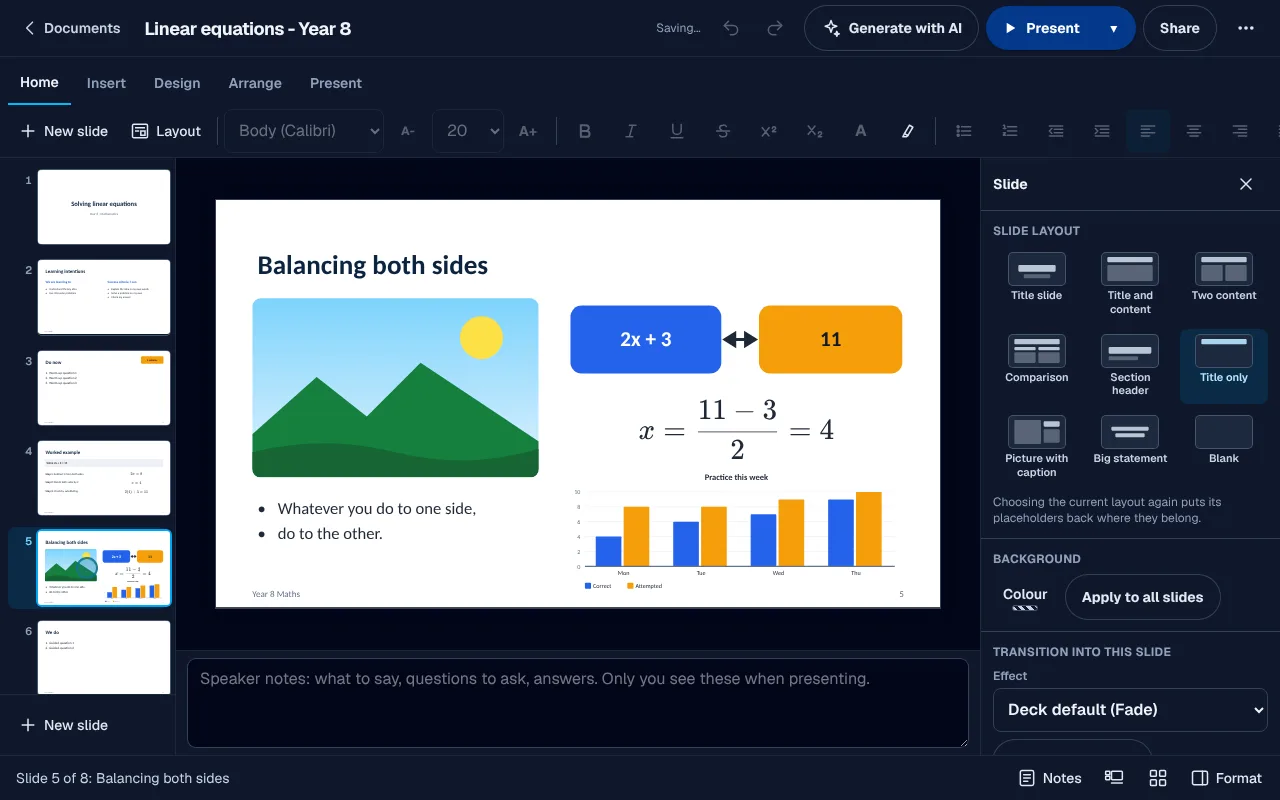
Tutors waste the first minutes of a lesson finding the right deck on the right laptop. XDeck is the slide editor inside your centre's portal. Lesson templates, typeset maths, charts from your spreadsheets, a presenter view with your notes, and your old PowerPoint lessons brought across.
In your portal: Slides
While presenting
9
slide layouts
9
themes, two in your colours
5
deck templates
6
teaching slides to drop in
Secure by design
Lessons stay in your portal.
No more lessons stuck on a USB stick or one tutor's laptop. Decks sit with the rest of your centre's work, behind the sign-in your staff already use, and open on any screen in the room.
Lessons stay with your centre
Decks live in your centre's own portal and are shared with colleagues to edit or to view, not kept in a personal cloud drive.
Stored in Sydney, Australia
Every deck and earlier version is stored in Sydney, Australia. Generate with AI sends only the topic you type, and that text may be processed outside Australia.
No extra licences
XDeck is part of your portal. There is no separate presentation program to buy for each tutor, and nothing to install on the classroom screen.
Sharing that keeps children safe
A deck shared between a member of staff and a child goes to the child's parents too, always, and your centre's compliance staff can read what was shared.
Presenting
Write on the slide while you teach.
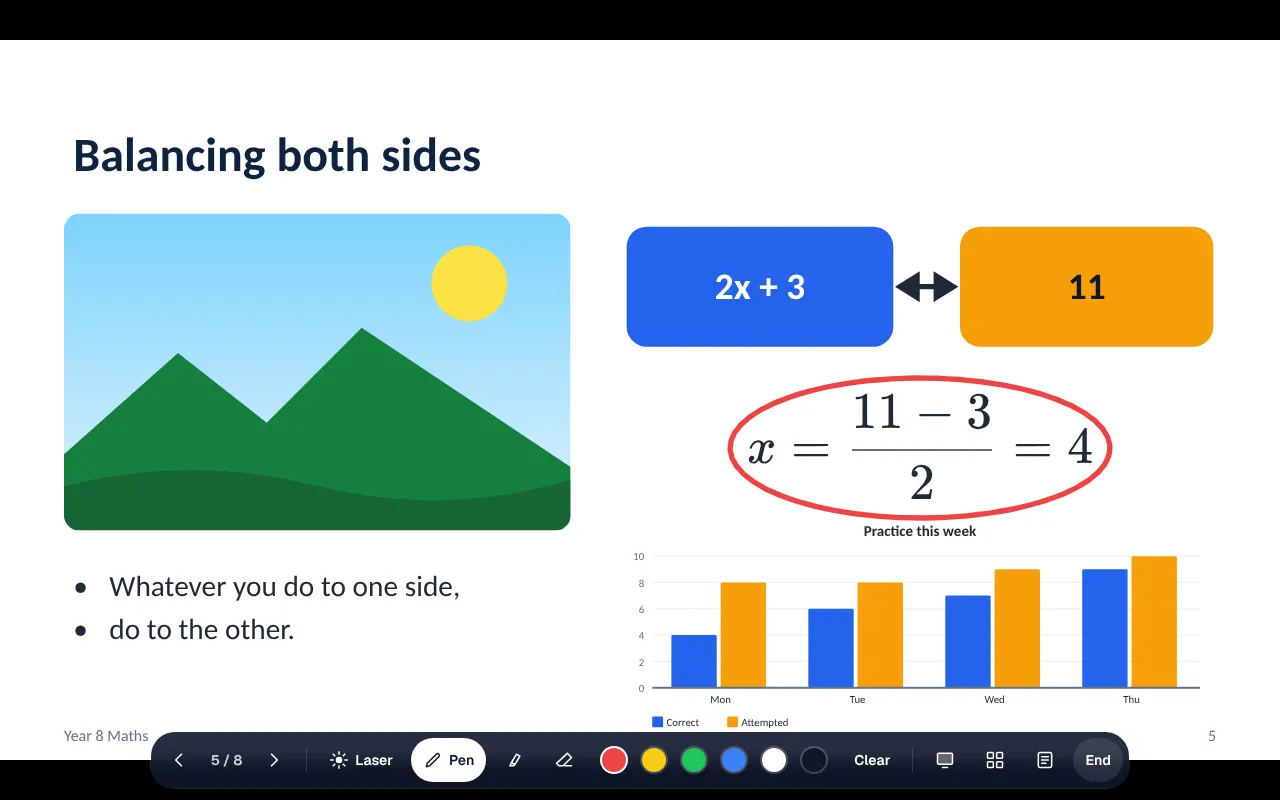
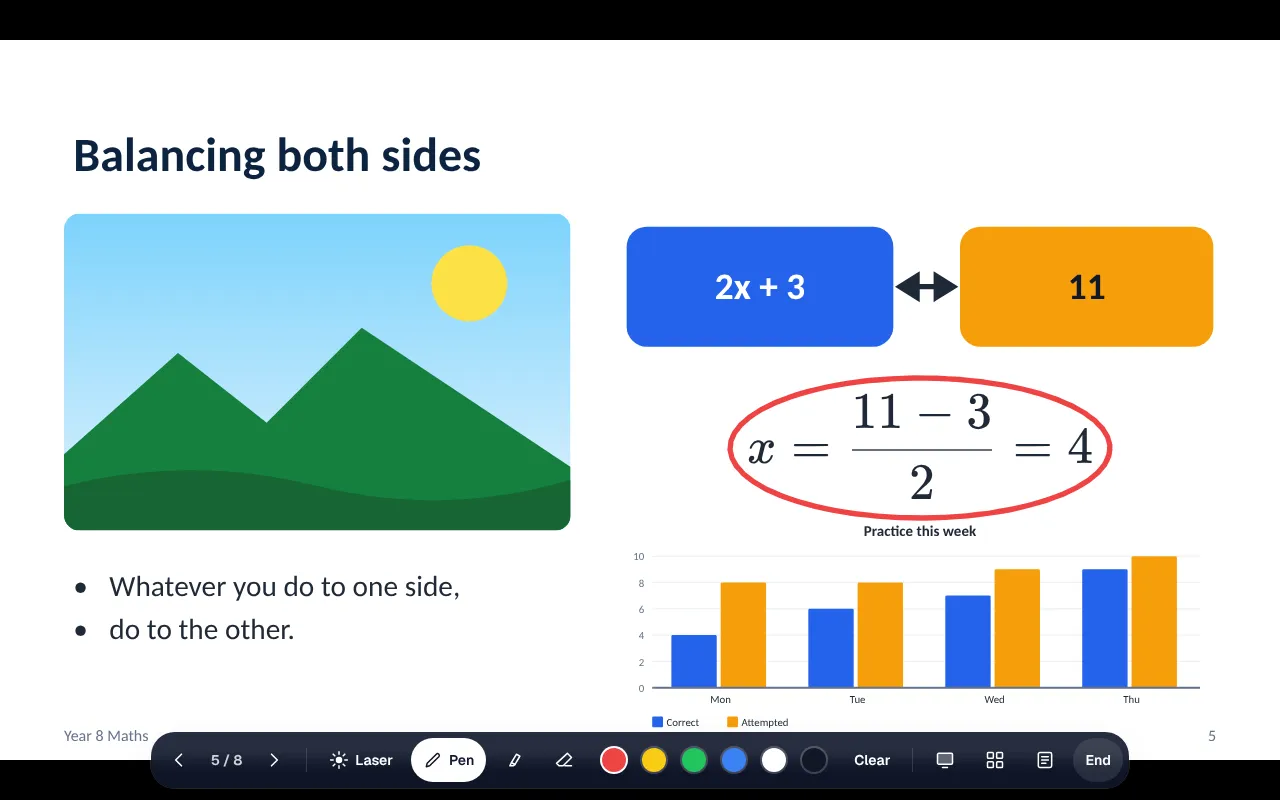
A tutor presenting slides usually has to stop and switch apps to point at the step a student missed. Present, pick up the pen and ring the step that matters. The highlighter, the laser and Clear sit in the same bar, and the arrow keys move on.
- 01Pen, highlighter and laser
- 02Bring points in one at a time
- 03The arrow keys or the bar to move on
Presenter view
Your notes and what comes next, on your screen only.
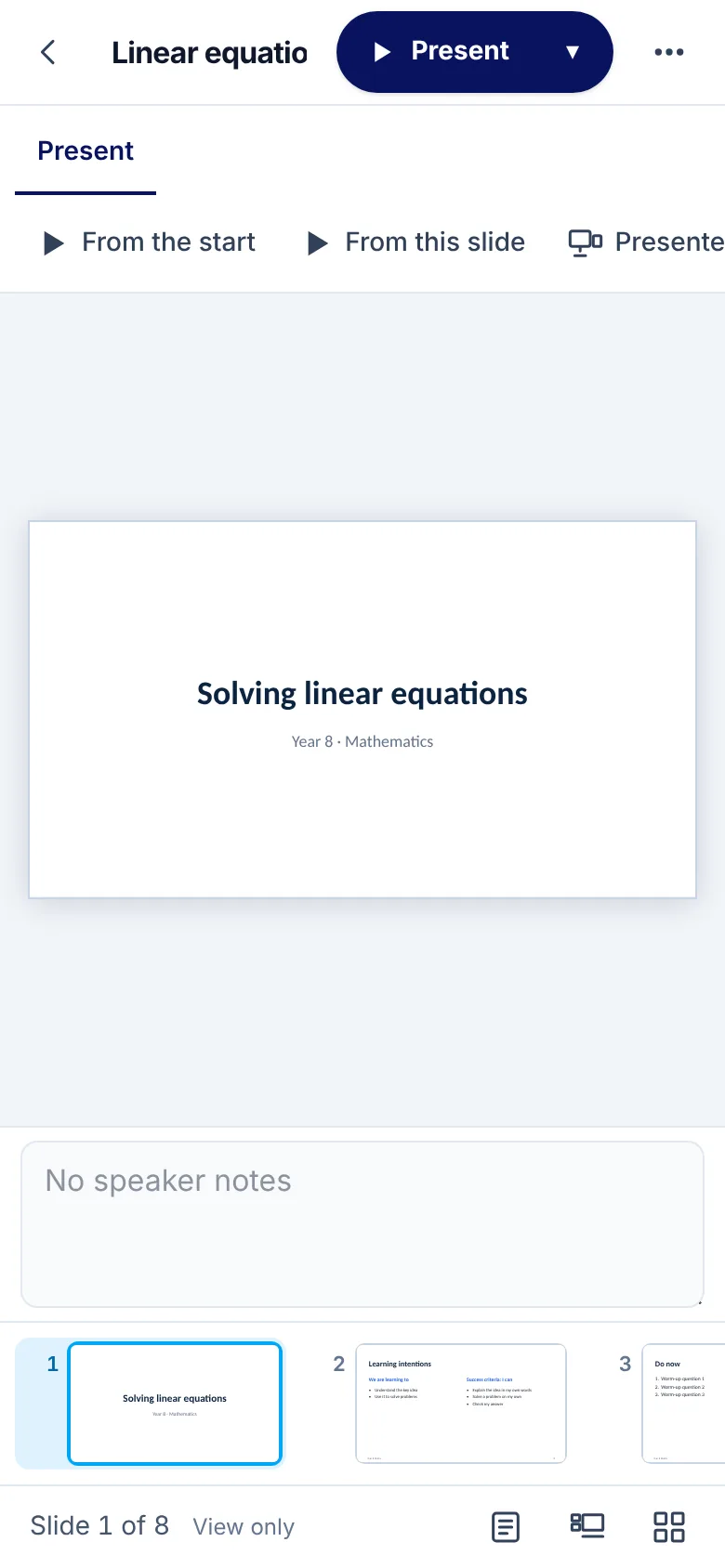
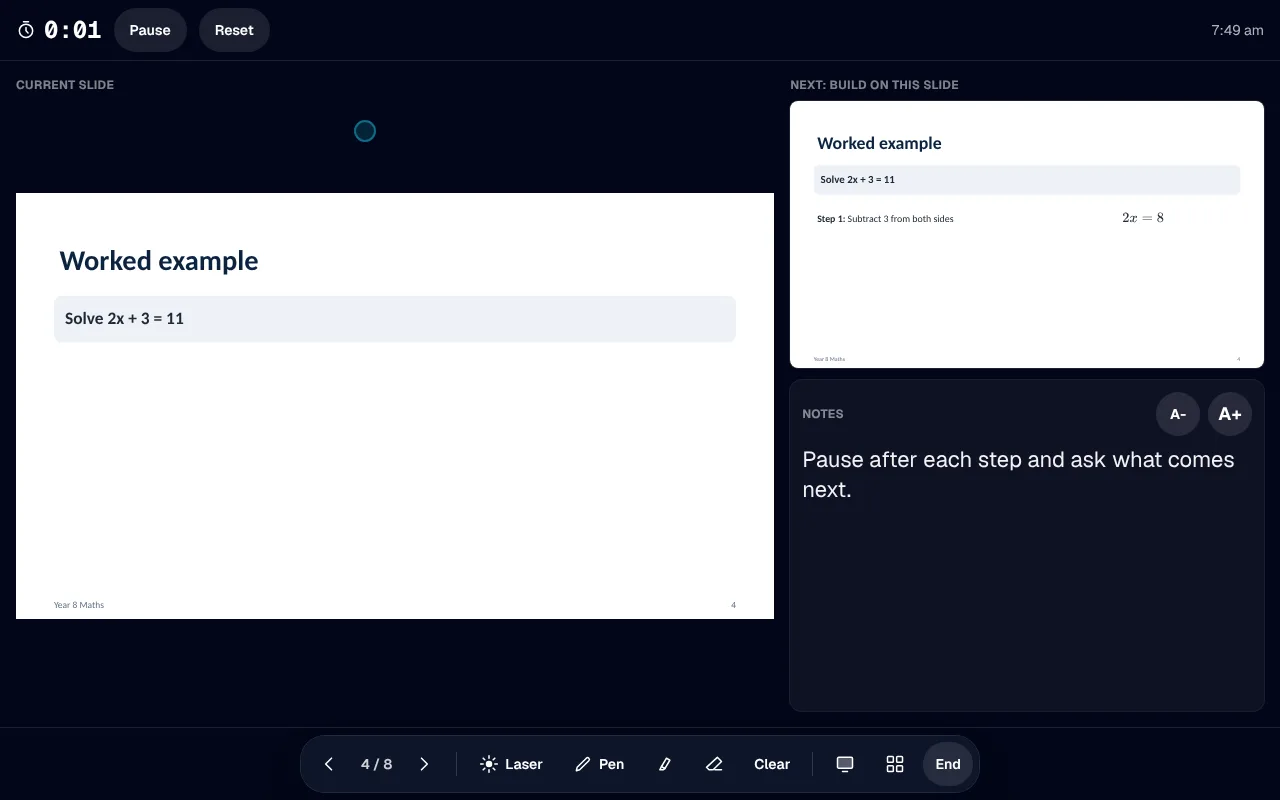
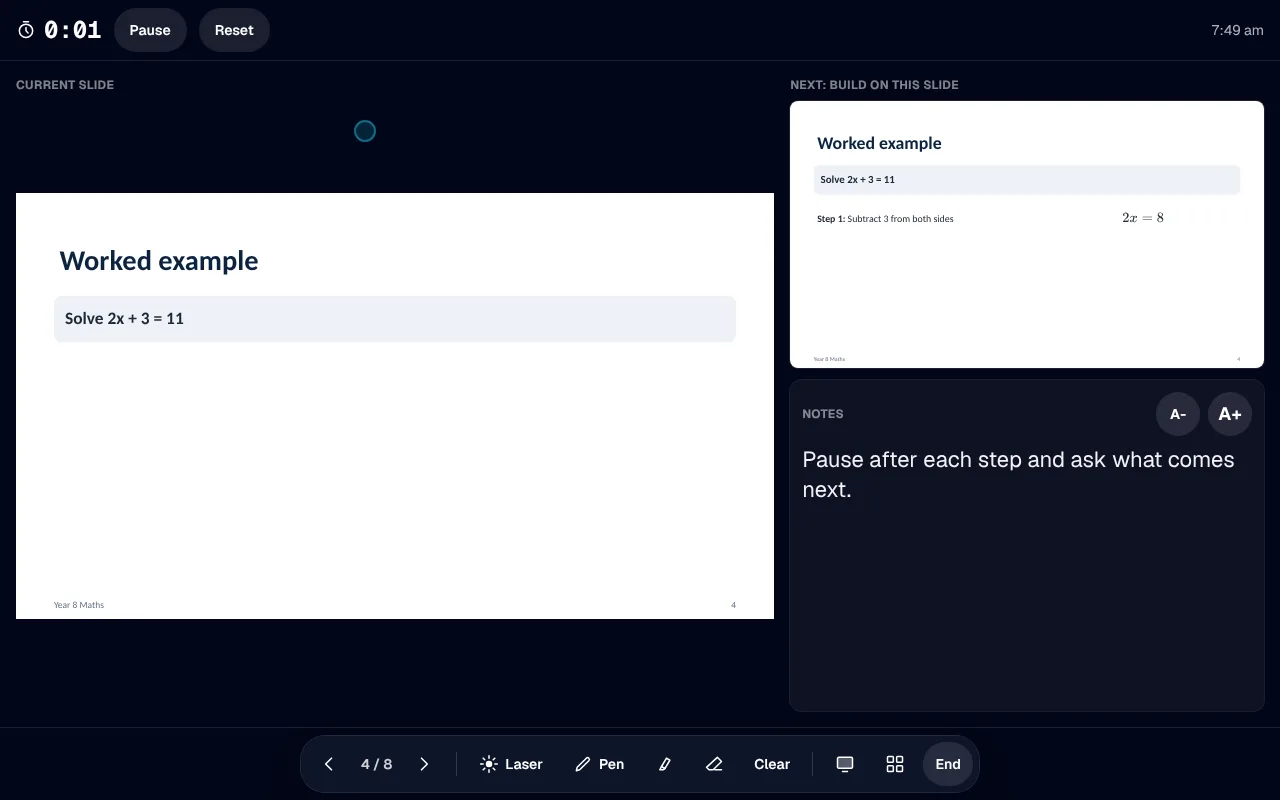
Teaching from memory with the class watching is how a step gets skipped. Presenter view shows the slide, the next one, your notes and a timer, while the class sees the slide on the big screen.
- 01Notes in a size you choose
- 02A timer you can pause and reset
- 03The next slide, and what it builds
Design
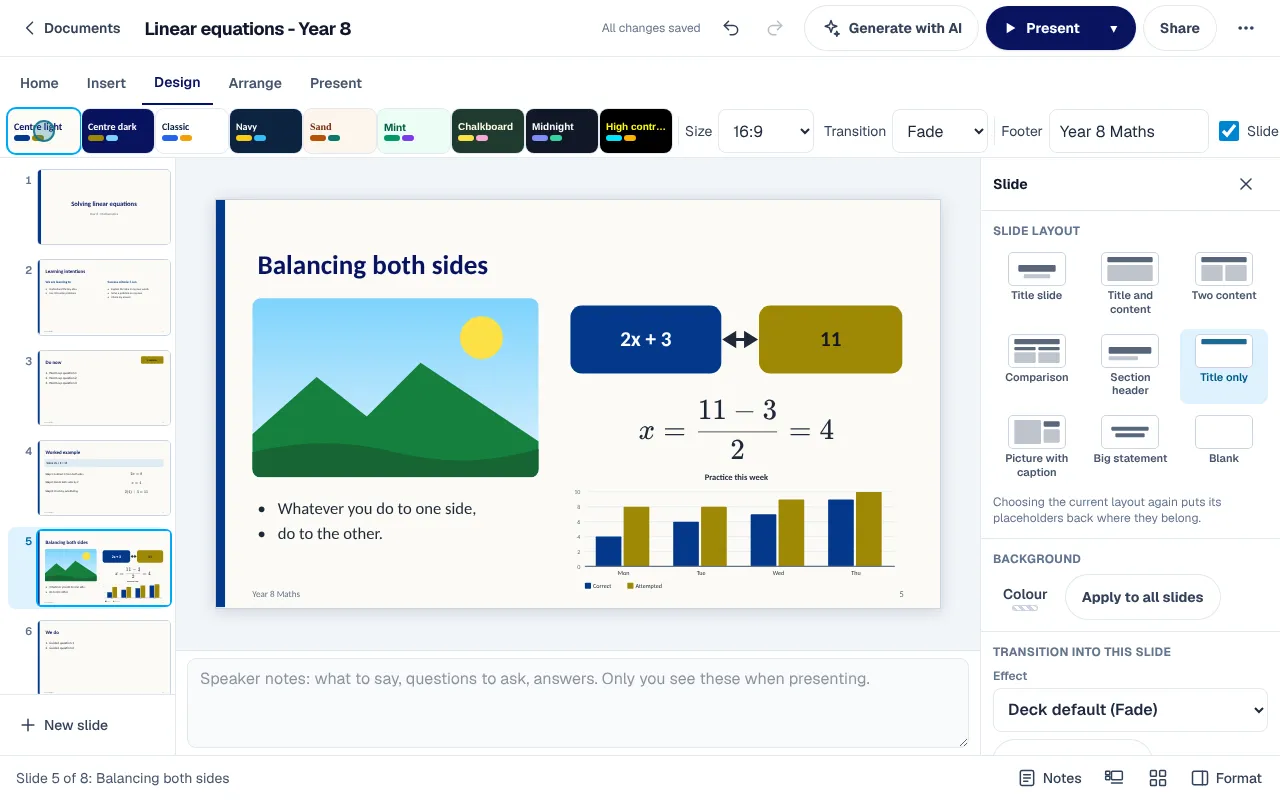
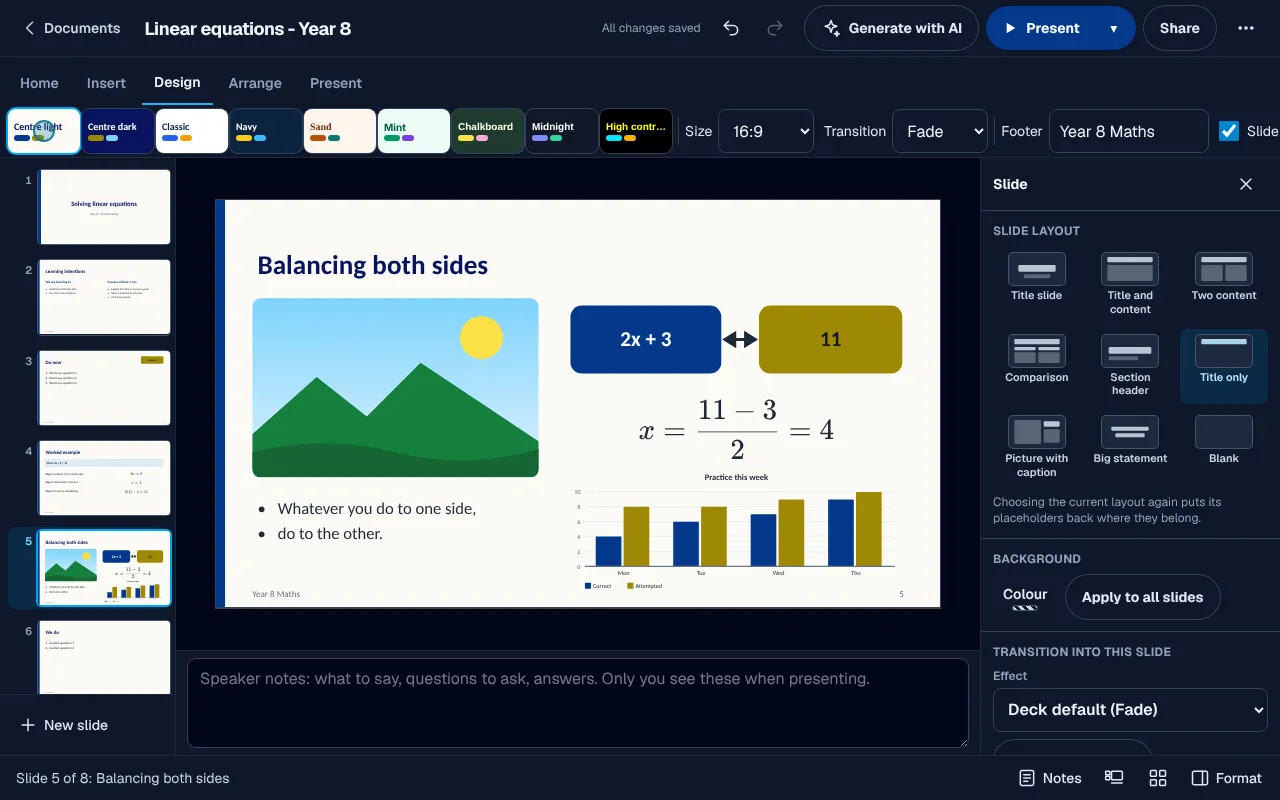
9 themes, two in your centre's colours.
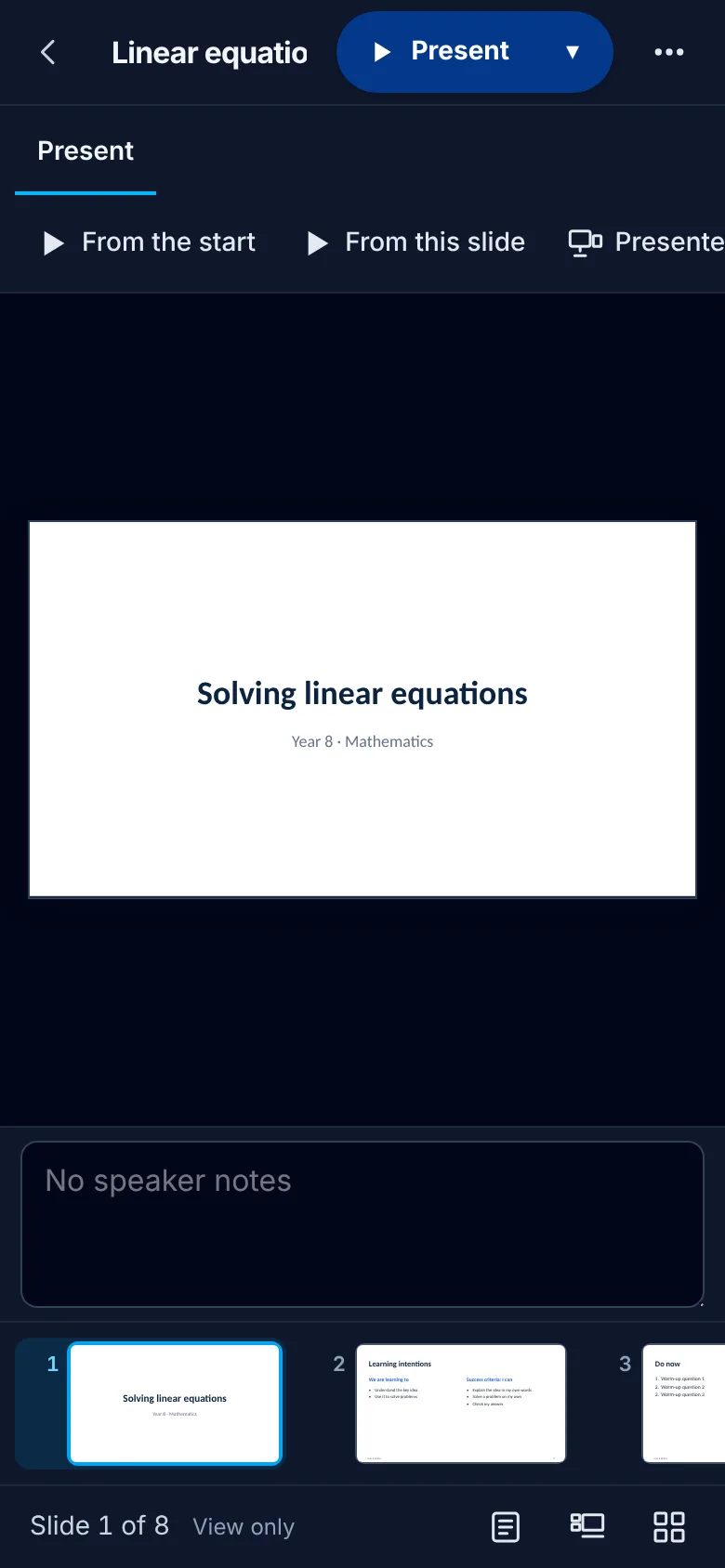
A centre's decks drift into a dozen different looks, one per tutor. Change the whole deck's look in one click. Centre light and Centre dark take your centre's own colours, and a high contrast theme is there for anyone who needs it.
- 019 layouts that keep their placeholders
- 02A footer and slide numbers on every slide
- 03A transition for the deck or for one slide
Maths and charts
Equations and charts, on the slide like anything else.
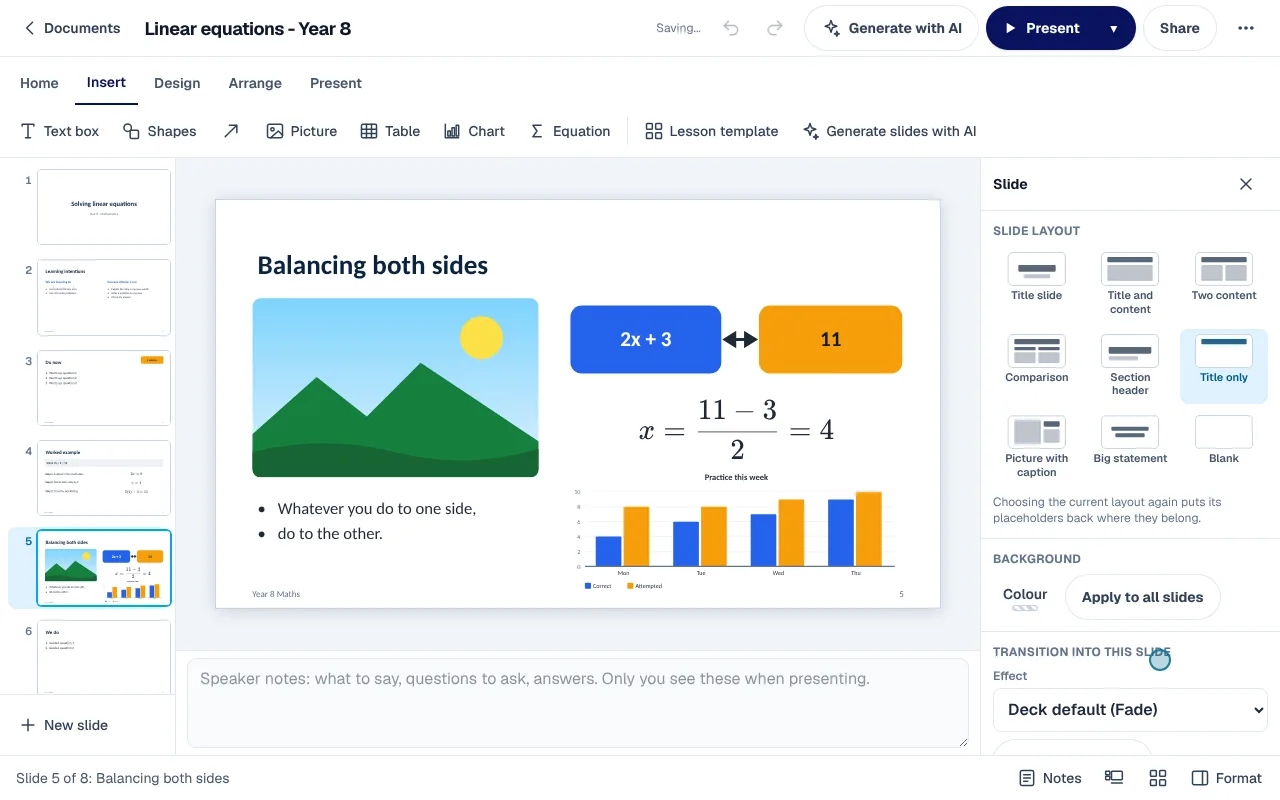
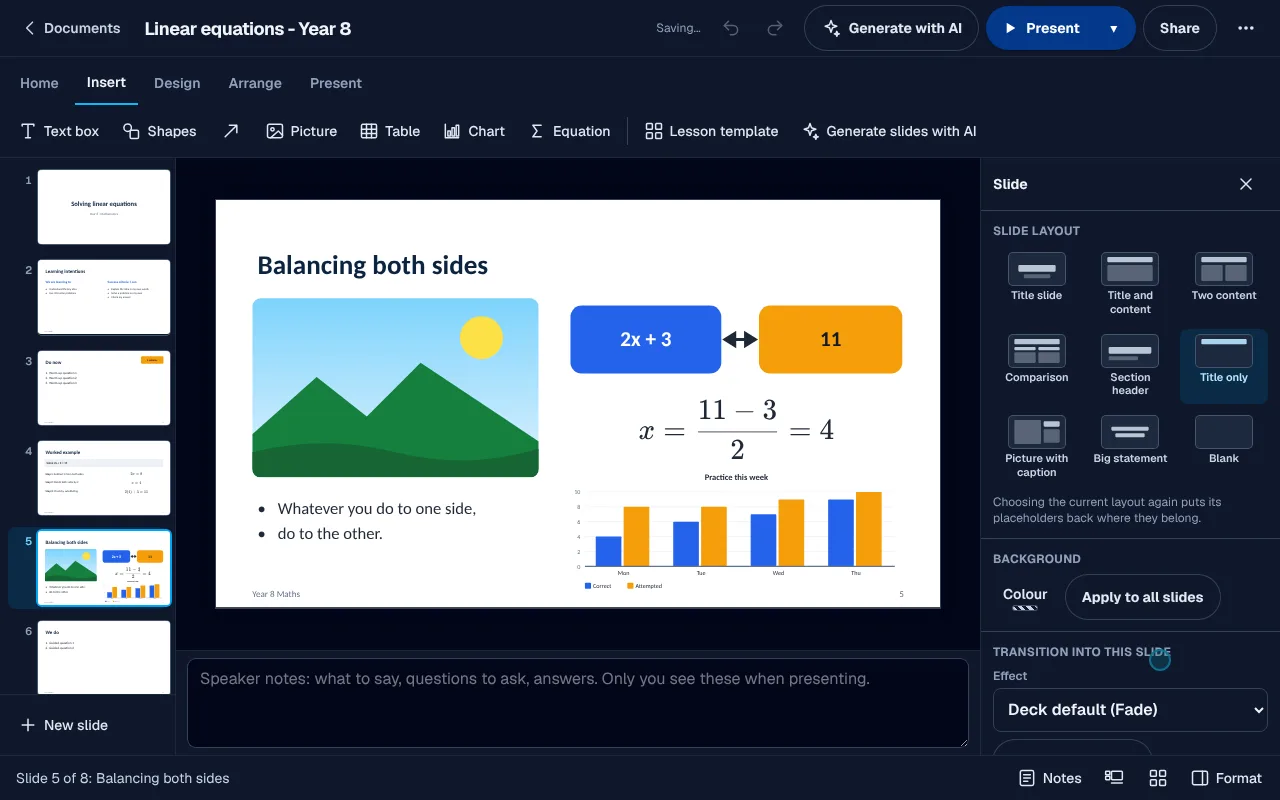
Maths on a slide often ends up as a blurry screenshot pasted in. Typeset an equation, drop in a chart drawn from a spreadsheet, add a picture, and move each one like any other element.
- 01Typeset equations
- 02Charts from your XGrid sheets
- 03Pictures, shapes and tables
Built for tutoring
In a centre's week.
- A tutor brings years of PowerPoint lessons across and keeps teaching from them, with nothing rebuilt.
- The centre owner presents the term information night from a deck in the centre's own colours, opened on whichever screen is in the room.
Your files
Import a PowerPoint (.pptx) deck and download any deck as PowerPoint (.pptx), or print or save it as PDF, with or without speaker notes. Animations, SmartArt, video and embedded objects in an imported deck are listed back to you rather than carried over.
Everything else, in brief.
Layouts and themes
Title, two content, comparison, section header, big statement and more, in a theme you choose.
Lesson templates
Start a lesson from a template built for a tutoring session.
Presenter view
Your notes, the next slide and a timer on your screen while the class sees the slide.
One point at a time
Bring bullet points in one at a time and set the transition between slides.
Write on a slide
Pick up the pen or the highlighter while presenting and write on the slide.
Maths and charts
Typeset equations and charts drawn from your data sit on a slide like any other element.
Generate slides with AI
Give it a topic and get a first deck to edit.
Accessibility check
Find missing descriptions and other problems before you present.
PowerPoint in and out
Import a .pptx with its text, shapes, pictures, tables, charts and notes, and download as .pptx.
Print with notes
Print one slide to a page or handouts with your speaker notes underneath.
 XWrite
 XGrid
XGrid XInk
XInk XInbox
 XMeet
XMeet XLesson
 XStudio
In short
XDeck
XDeck is the website's name for Slides, built into every XTutio centre's portal. Lesson decks with layouts, themes, charts and a presenter view. Staff use it with the same sign-in as the timetable, families and billing, and it costs nothing extra.
Questions centres ask
What is XDeck?
XDeck is what this website calls Slides in a centre's XTutio portal. Tutors lose lesson time hunting for the right deck on the right laptop, then teach without their notes in front of them. XDeck is the slide editor in your portal, built for teaching: lesson templates, real maths, charts from your spreadsheets and a presenter view with your notes and a timer. Your old PowerPoint lessons come with you.
Does XDeck cost extra?
No. XDeck comes with every XTutio centre, with nothing to buy per member of staff.
