Parents and students
Your centre,in every family's pocket.
Parents chase lessons, homework and invoices across texts, emails and separate logins, and most learning apps try to sell to their children. A parent app and a student app that carry your centre's name, logo and colours give them one home. Parents see lessons, homework, progress and money in one place, and children get their own home and learning apps with nothing ever sold to them.
On now
- areas included with tutoring
- 6
- colours, one per child
- 8
- stages a Bushmate grows
- 4
- kinds of concern a parent can raise
- 5
Branded as your centre
Families get lost between apps. Give them one, with your name on it.
Your name, not ours
Families trust your centre, not a software company they have never heard of. So they sign in on your own web address and see your name, logo and colours on every screen and every email, and your texts open with your name.
One sign-in for the family
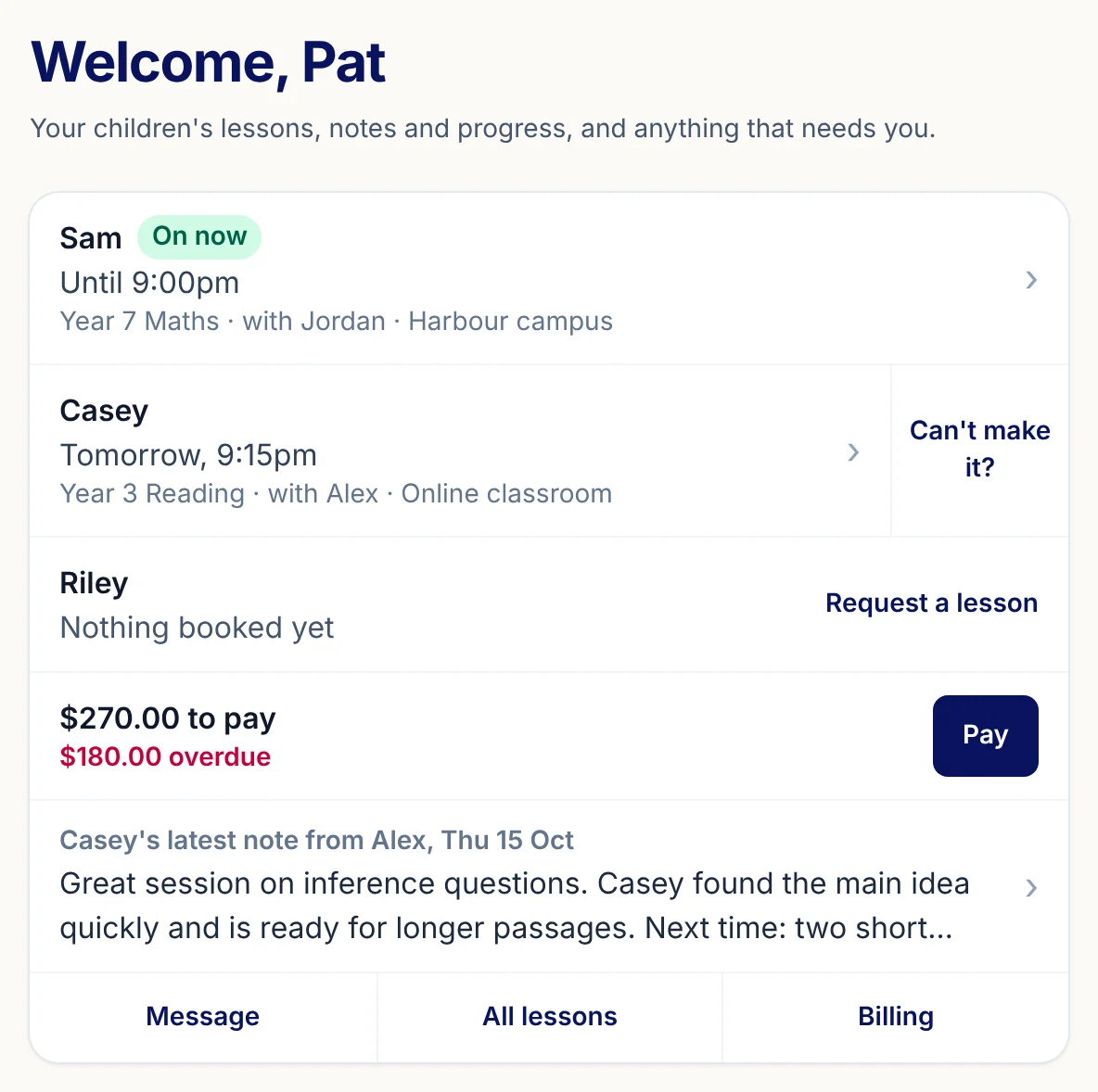
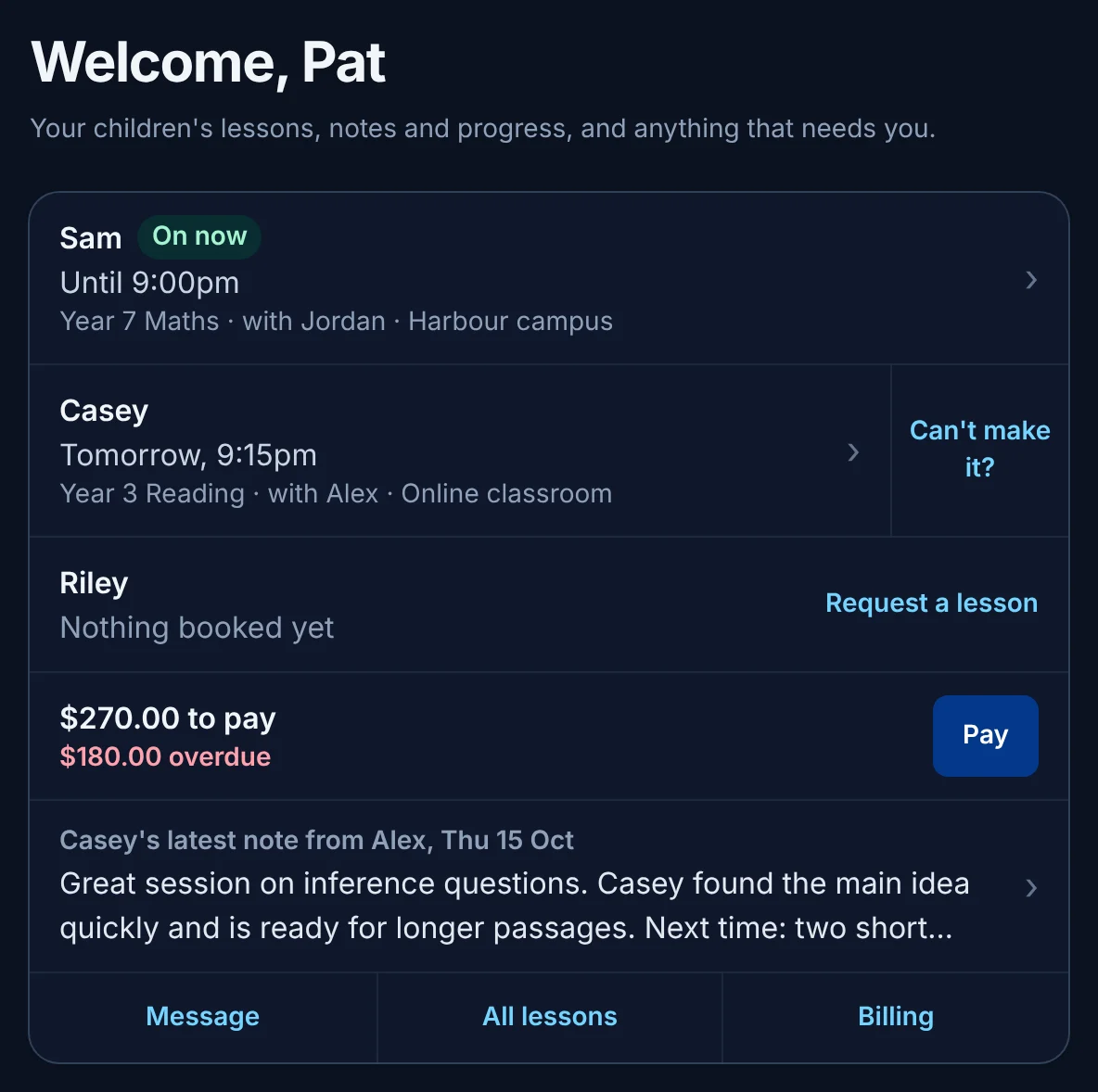
A parent with two children should not need two logins. They see every child at your centre on one screen: who is on now, who is next, and who has nothing booked yet.
Your Centre
Family portal
Lessons
No surprise fees: cancelling shows the figure first.
A parent who cannot make it wants to know the cost before they press anything, and your front desk should not have to work it out. The sheet shows it from your centre's own policy before anything is confirmed, with rebooking as the first button.
The figure comes first
Before a parent cancels, the sheet shows exactly what it will cost under your centre's own policy, with rebooking as the first button.
Rebook in a few taps
Rebooking by phone tag wastes the front desk's afternoon. A makeup is offered against your tutors' real free times, and a late fee held for a makeup is waived once the makeup is attended.
Notes from the tutor
Parents want to know how the lesson went without waiting for a call. The tutor's note for the family shows on the parent's home once the lesson is wrapped up.
Money in plain sight
A bill with no context starts an argument. Parents see what is owed, what is overdue and a Pay button, beside the lessons it is for.
Your Centre
Cancel this lesson?
Leo · Thursday 4:30 pm
This is inside 48 hours.
A late fee of $20.00 is held for 7 days. Book a makeup and attend it, and the fee is waived.
Your centre's cancellation policy, written from the same settings.
Homework
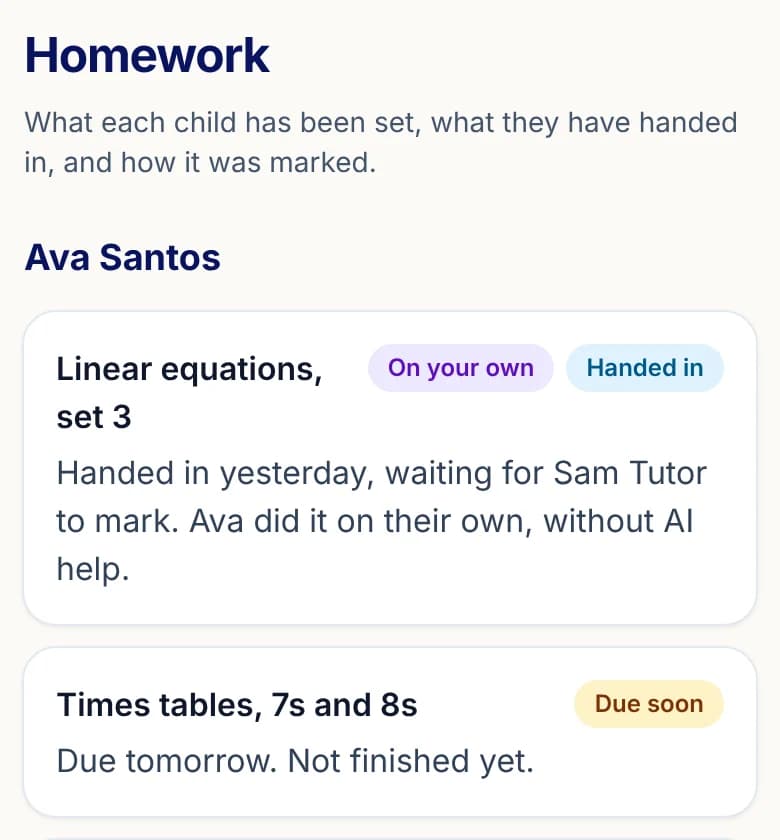
No more chasing the tutor: what was set, and where it is up to.
Set, handed in, marked
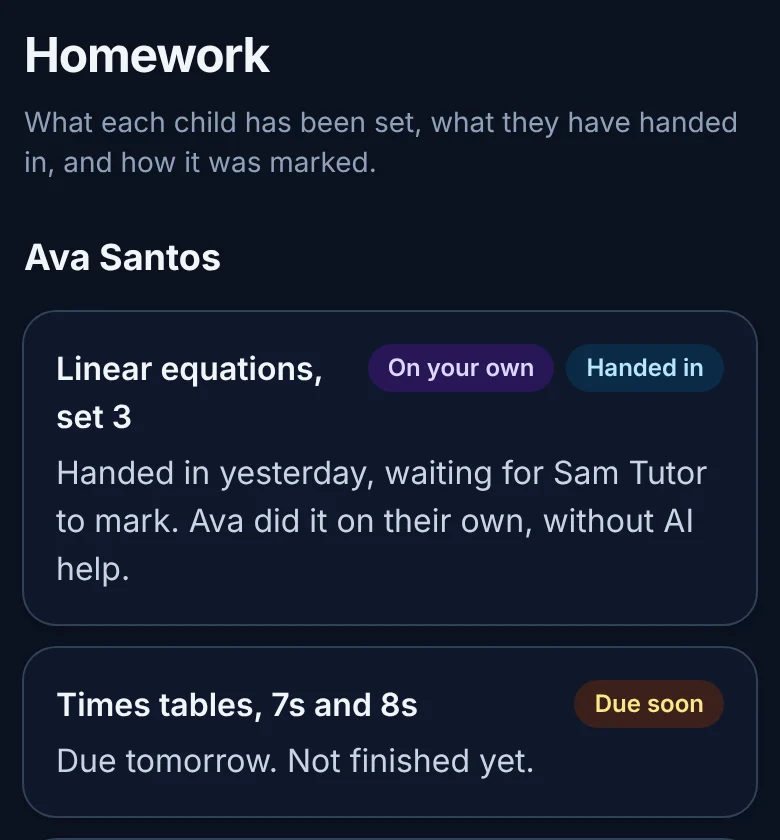
"Did they hand it in?" is answered without asking the tutor: each child's homework shows due soon, handed in and waiting, marked, or overdue.
Done on their own
Work done without any AI help is labelled so, and the tutor's marking shows criterion by criterion.
Progress
See what practice did this week.
Parents pay for practice and rarely see what it did. The games and the pet a child raises report back to them in plain words, from what the app has actually recorded.
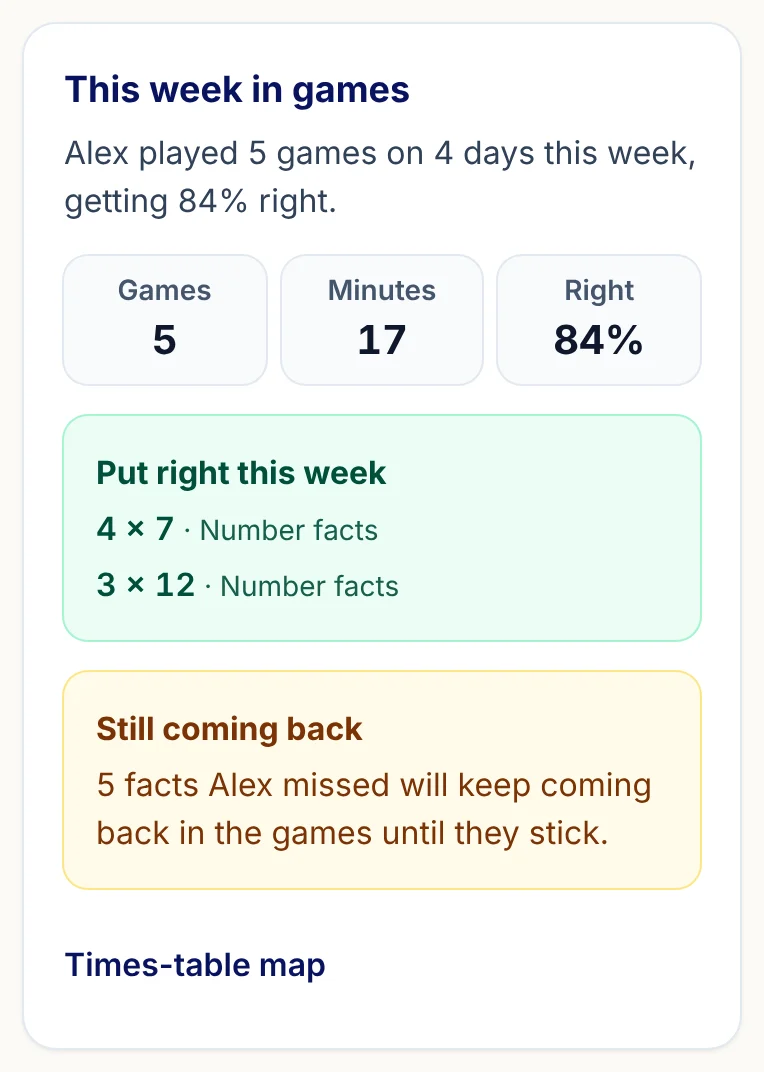
This week in games
Parents rarely know whether practice at home did anything. They see how many games and minutes, how many right, which missed facts were put right this week, and how many are still coming back.
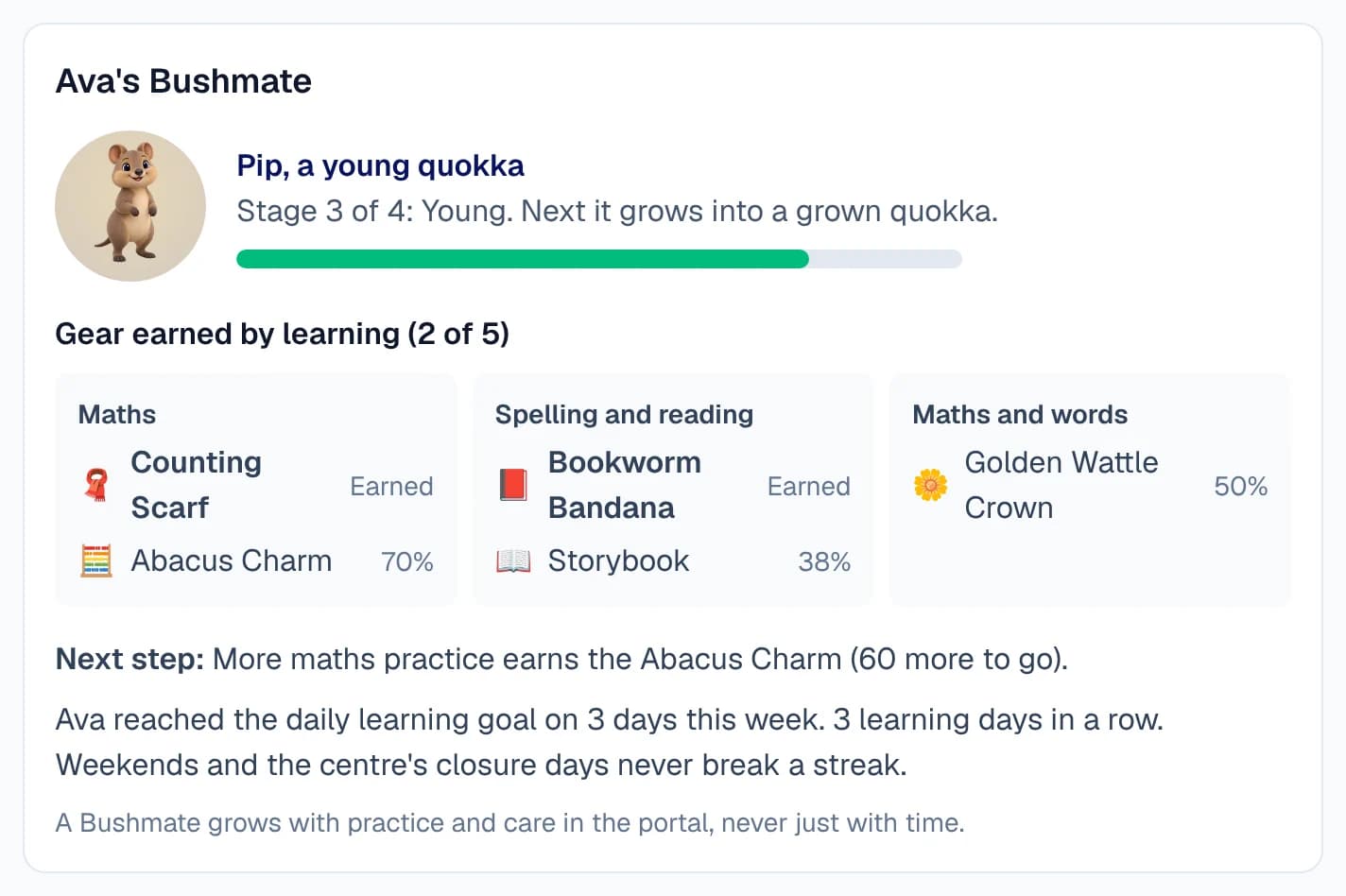
The Bushmate growth view
The stage their pet has reached, the gear each subject has earned, the one next step, and how many days this week the daily goal was met.
Honest by design
Nothing tells a parent their child knows something the app has not checked, and weekends and closure days never break a streak.
The family calendar
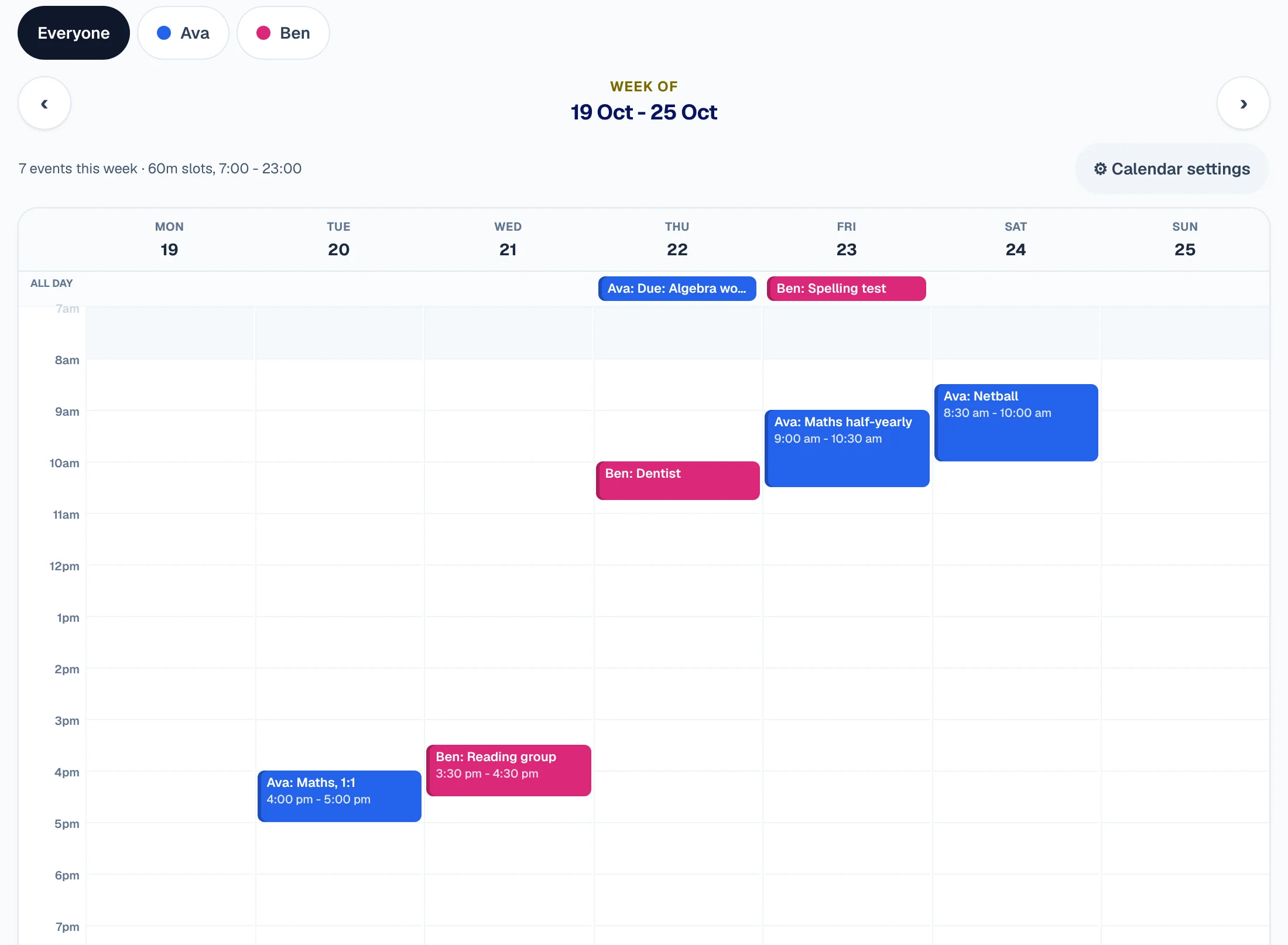
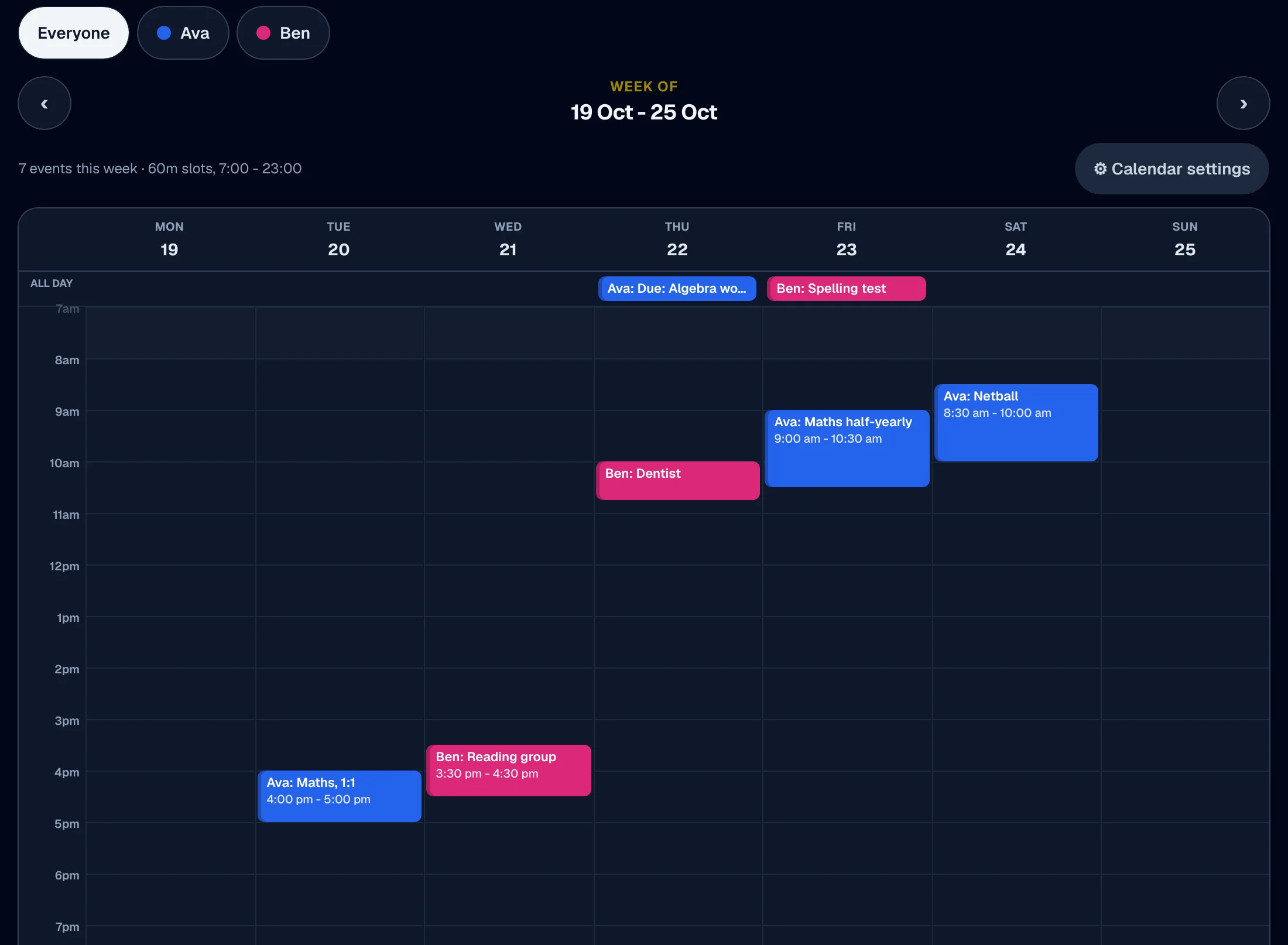
One calendar for the whole family, every child in their own colour.
Every child, a colour
A busy family keeps three calendars and still misses things. Here lessons, homework due dates, exams and each child's own events sit on one calendar, by day, week, month or list.
One child at a time
Filter to a single child in one tap, and add an item to a child's own calendar.
Safety centre
A worried parent reaches a person, at once.
Report a concern, from the app
A worried parent should not have to find the right email address. The Safety centre files a concern straight onto the centre's safety queue, and a concern about staff or a child's safety alerts the safety lead at once.
Recordings and photos
Online lessons in the classroom are not recorded. Parents answer a photo question for each child, and staff see the answer on that child's page.
The family is told by a person
The centre's safety lead decides what a family is told about a safety matter, and shares it from the incident itself.
Safe by design: there is no private channel between staff and a child, because parents are added to what staff share with their child. How we keep children safe
Your Centre
Report a concern
Safety centre
What is it about?
Thank you. The centre's safety lead has been alerted and will contact you. If a child is in danger right now, call 000.
Your Centre
Recordings and photos
Online lessons in the classroom are not recorded: no video or sound is kept. Below, choose whether your centre may use photos of each child, and what should happen if your centre ever starts recording lessons.
Photos
Choose whether your centre may take and use photos of each child. The answer is no until you say yes, and you can change it at any time. Staff see your choice on your child's page.
- Avaphotos allowed
- Benphotos not allowed
The student app
A home of their own, and nothing for sale.
Their own home
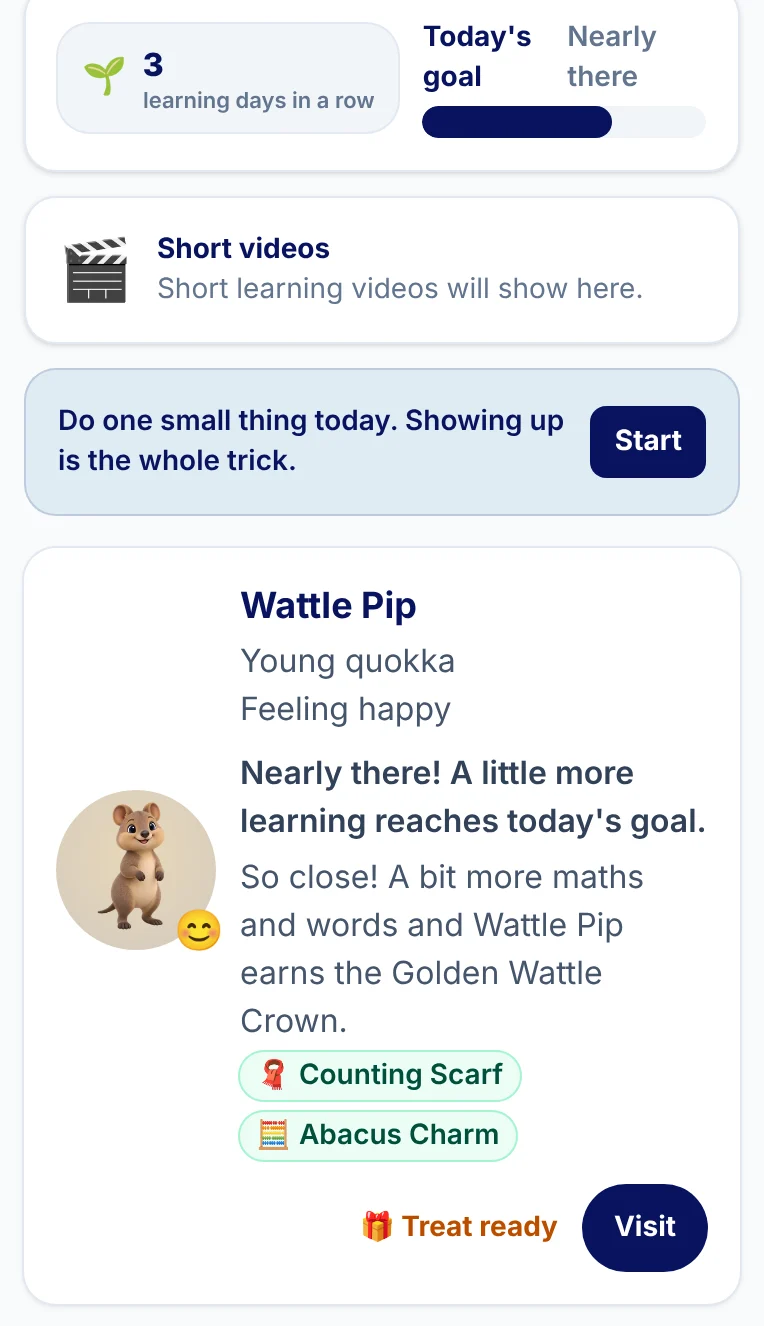
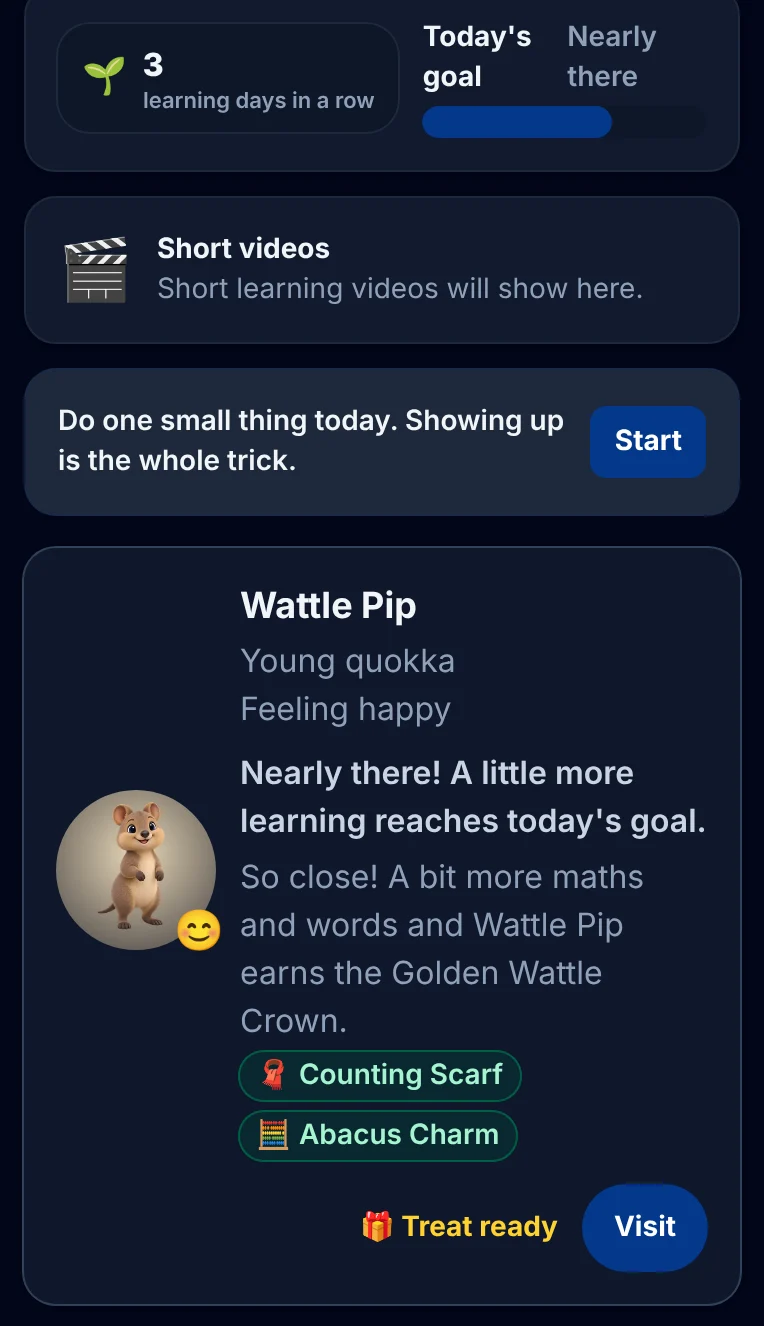
Children switch off on screens built for adults. Theirs shows what is due, their levels and the Bushmate they are raising, on a home made for them.
Today's goal
A daily learning goal sized to their school year, with a run of learning days that rest days never break and a missed day never shames.
Nothing is sold here
An area not on the family's plan is simply not on a child's screen: no prices, no upgrade buttons, no paywall.
Included with tutoring
Every tutoring family gets the app. At no extra cost.
Families already pay you for tutoring and should not meet a paywall for the basics. A family you tutor gets maths and English, games, typing, progress and the homework and notes its tutor sets. Anything more is an upgrade your centre prices itself, offered only to parents.
- Maths
- English
- Learning games
- Progress and levels
- Homework and notes from the tutor
- Typing tutor
Included with your tutoring
- Maths
- English
- Learning games
- Progress and levels
- Homework and notes from the tutor
- Typing tutor
Add to your plan
- All subjectsScience, humanities and every other subject beyond maths and English.Priced by your centre
- Exam prepPractice papers and mock exams for HSC, OC, selective and NAPLAN.Priced by your centre
- LanguagesCourses in other languages.Priced by your centre
- CodingLearn-to-code courses and projects.Priced by your centre
More of the platform
New for parents
Book, refer a friend and read the term's report.
All of it in your centre's name, on the parent's own phone.
Refer a friend
Parents share their link from their own phone. Once the friend's child has had the lessons you set, both families get a credit on their next invoice, never cash.
Book an extra lesson
Parents pick an open time inside your rules, with the price and your cancellation terms shown before they confirm.
The term's report
Attendance, homework, levels and a note from the tutor, released by a person and ready to print.
The exam notice, straight to the tutor
Parents and students add a school exam with a photo or PDF of its notice. The tutor sees it under Coming up on the lesson in the eight weeks before.
Homework sheets for the tutor
Where your centre switches it on, a parent, or a student from Year 7, adds homework sheets or notes to a lesson for the tutor. Only the tutor, your staff and that family see them, and no AI reads them.
Your Centre
Refer a friend
$100 for you, $100 for them
Once your friend's child has had 4 lessons, you both get a credit on your next invoice.
Ava's Term 3 report
Attended
Homework done
From Liam
Ava now sets out every step of her working.
In short
Parent and student apps
XTutio gives every centre a parent app and a student app that carry the centre's own name, logo and colours. Parents see lessons, homework, progress and money in one place; children get their own home and learning apps, and nothing is ever sold to them. What parents see starts with Scheduling and Billing and payroll; children practise with spelling and reading and look after a Bushmate. Child safety explains what parents can always see.
Questions centres ask
Whose name do families see?
Your centre's: its name, logo and colours, at its own web address.
What does a tutoring family get?
Maths and English, games, typing, progress, and the homework and notes its tutor sets. Anything more is an upgrade your centre prices itself, offered only to parents.
Can a parent raise a concern?
Yes, from the app. It goes on the centre's safety queue with a deadline.
