
XStudio
Designs inyour centre'sown colours.
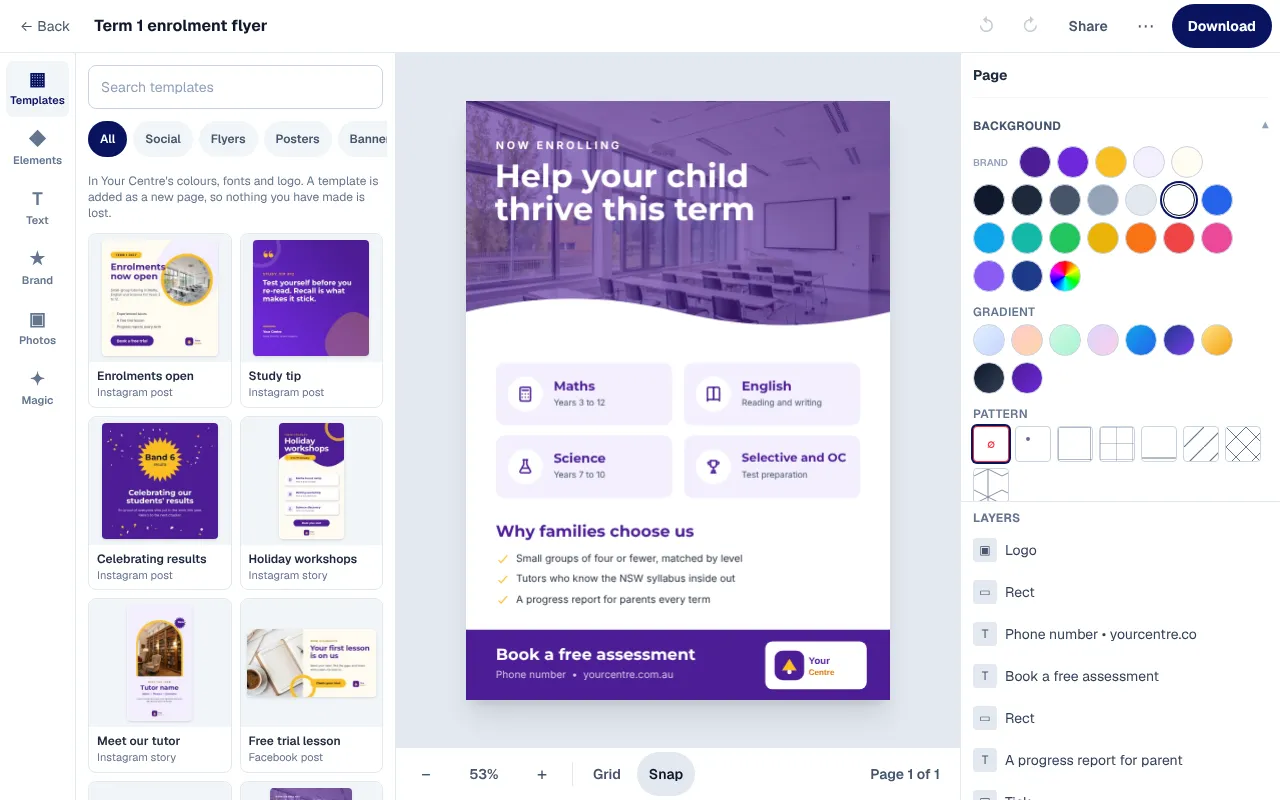
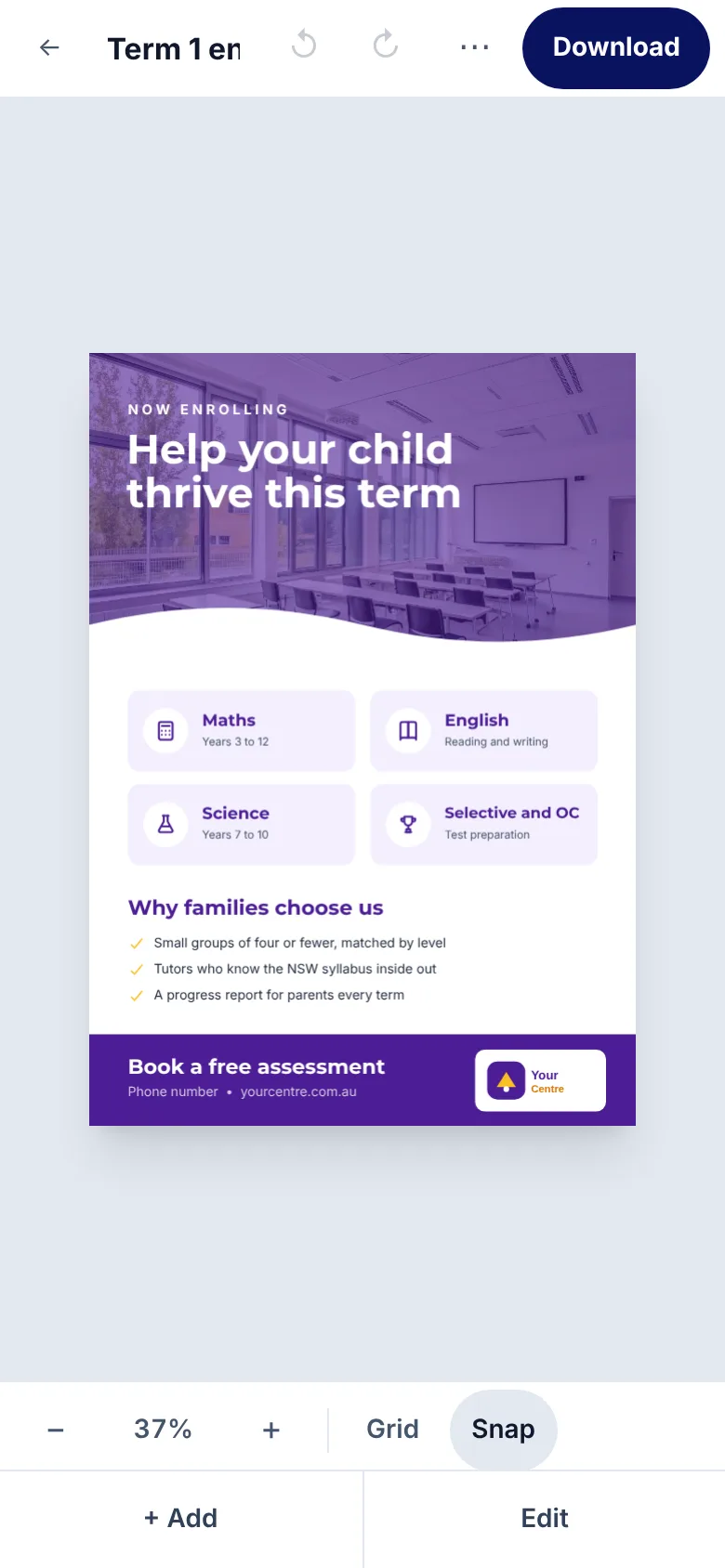
Marketing at a tutoring centre is usually whoever has a spare hour, starting from a blank page. XStudio is the design studio inside your centre's portal. Every template opens in your colours, logo and fonts, your prices and opening hours keep themselves up to date, and a QR code shows which flyer an enquiry came from.
In your portal: Design Studio
Print PDF
17
templates in your brand
33
fonts to choose from
5
ways to download
300
dpi print PDF with bleed
Secure by design
Your brand stays in your portal.
Your logo and flyers should not live in one staff member's personal design account. Flyers, posters and certificates sit with the rest of your centre's work, behind the sign-in your staff already use.
Designs stay with your centre
Designs live in your centre's own portal and are shared with colleagues to edit or to view, not kept in a personal account somewhere else.
Stored in Sydney, Australia
Every design and earlier version is stored in Sydney, Australia. Before Magic design sends a request, the names of the students, parents and staff on your centre's records become [name], and the request may be processed outside Australia.
No extra licences
XStudio is part of your portal, with nothing to install. The photos and graphics in its library are ours to use, so there is no licence to buy for them.
Pictures cut out on your device
Removing a plain background happens in the browser, with no outside service, and Undo puts it back.
Templates
Your brand, on every template.
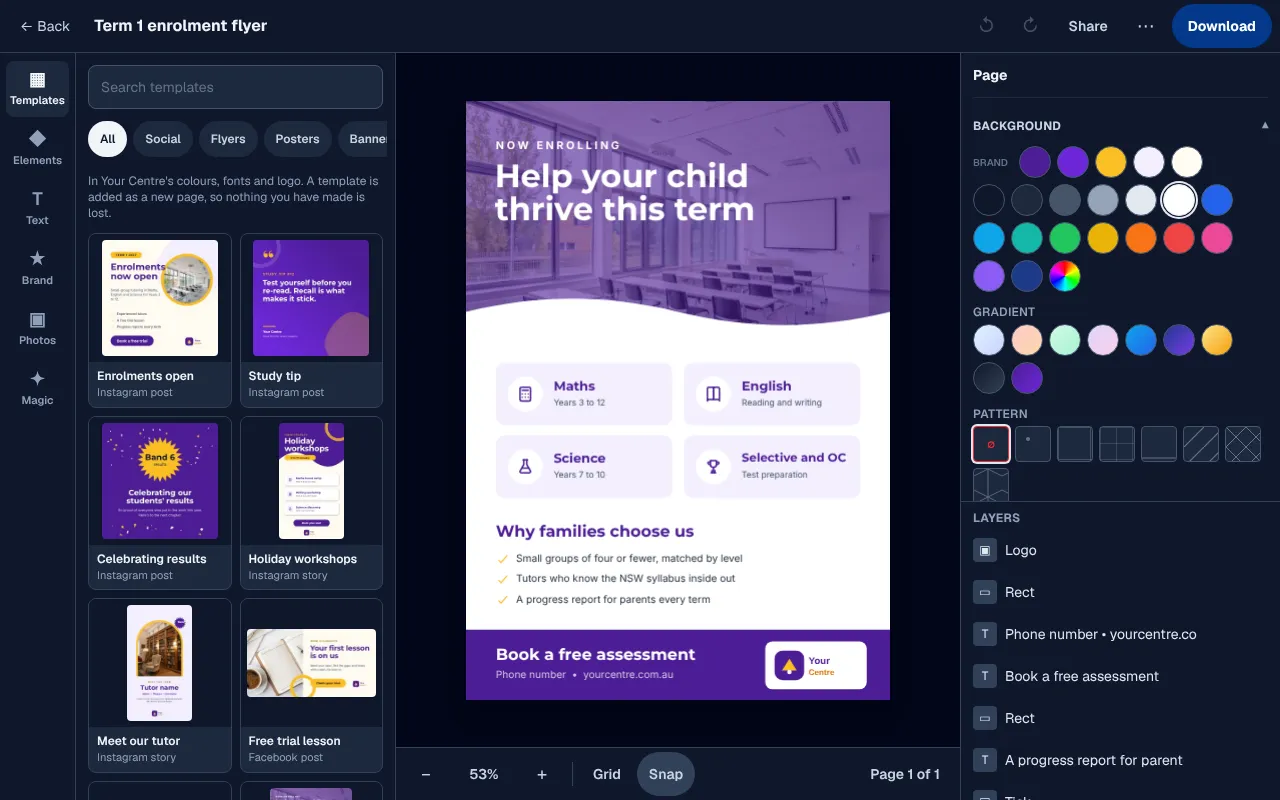
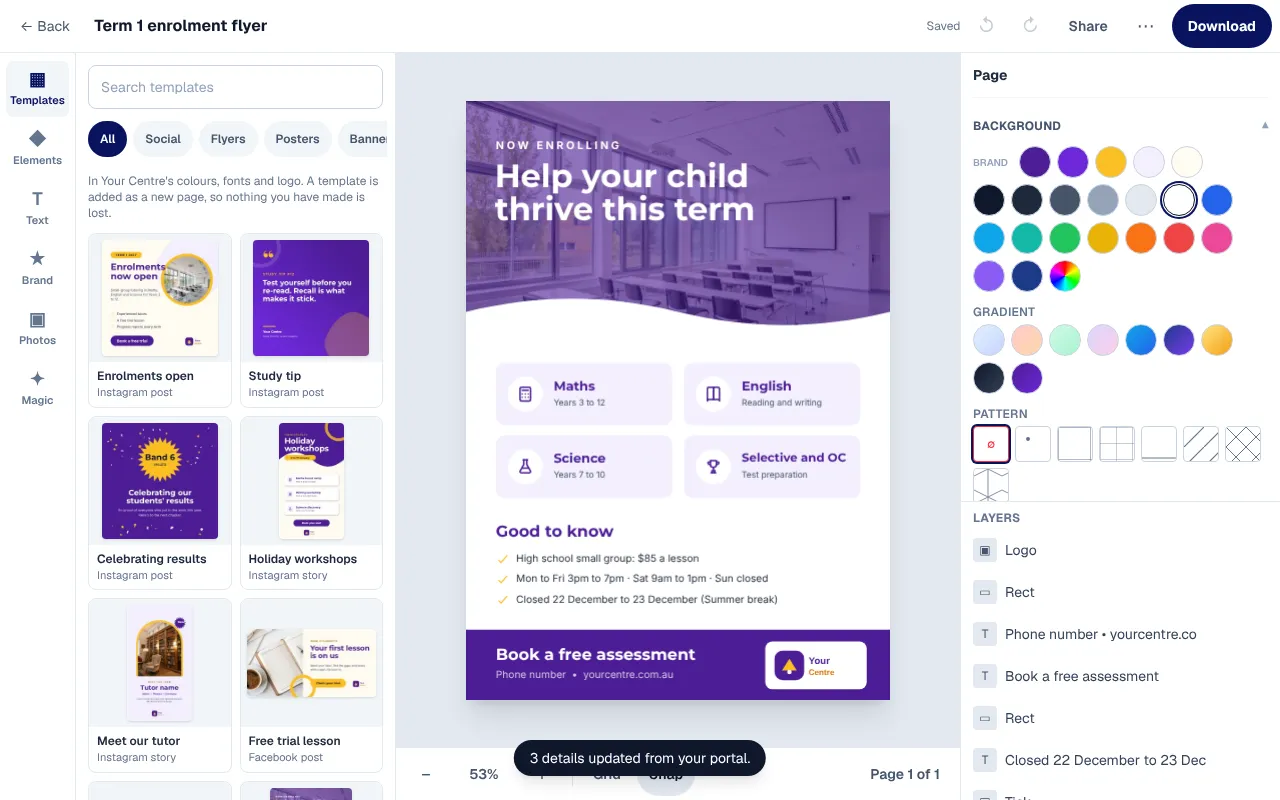
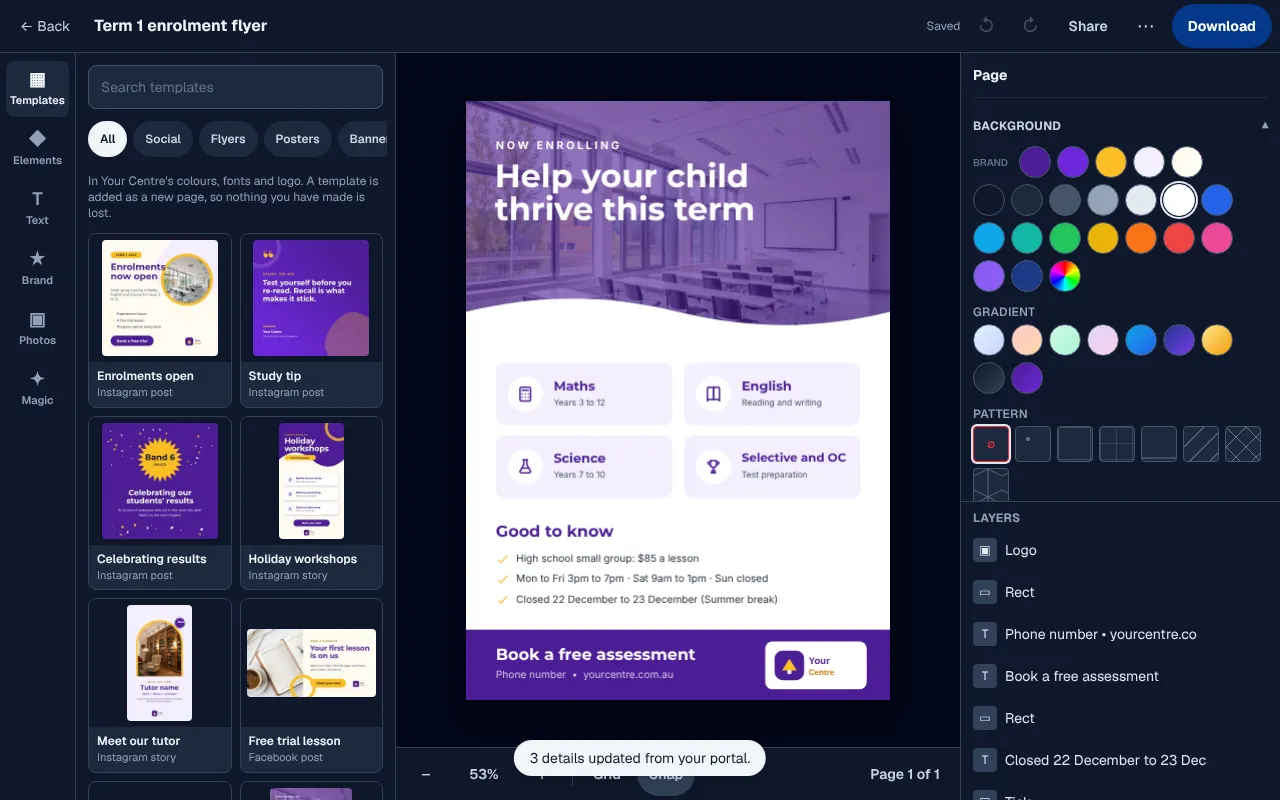
A template made for some other business needs half an hour of fixing before it looks like yours. Every template is drawn from your centre's brand kit: its colours, its logo and the heading and body fonts you pick once in your centre's settings. No template names another centre.
- 0117 templates in seven kinds: social, flyers, posters, banners, certificates, worksheets and classroom
- 02A template is added as a new page, so nothing you have made is lost
- 03Your logo and your name in place before you type a word
Designs that fill themselves
Change a price once. Every flyer follows.
Old flyers with last year's prices and hours keep turning up on noticeboards, and front desk staff answer for them. Add your centre's details to a design as text that keeps itself up to date: campus addresses and opening hours, your prices, the next closure, your name and email. Change a price in the portal and the flyer shows it the next time it opens.
- 01Your centre, campuses, prices and dates, straight from the portal
- 02A price is shown only for a service that has one
- 03Type over a detail and it becomes ordinary text again
QR codes
Know which flyer brought them in.
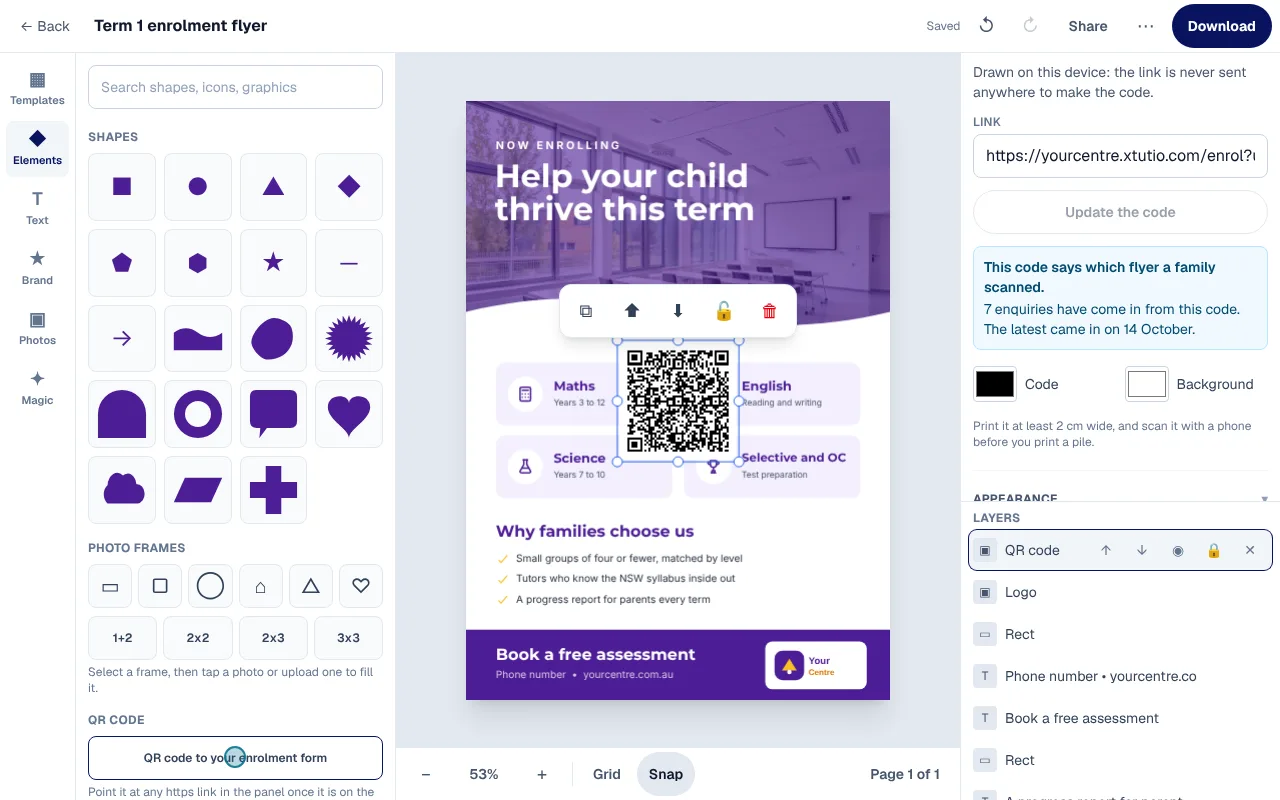
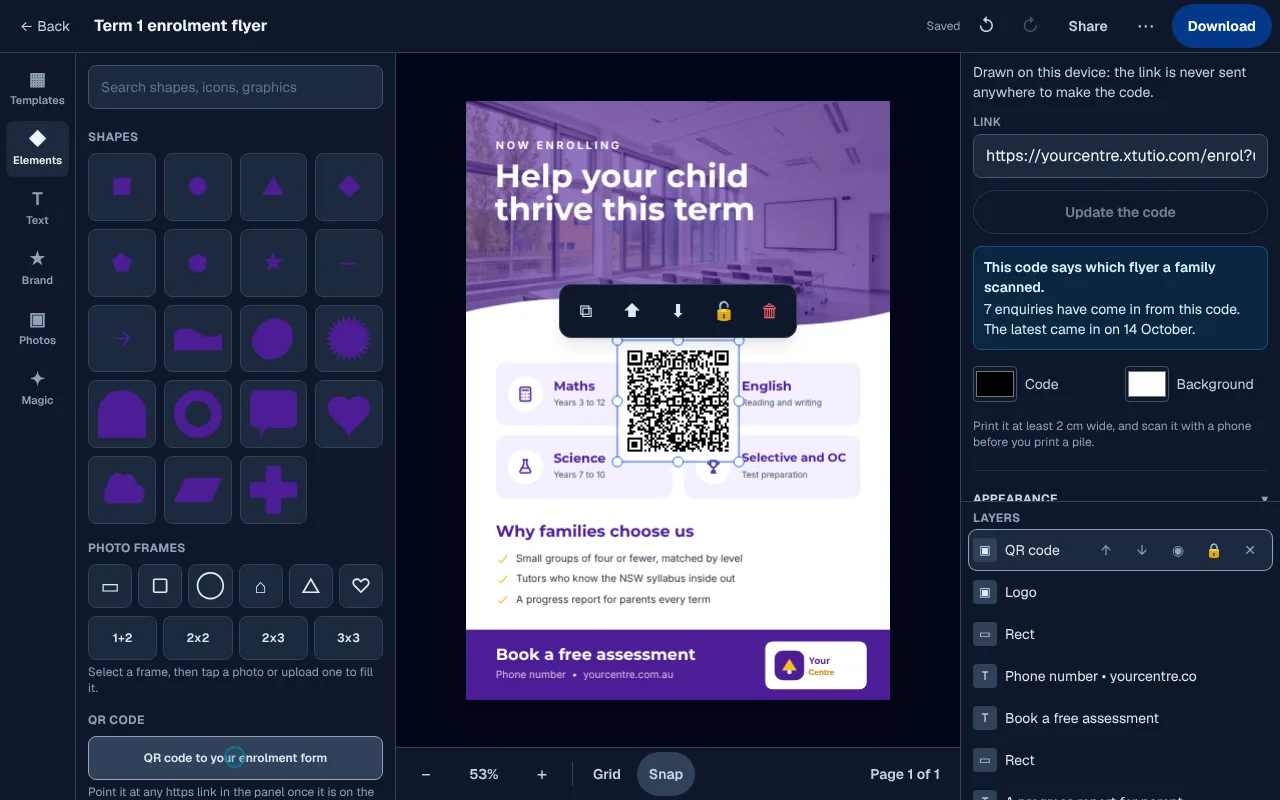
Centre owners pay to print flyers and never learn which ones worked. Add a QR code to your enrolment form and it carries the design it was printed on. Each enquiry that comes in that way says which flyer it came from, and the code's own panel counts them.
- 01Drawn on your device; the link goes nowhere to make the code
- 02A count and a date, never a family's details, in the design
- 03“From a flyer” and the design's name on the enquiry
Certificates
A certificate for everyone in the class.
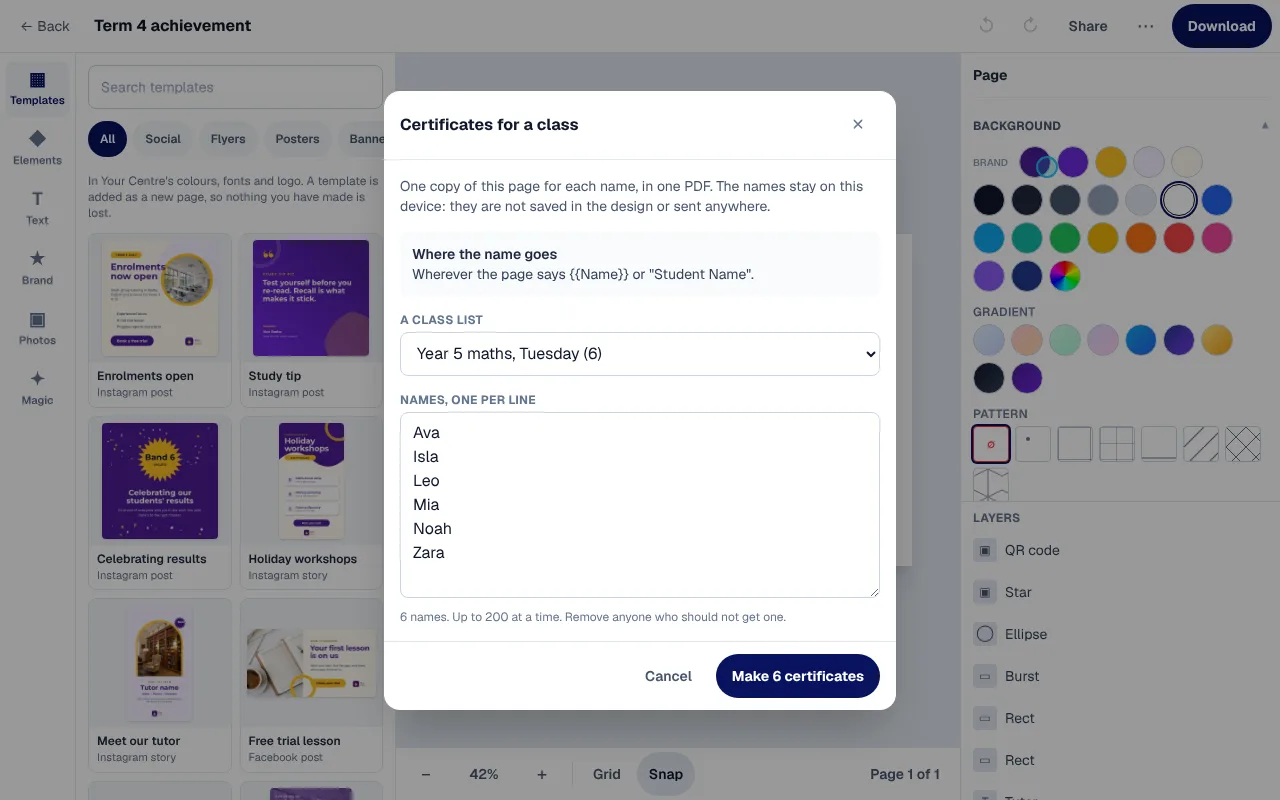
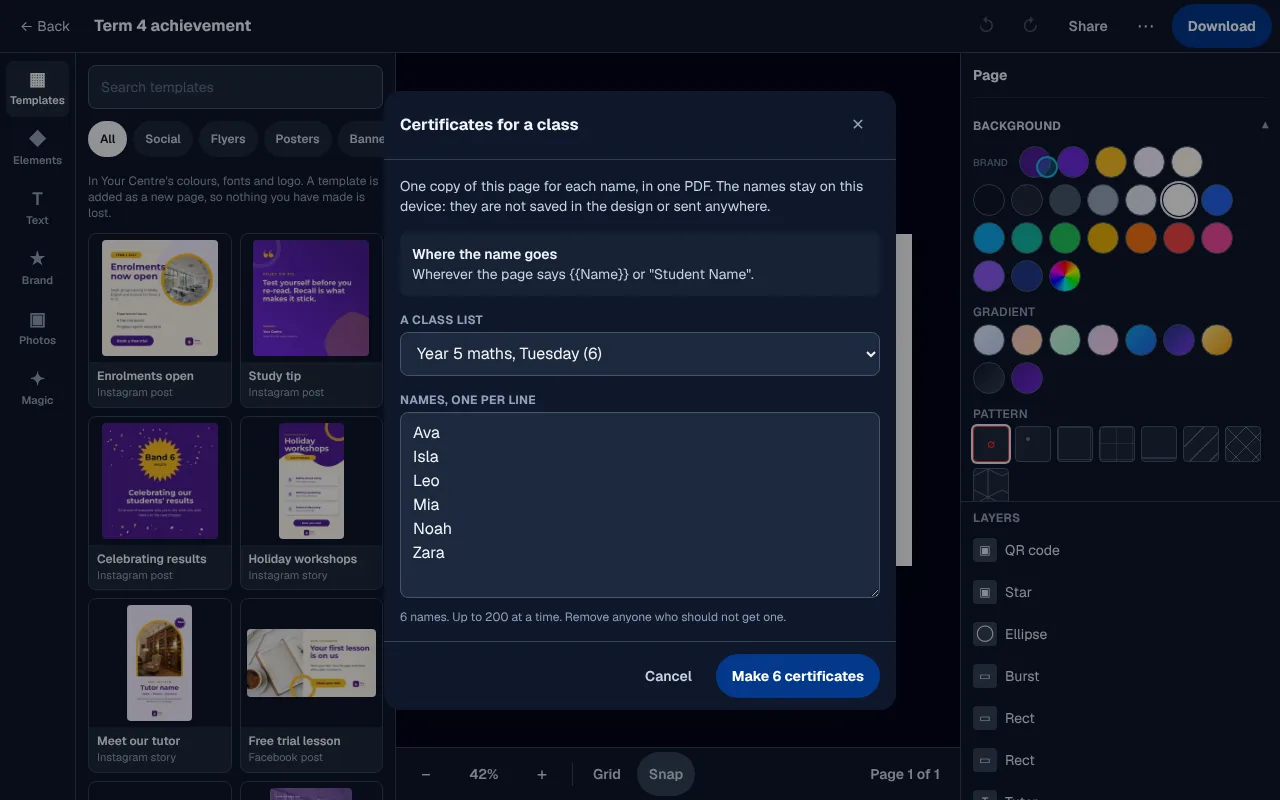
Typing twenty names into twenty certificates at the end of term is an evening gone. Design one certificate, choose a class, and get one page for each child in a single PDF. Class lists give first names only, and the names stay on your device: they are not saved in the design or sent anywhere.
- 01Pick a class list or type the names
- 02Up to 200 at a time
- 03The name goes wherever the page says Student Name
On brand
On brand, whoever makes it.
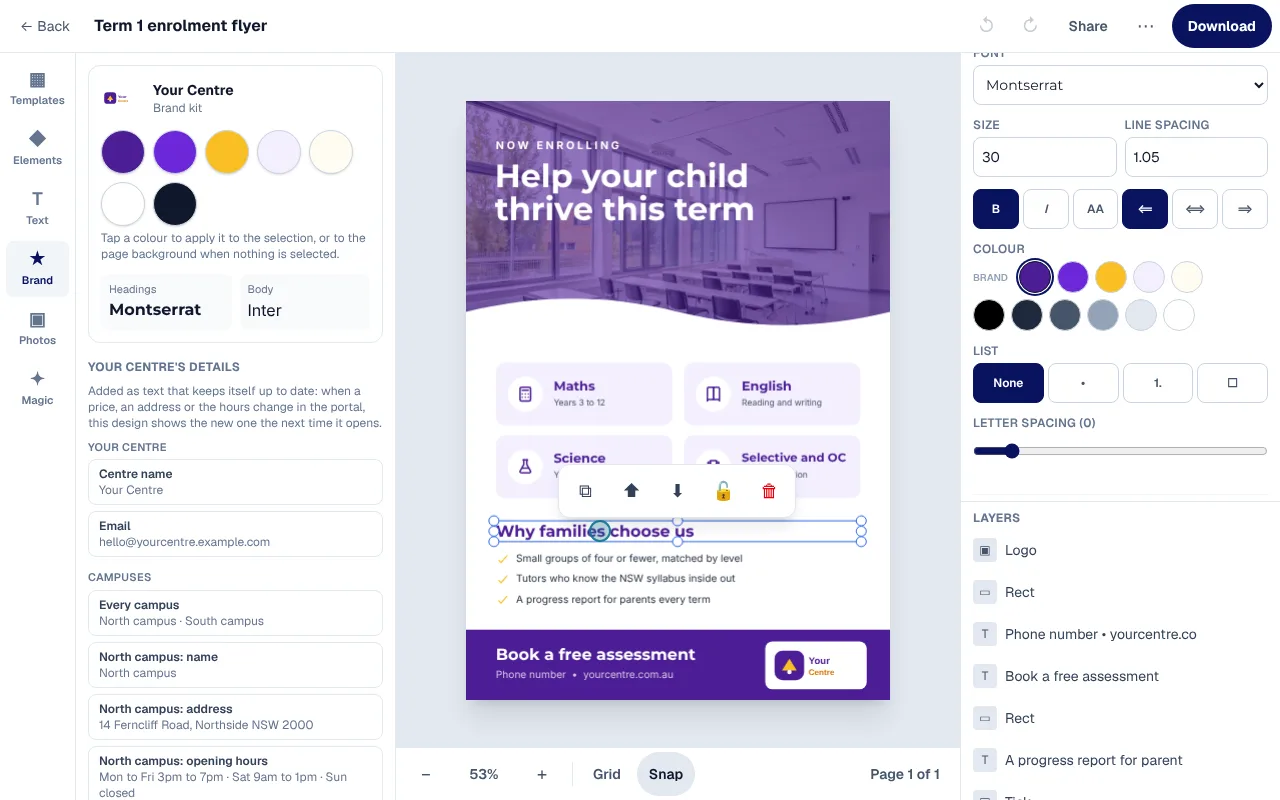
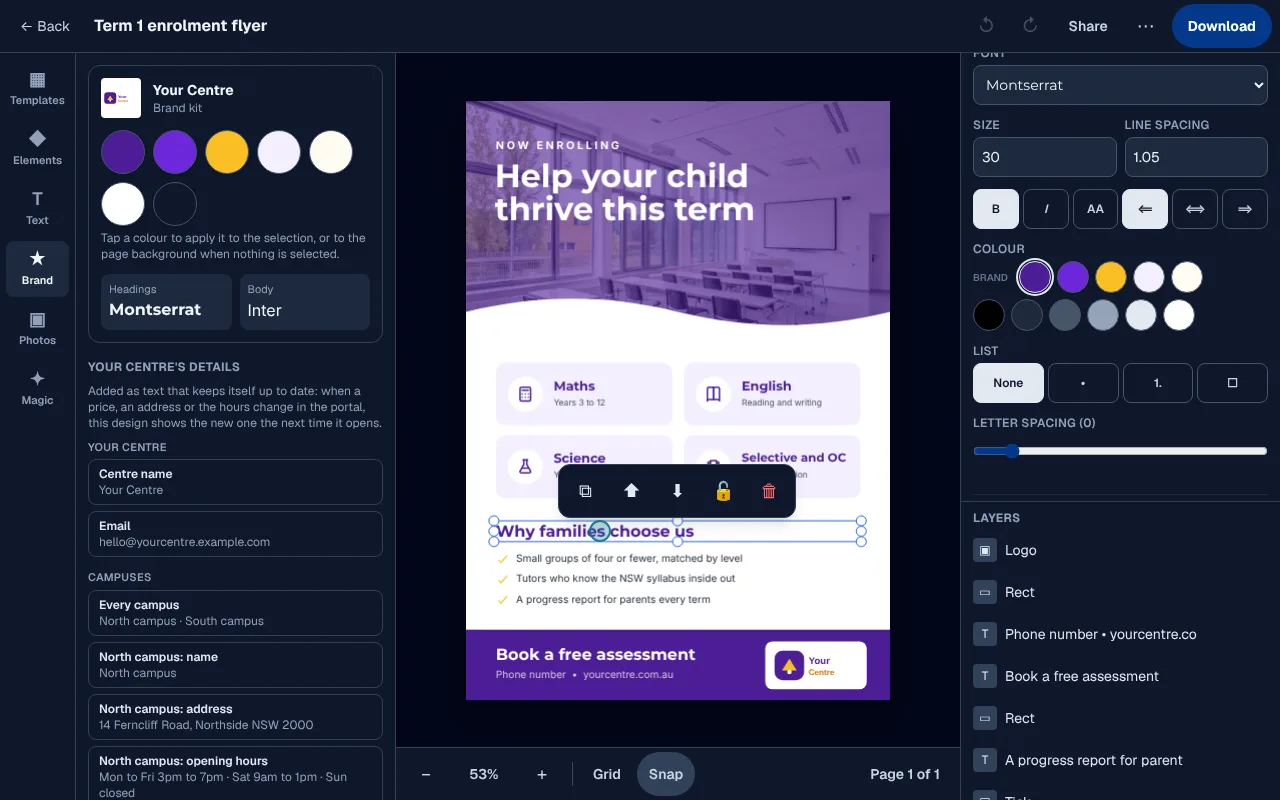
When several staff make posters, the centre ends up with several brands. Switch on “Keep designs on brand” in your centre's settings and the studio offers your brand kit's colours, plus black, white and greys, and only your heading and body fonts. Designs made before stay as they are.
- 01No colour picker and no colour themes while it is on
- 02Text presets take your fonts, not a script or a handwriting
- 03One switch, set by whoever runs your branding
Magic design
Describe it. Get a first draft.
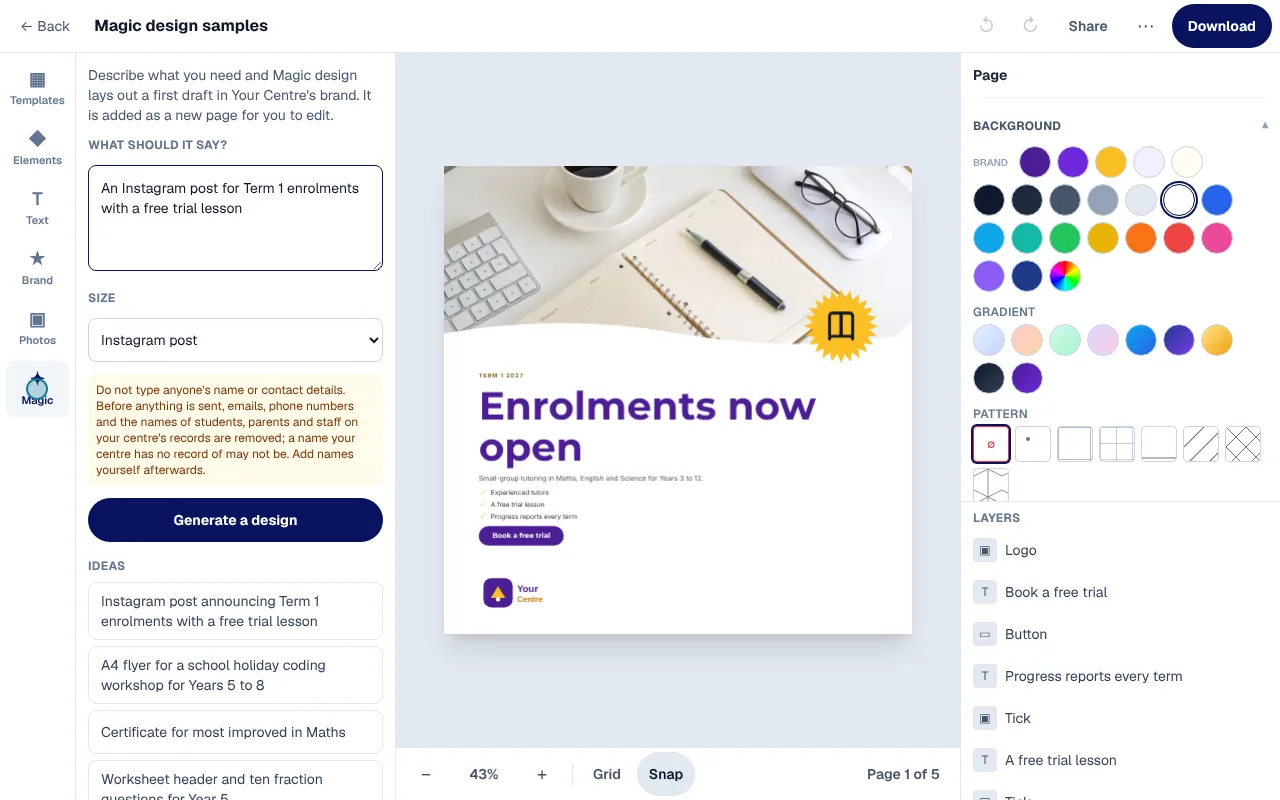
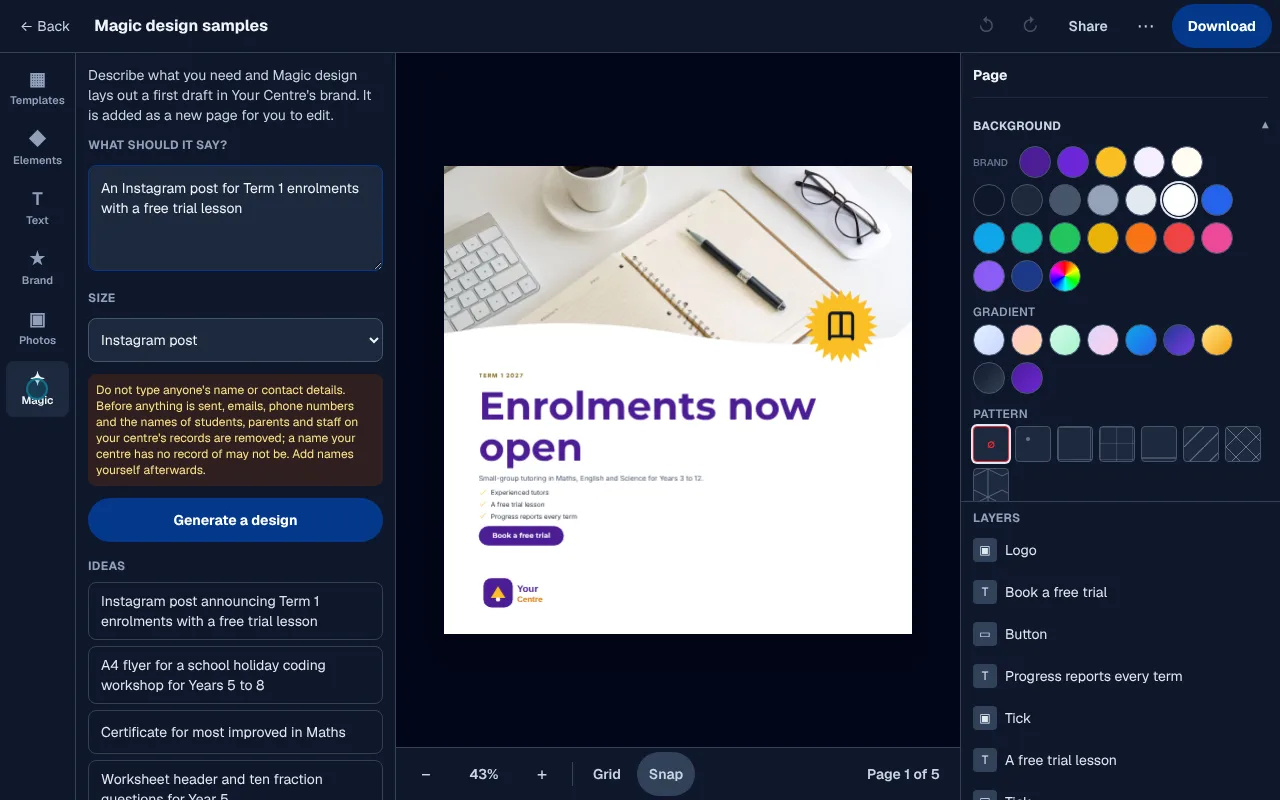
The hardest part of a social post is often the first words. Say what you need and pick a size. Magic design writes the words and the studio lays them out in your brand, as a new page for you to edit. Names of the people on your centre's records are replaced with [name] before anything is sent.
- 01Five kinds of layout: photo, bold, list, certificate and worksheet
- 02The model writes the words; the studio places them
- 03Emails and phone numbers are taken out too
Readable text
Text that reads, in any brand.
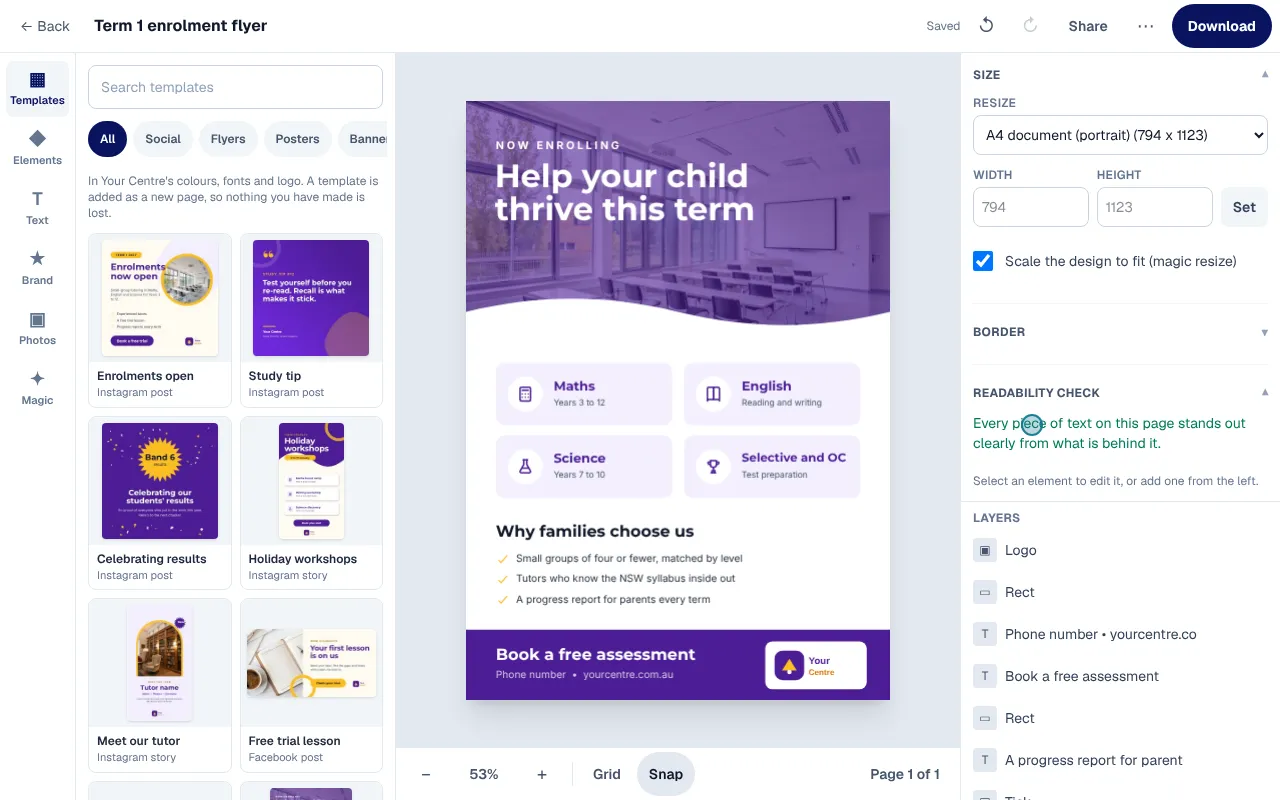
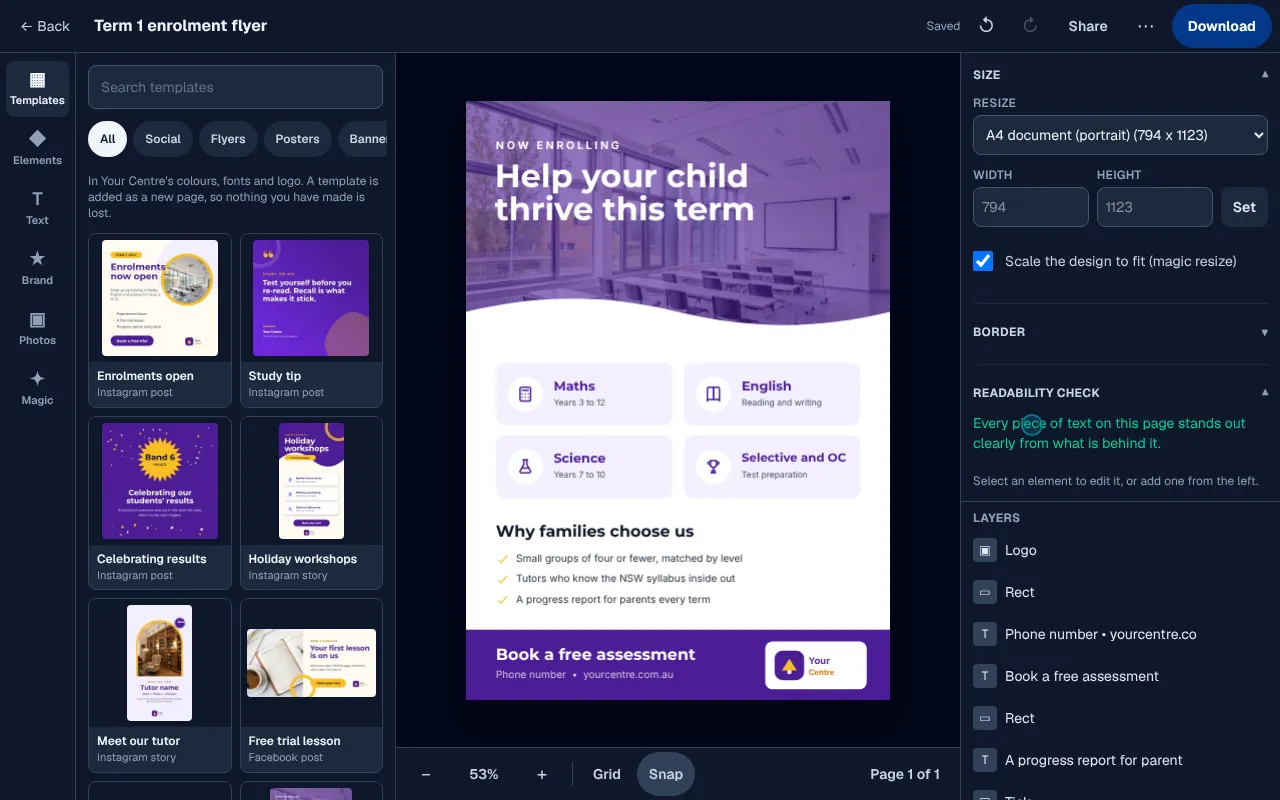
Pale gold on white looks fine on a big screen and vanishes on a phone in the sun. XStudio checks every piece of text against what is behind it, warns as you pick the colour, and lists anything that falls short.
- 01Checked against the web's accessibility ratios: 4.5 to 1, or 3 to 1 for large text
- 02Templates shade a pale brand colour until it reads, rather than dropping it
- 03Fix the colour puts it right in one press
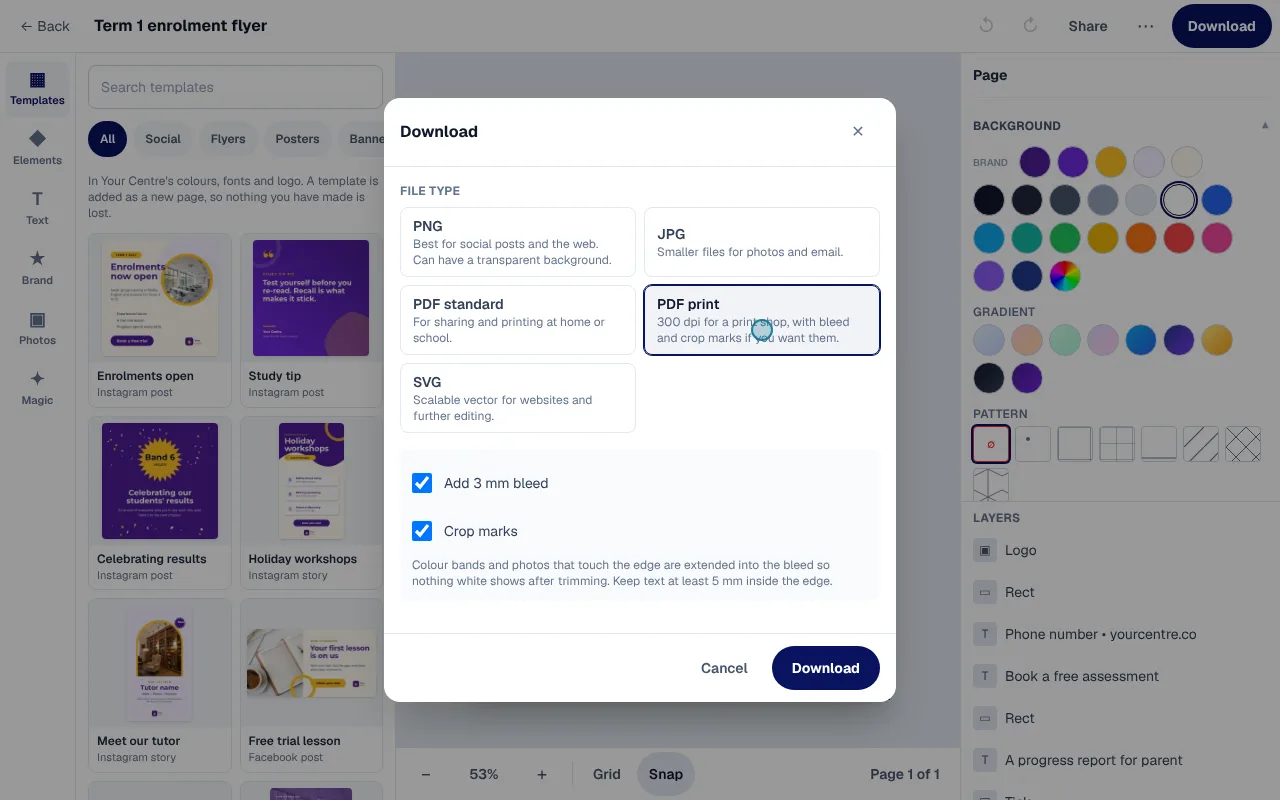
Ready for the print shop. 300 dpi, bleed and crop marks.
A file that looks fine on screen can come back from the print shop with white edges. The print PDF is drawn at 300 dots per inch with 3 mm of bleed, so colour that touches the edge runs past the trim, and crop marks if the printer wants them.
- 01PNG, JPG, standard PDF, print PDF and SVG
- 02Every page, or just the pages you choose
- 03Sized to what an iPad can draw, so a file does not come out blank
Built for tutoring
In a centre's term.
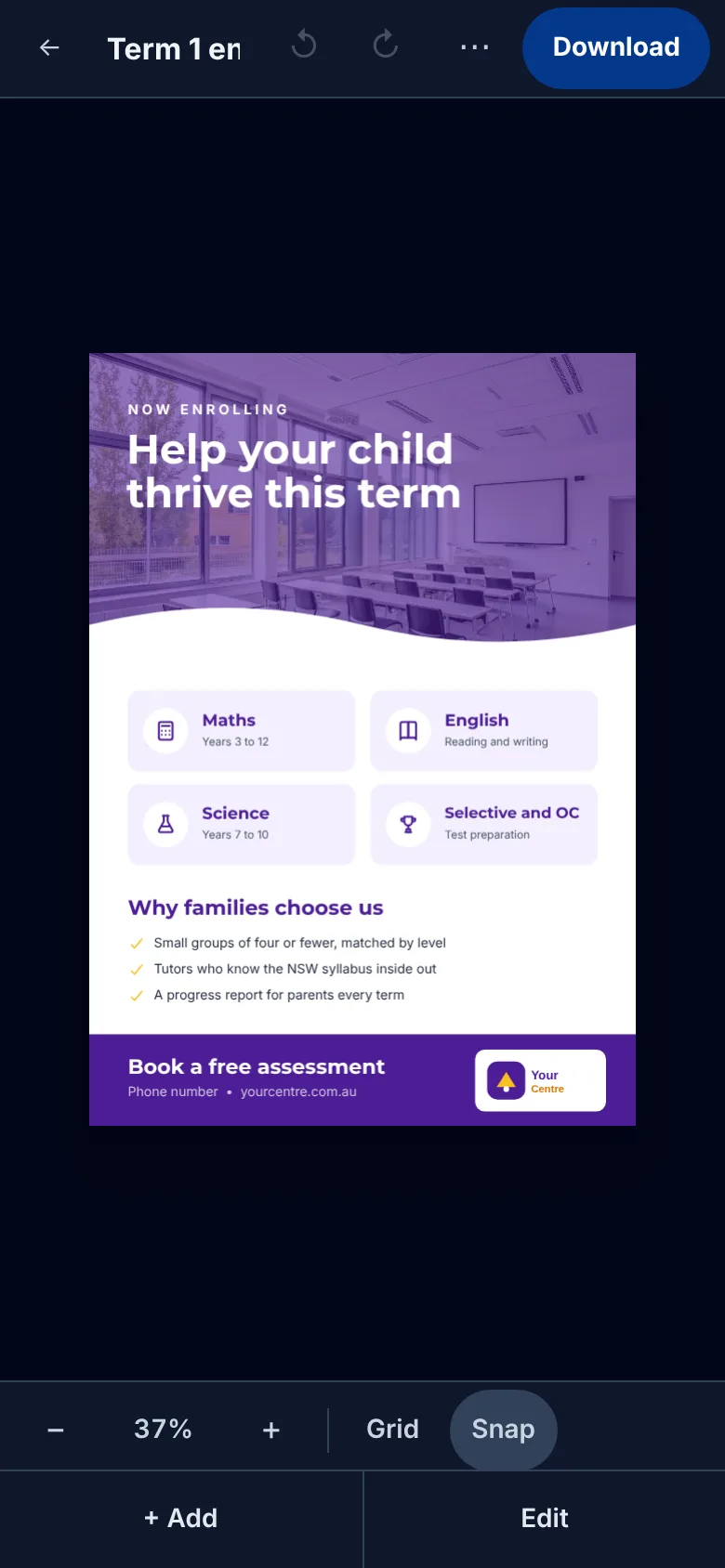
- The marketing lead makes the term's enrolment flyer and the matching social post without starting from a blank page or a stranger's template.
- A tutor with no design training makes a poster for a student's project, and it still comes out in the centre's colours.
Everything else, in brief.
Templates in your brand
Social posts, flyers, posters and banners that take your colours, logo and fonts.
Your fonts and colours
Choose your heading and body fonts once, and every new design uses them.
Magic design
Describe what you need and get a laid-out design to edit; names of your families and staff are taken out before it is sent.
Readable text
Text is checked for contrast, templates shade a pale brand colour until it reads, and Fix the colour puts any text right in one press.
Print-ready PDF
300 dots per inch with 3 mm bleed and crop marks, ready for the printer.
Every format
Download as PNG, JPEG, PDF or SVG.
Background removal
Take a plain backdrop off a photo on your own device.
Snapping and layers
Elements snap into line, and a layers list lets you pick and reorder anything.
 XWrite
 XGrid
XGrid XDeck
XDeck XInk
XInk XInbox
 XMeet
XMeet XLesson
In short
XStudio
XStudio is the website's name for Design Studio, built into every XTutio centre's portal. Flyers, posts and posters in your centre's own colours. Staff use it with the same sign-in as the timetable, families and billing, and it costs nothing extra.
Questions centres ask
What is XStudio?
XStudio is what this website calls Design Studio in a centre's XTutio portal. Whoever makes the term flyer usually starts by fixing someone else's colours and hunting for the logo, and the print shop sends the file back. XStudio already knows your brand: every template picks up your colours, logo and fonts, and a print file comes out ready for the printer.
Does XStudio cost extra?
No. XStudio comes with every XTutio centre, with nothing to buy per member of staff.
