Less admin
Today's work, in one list.Prepared for you. Sent by you.
The front desk loses its day to chasing: the email that needs a reply and a lesson moved, the roll nobody marked, the family who went quiet. XTutio gathers it into one short list, prepares each job with AI on a press, and every card waits for a person to confirm it.
A list you can finish
- tasks a day, by default
- 15
- tasks prepared in one press
- 20
- unchanged sends before a note may send itself
- 50
- things every card shows before you confirm
- 4
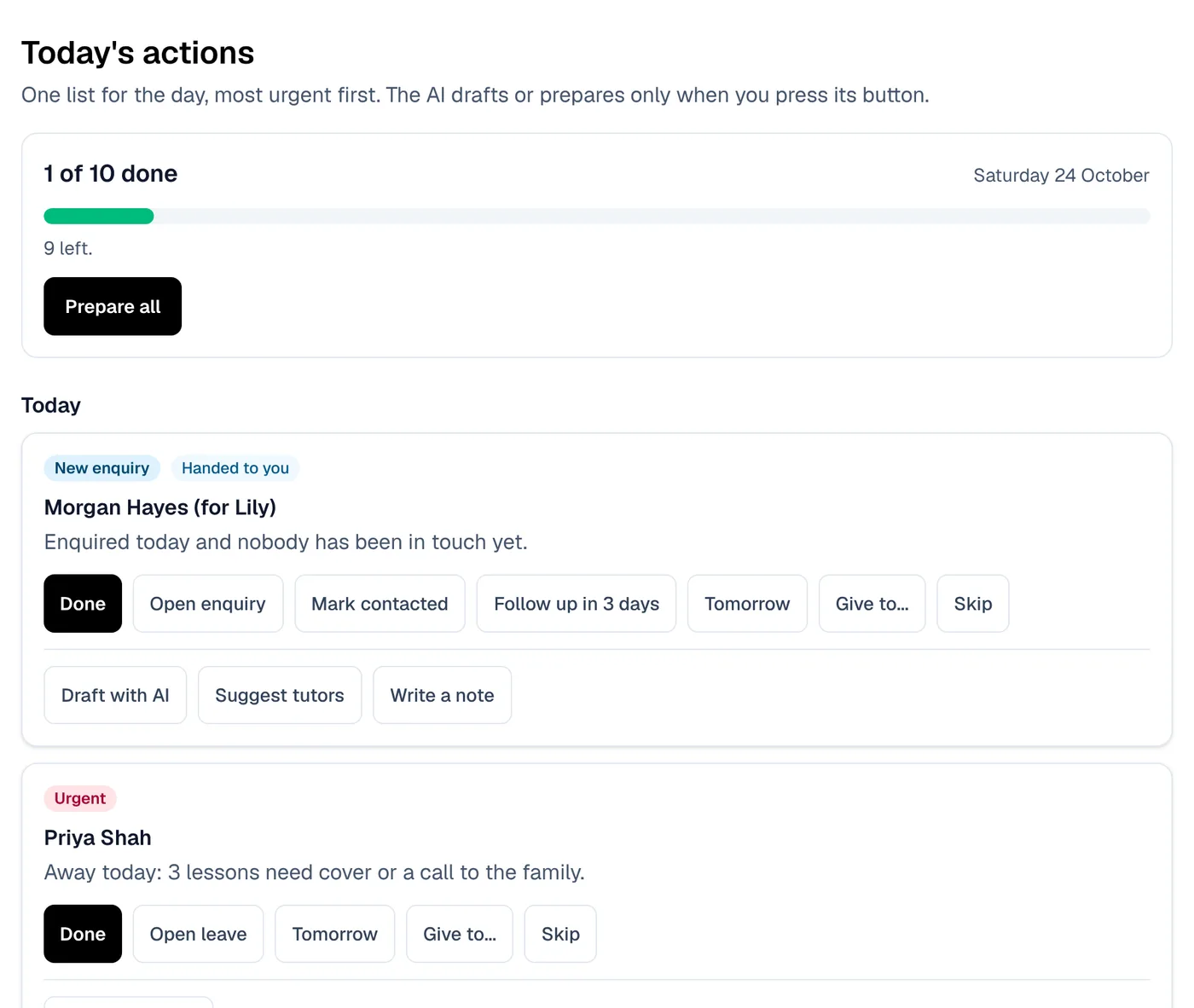
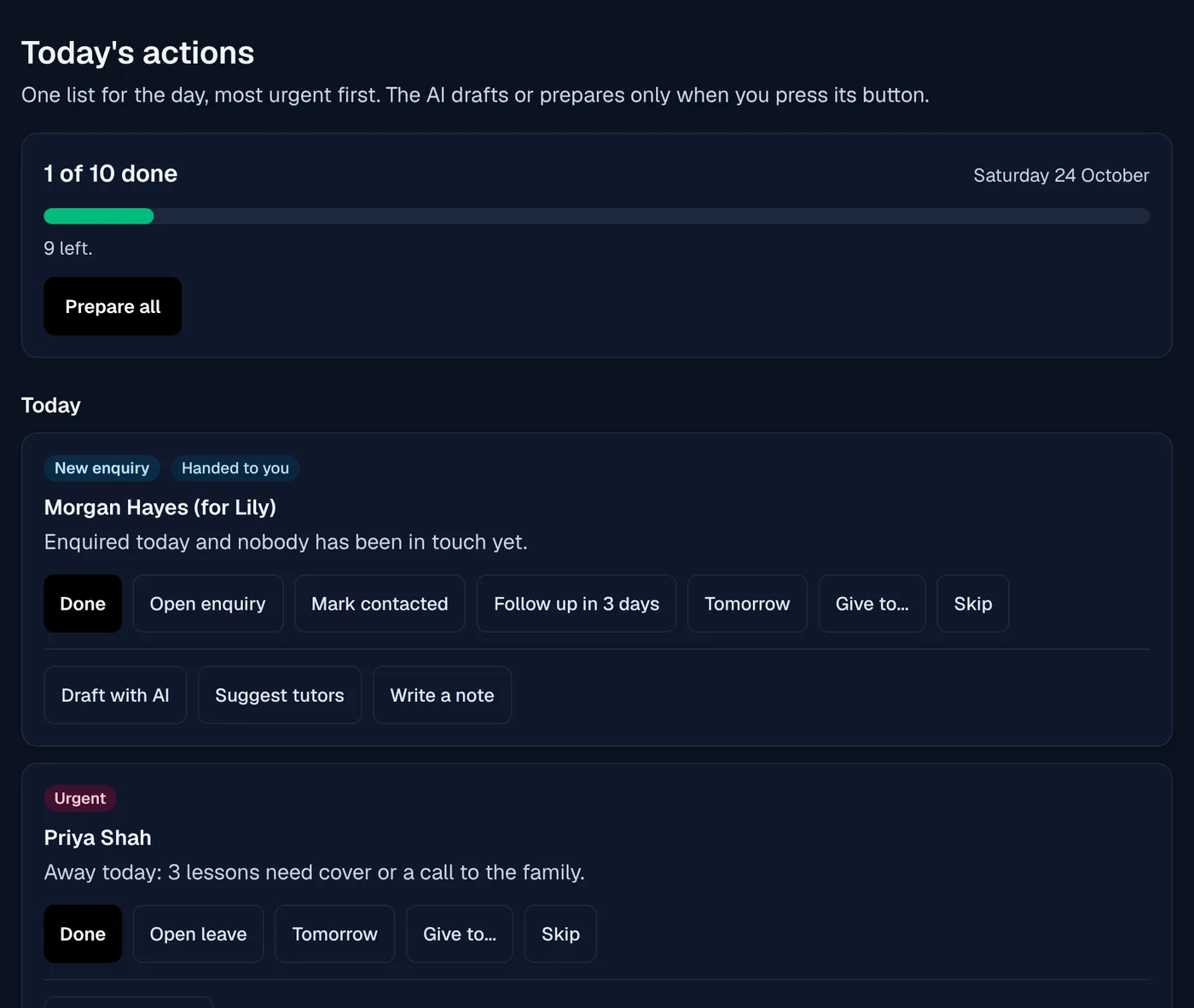
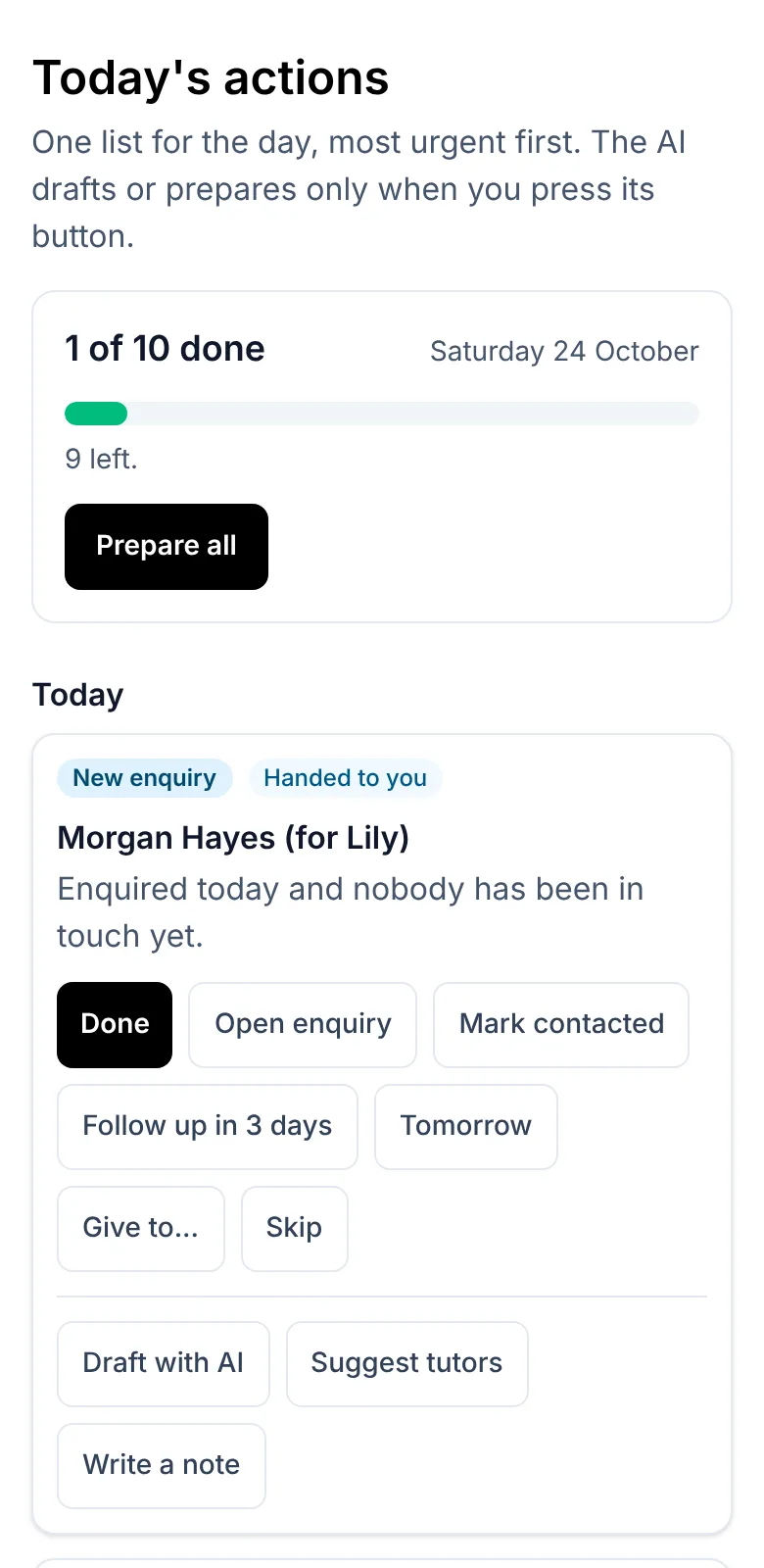
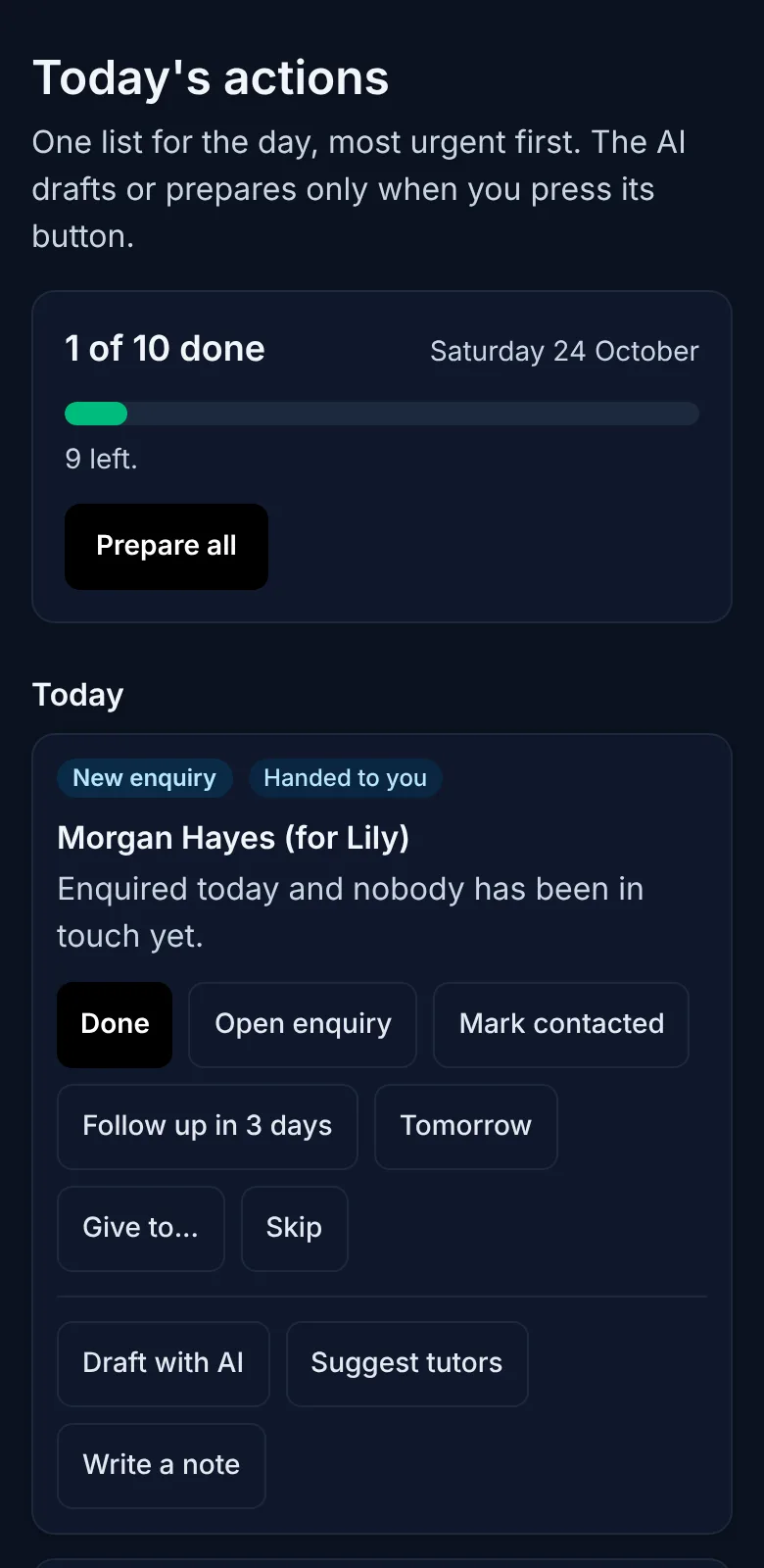
Today's actions
One list of what needs doing today, and a number you can finish.
The work of a front desk is scattered across the inbox, the enquiries, the money and the rolls. Today's actions reads each of them every time and gives each person a short list they can get through.
One list from every corner of the centre
New and overdue enquiries, retention tasks, overdue invoices, low packs, mail waiting on a reply, booking requests, staff tasks, tutors away with no cover and checks not yet verified, ranked urgent first.
A set number a day
Each person gets 15 tasks a day by default, and the list stays put as tasks are done, so it never refills while you work.
Only what you may act on
A task shows only to someone who may open its page, held to their campuses. Done, snoozed and assigned are shared, skipped is yours alone.
Nothing hidden
If a source cannot be read, the page names it, so an empty list always means there is nothing to do.
A morning summary
Counts only, in the app, and by email to anyone who asked for it, so the day starts with the numbers.
Signals you choose
Student milestones, a jump in results, tutors reaching a milestone and families who may be about to leave, each off until your centre turns it on.
Prepare all, confirm each
AI does the typing. A person presses Send.
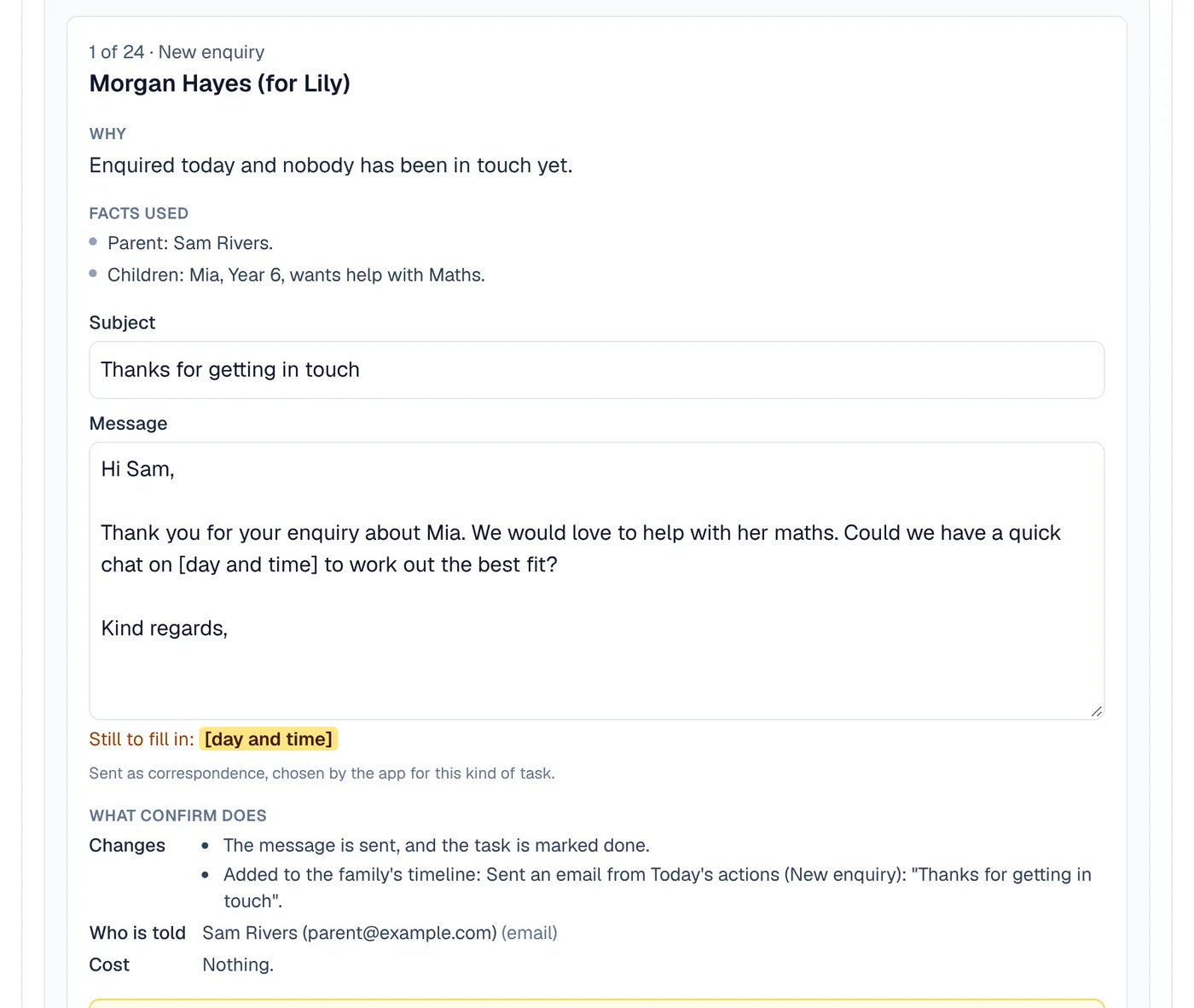
Help that sends things by itself is help nobody trusts. One press prepares the whole list, then you work through it a card at a time, and nothing goes anywhere until you confirm it.
One press, a ready list
Prepare all drafts up to 20 of your open tasks at once, then shows them one card at a time with keyboard shortcuts to confirm, edit, skip or assign.
Every card shows its working
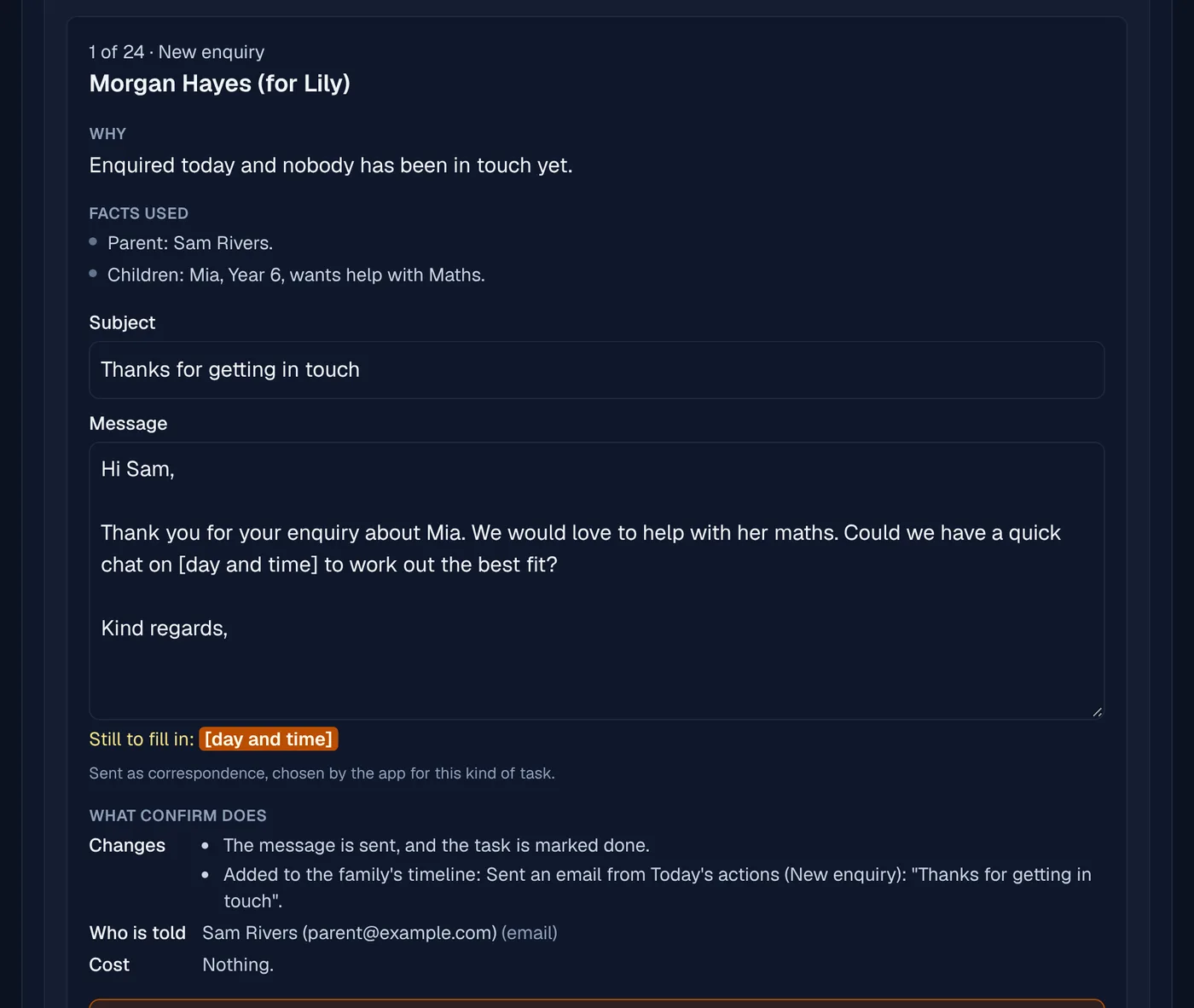
Why it was suggested, the facts it used with links to the records, exactly what Confirm will do, and anything the AI was not sure of.
Gaps are never guessed
Anything the AI could not find is marked to fill in, and Confirm stays off until you have.
Checked again before it goes
A draft is checked against the records just before it is sent, so a lesson that moved or an invoice that was paid stops the card.
Helpers for the jobs that repeat
Turn phone notes into an enquiry, offer a waitlist place, book next term, write a closure notice and sort a room clash, each a card you confirm.
A record of how it went
Owners and admins see how many drafts were prepared, sent as written, edited or skipped, as counts.
Read the email once. Reply and do what it asks in one go.
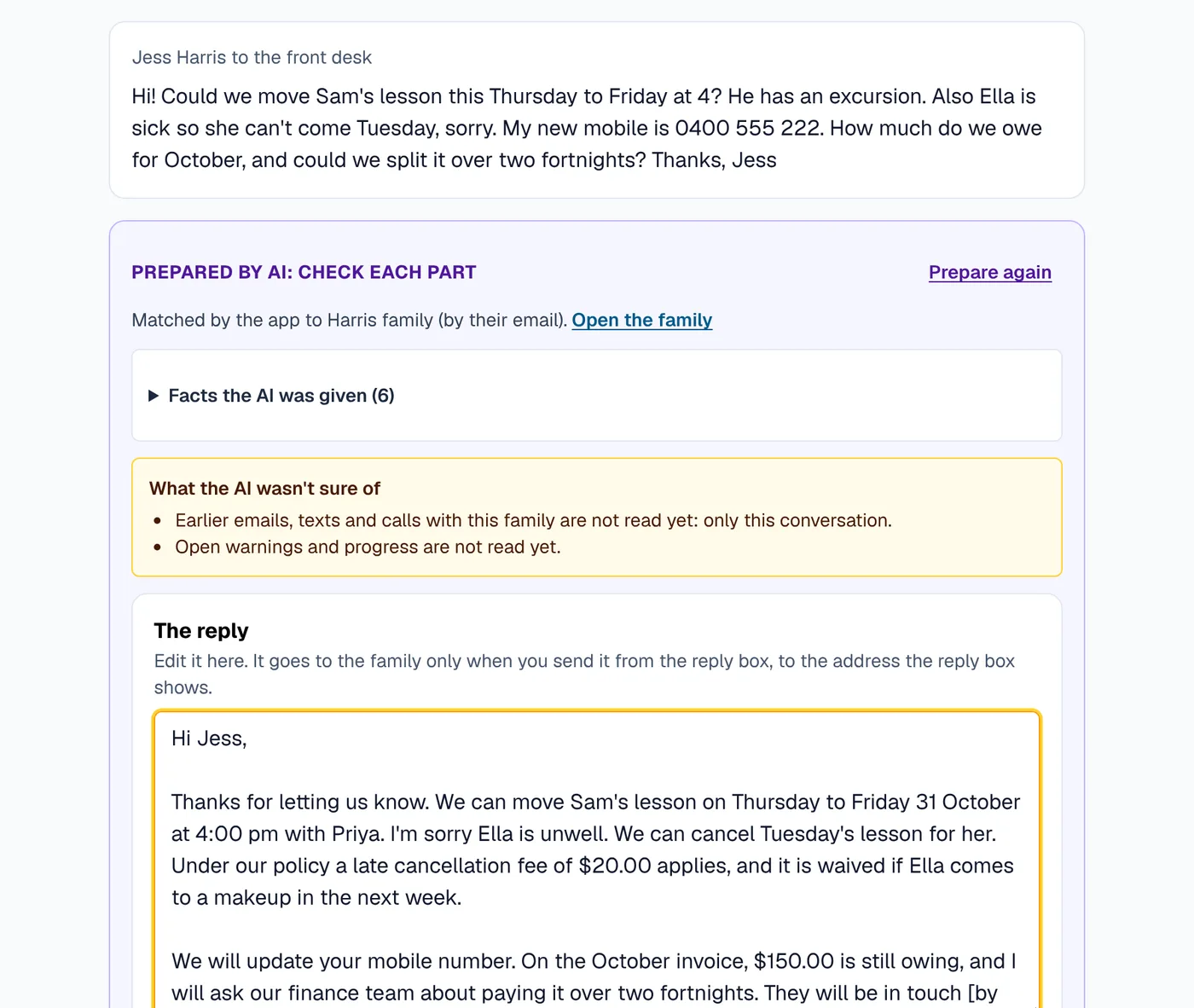
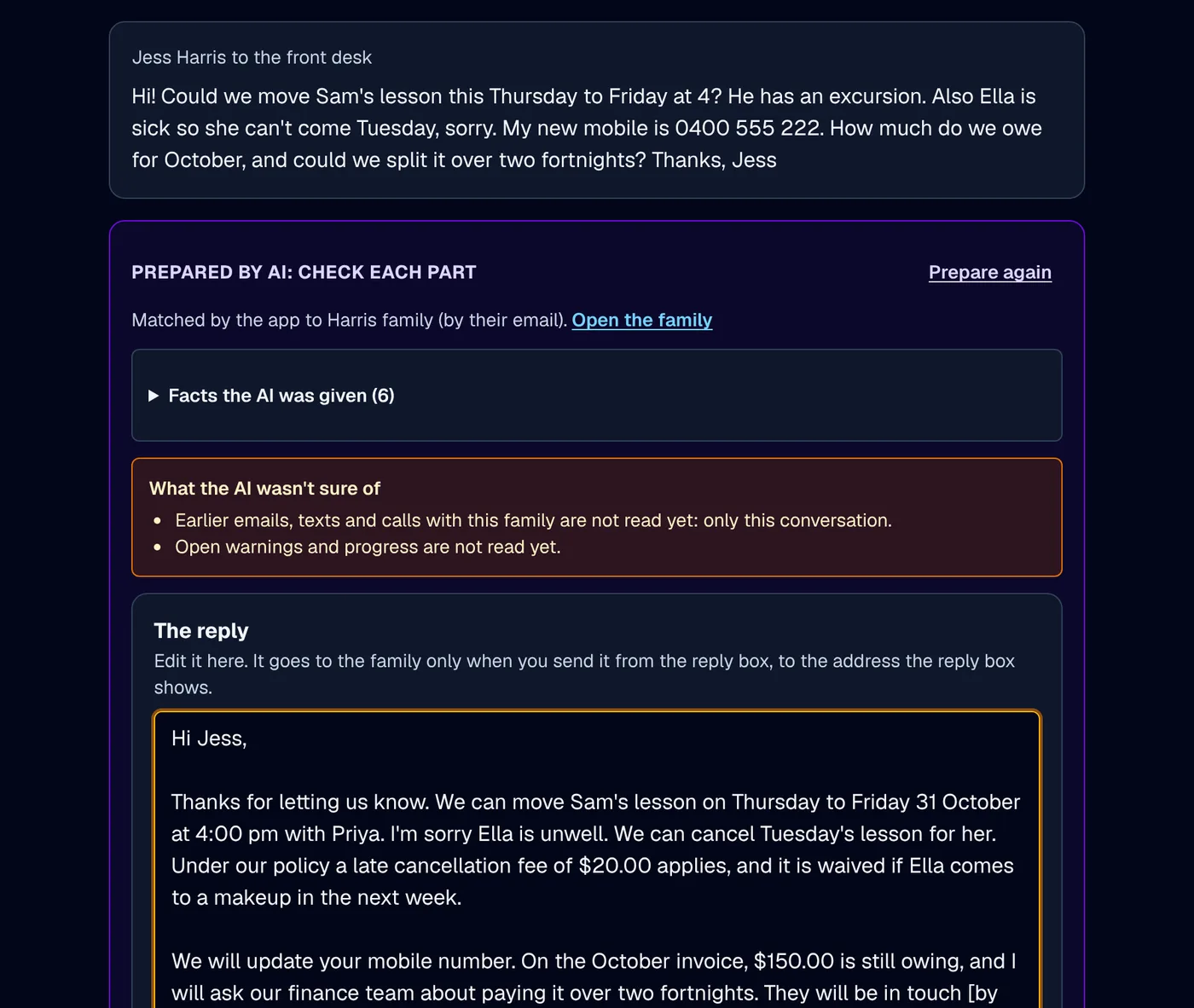
A parent's email asking to move a lesson is three jobs: the reply, the move and the note. Prepare reply and actions drafts the reply and a card for each thing the email asks for.
The reply and the jobs together
A move, a booking, a cancellation, a new enquiry, a change of phone or address, or a question for finance, each its own card beside the drafted reply.
Amounts and people from your records
Who the reply goes to and every figure in it come from your records, never from the AI, and a cancellation card shows the fee before anyone confirms.
Names kept from the AI
Families' and staff names are swapped for stand-ins before the AI reads anything, and put back only for the person sending.
On the phone
The caller's family on screen before you say hello.
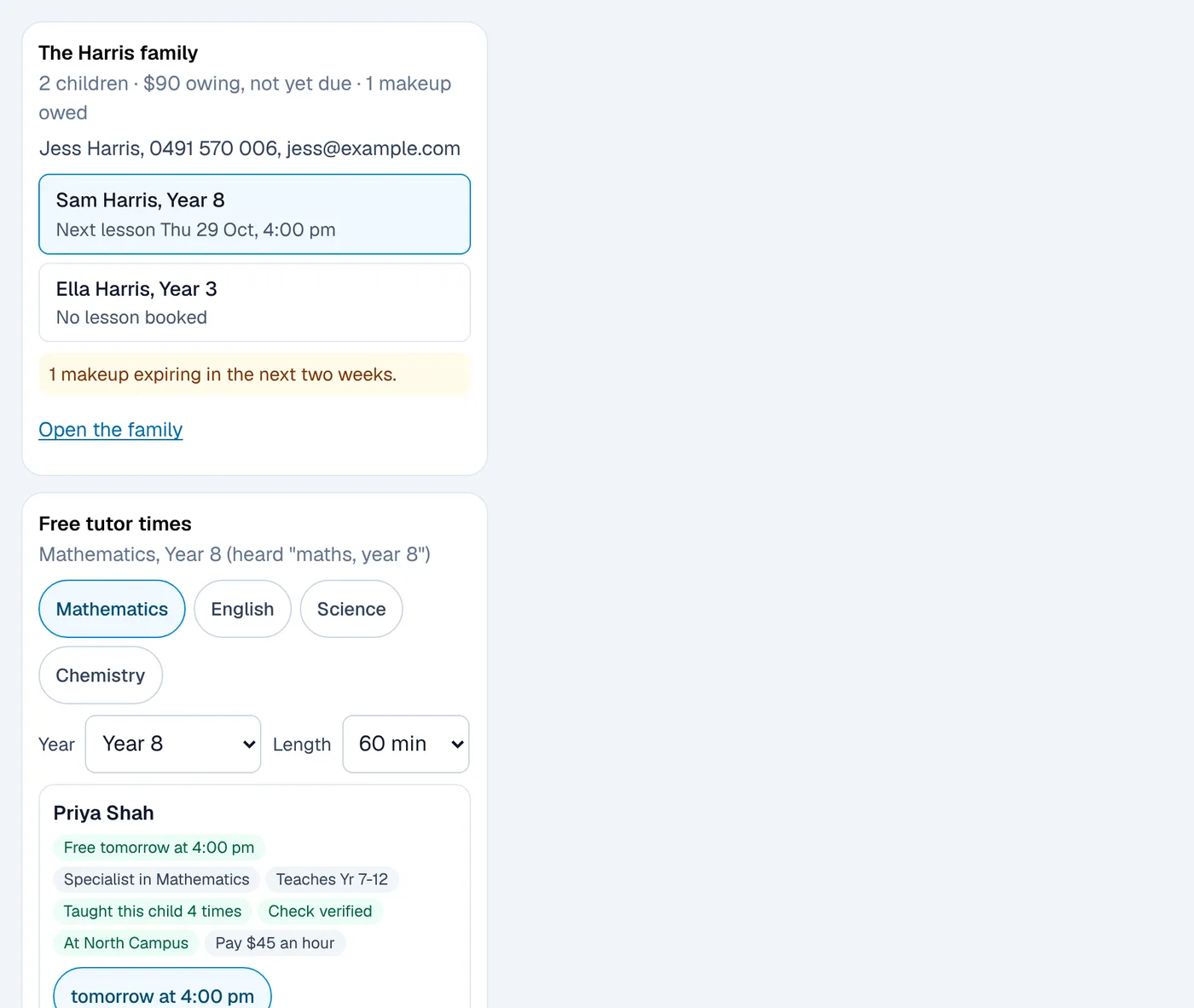
A parent ringing to book a lesson means hunting for their file, a free tutor and the price while they wait. Call assist puts all three beside the call.
Help while you are on the phone
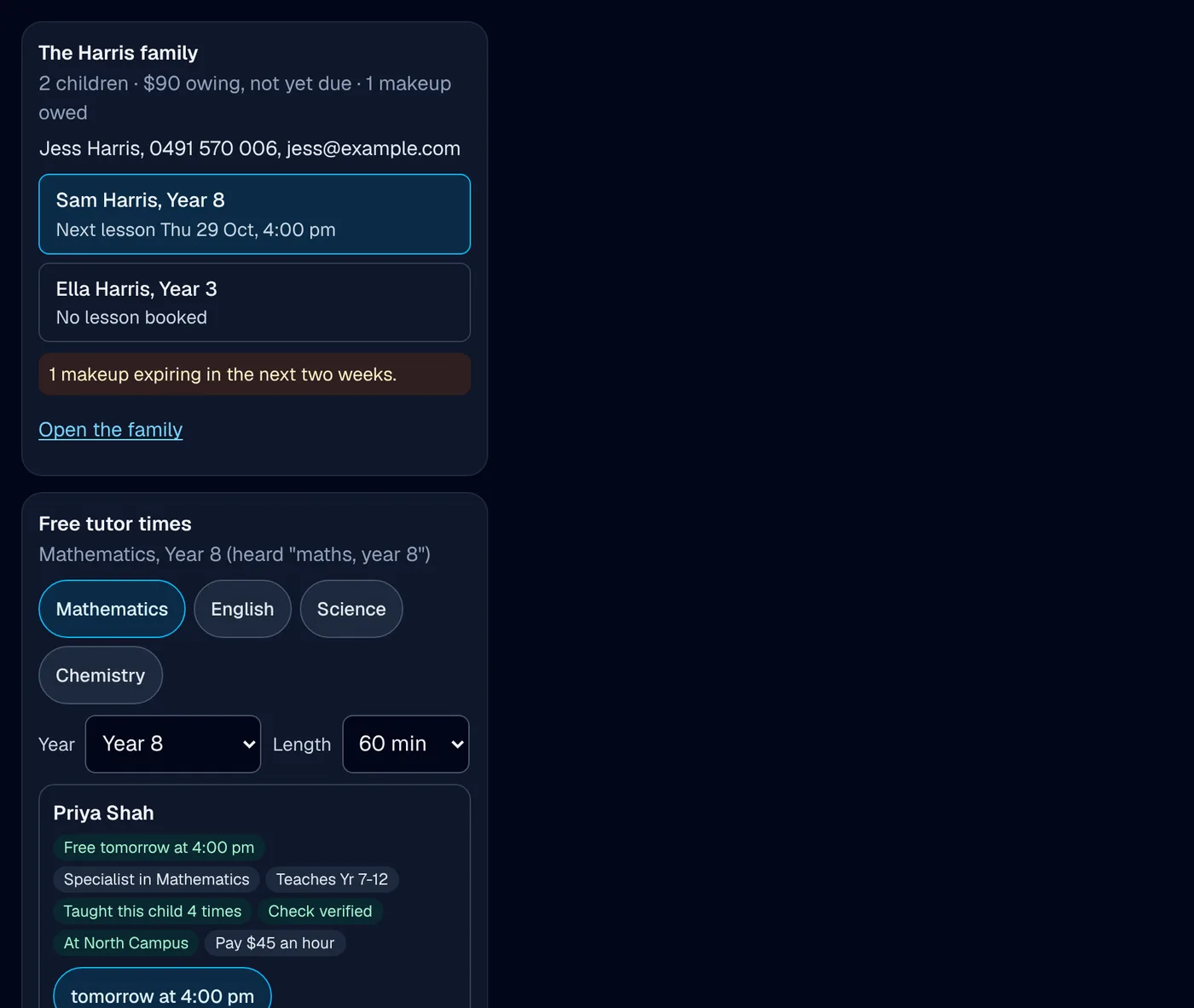
The caller's family appears beside the call, with their children, next lessons and makeups, and free tutor times with the reason each one fits.
Book while they are still on the line
A booking card shows the price and your cancellation terms to read out, and is booked through the same checks as the front desk. Switched on per centre by XTutio.
Follow-ups after the call
The confirmation email or text and the note for the family's file are waiting after you hang up, each confirmed on its own.
Lists that do the chasing
The jobs that slip through, in lists you can clear.
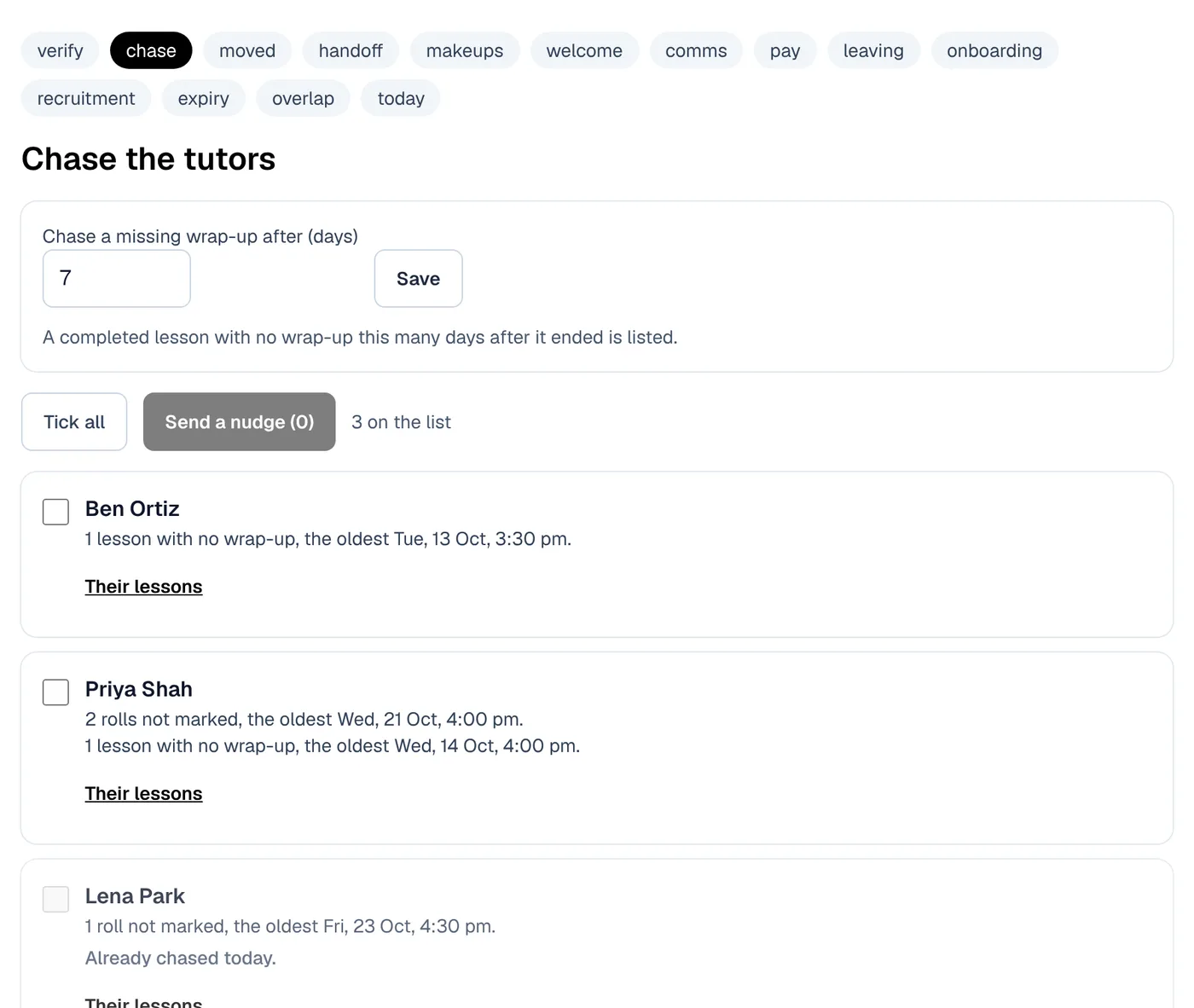
Unmarked rolls, expiring checks and makeups nobody booked are found by a person scrolling, if at all. Each of these lists is a screen with filters and a card on Today's actions, with no AI in it.
Checks to verify
Working with children checks waiting to be verified, one at a time. Only a person ever verifies a check.
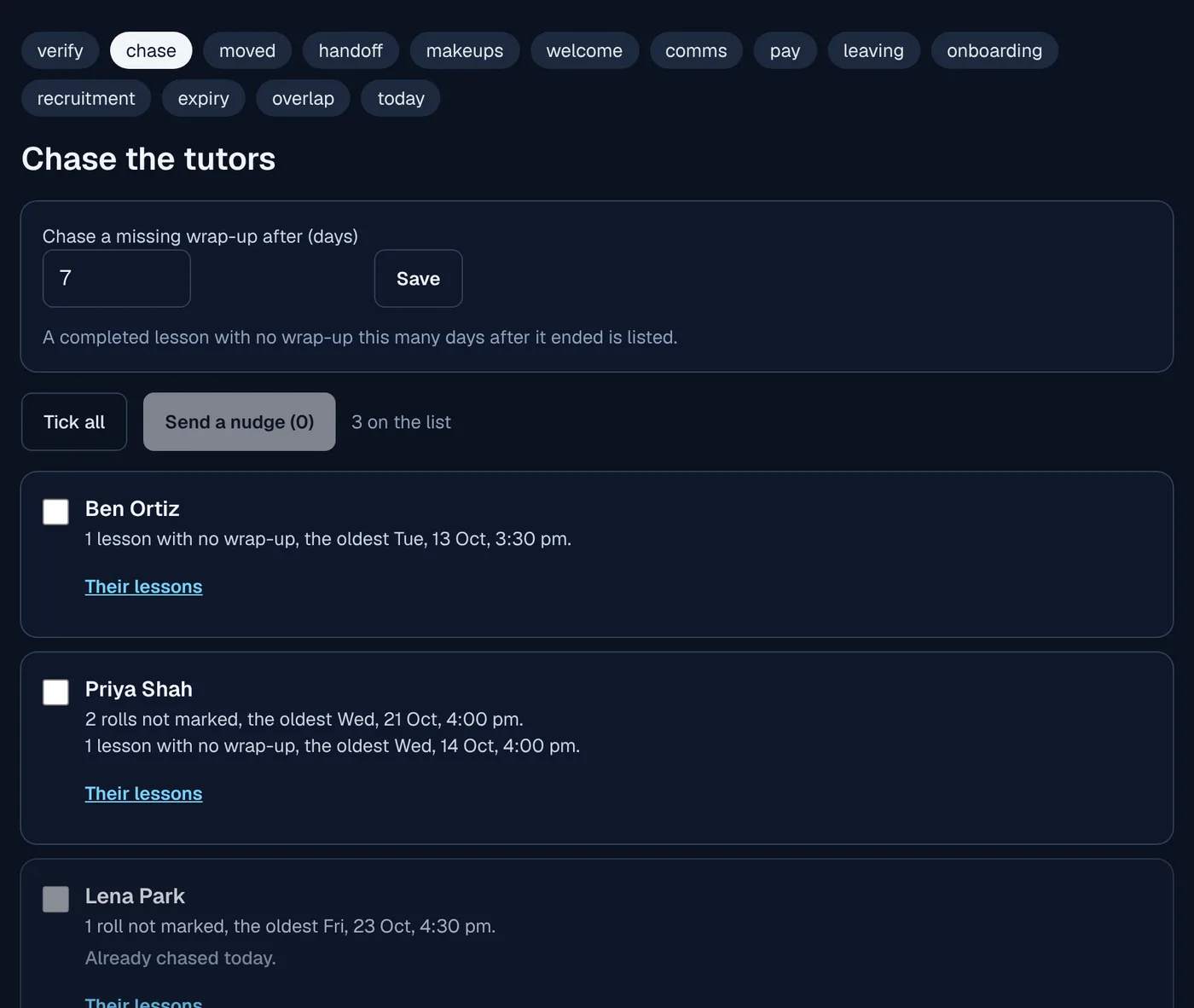
Rolls and wrap-ups to chase
By tutor, with one fixed reminder a day in the app and by email.
Lessons moved since the family was told
Send the move email from the list, and the send is recorded.
Makeups about to expire, and welcome emails nobody opened
Each with the one action that clears it.
Is the pay run ready
Every lesson put through the pay run's own rules before you start it, with what is missing named.
People joining and leaving
Onboarding and leaving checklists for staff, how long applicants have waited, a calendar of expiring checks and overlapping leave.
Less admin over time
Fewer requests reach the office in the first place.
The best admin is the job nobody has to do. These measure where the work comes from, let families do the simple things themselves, and let proven notes go out on their own if the owner says so.
What made the work
Twelve weeks of email, portal messages, calls and tasks sorted by topic, with what families could have done themselves and what each fix would save.
Families move and cancel themselves
Move a lesson, book a makeup or another lesson from the parent app, and find the answer before sending a message.
Payment plans your finance team decides
A family asks for a plan from their statement, and finance sets the payments, previews what the family is told and confirms.
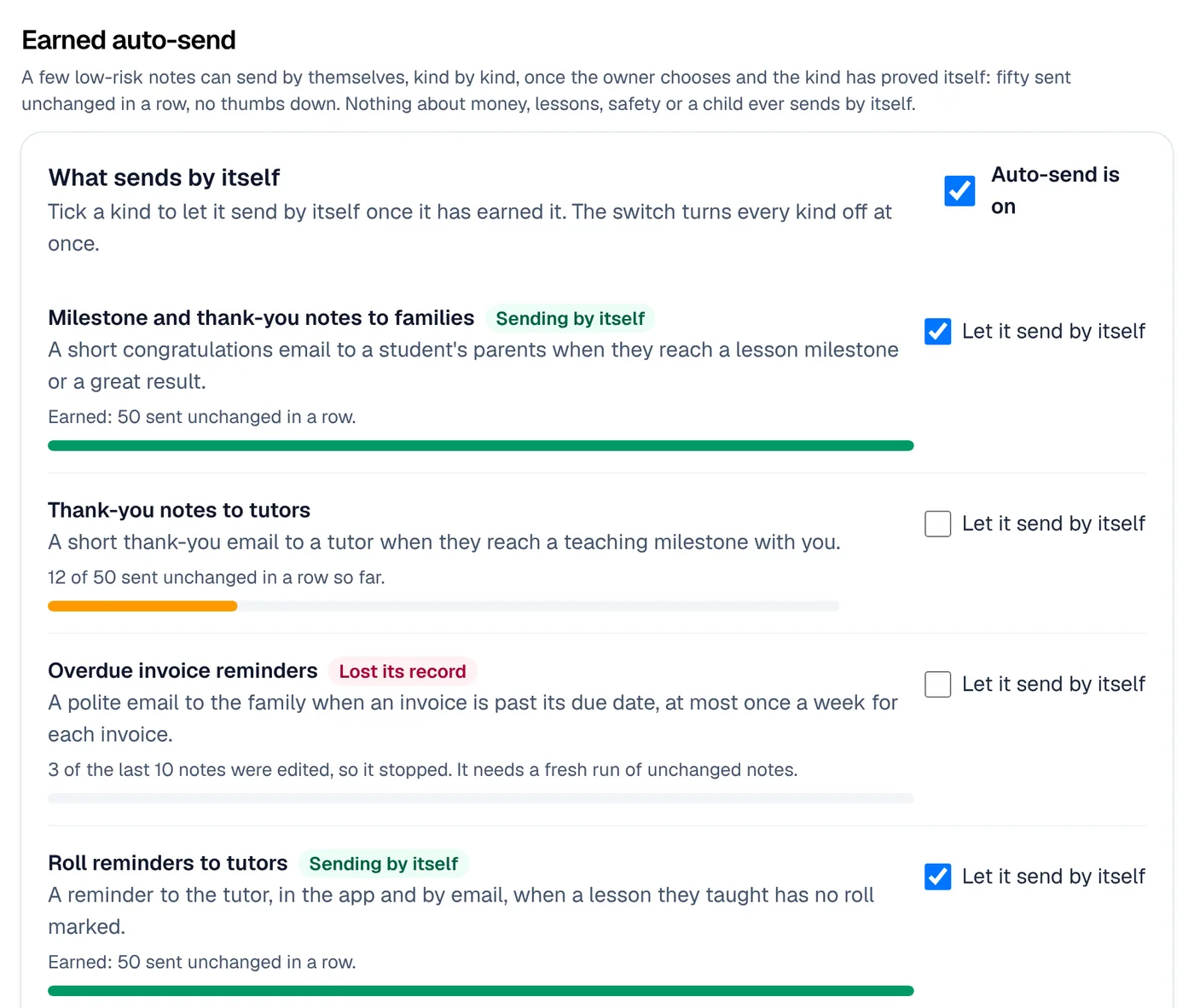
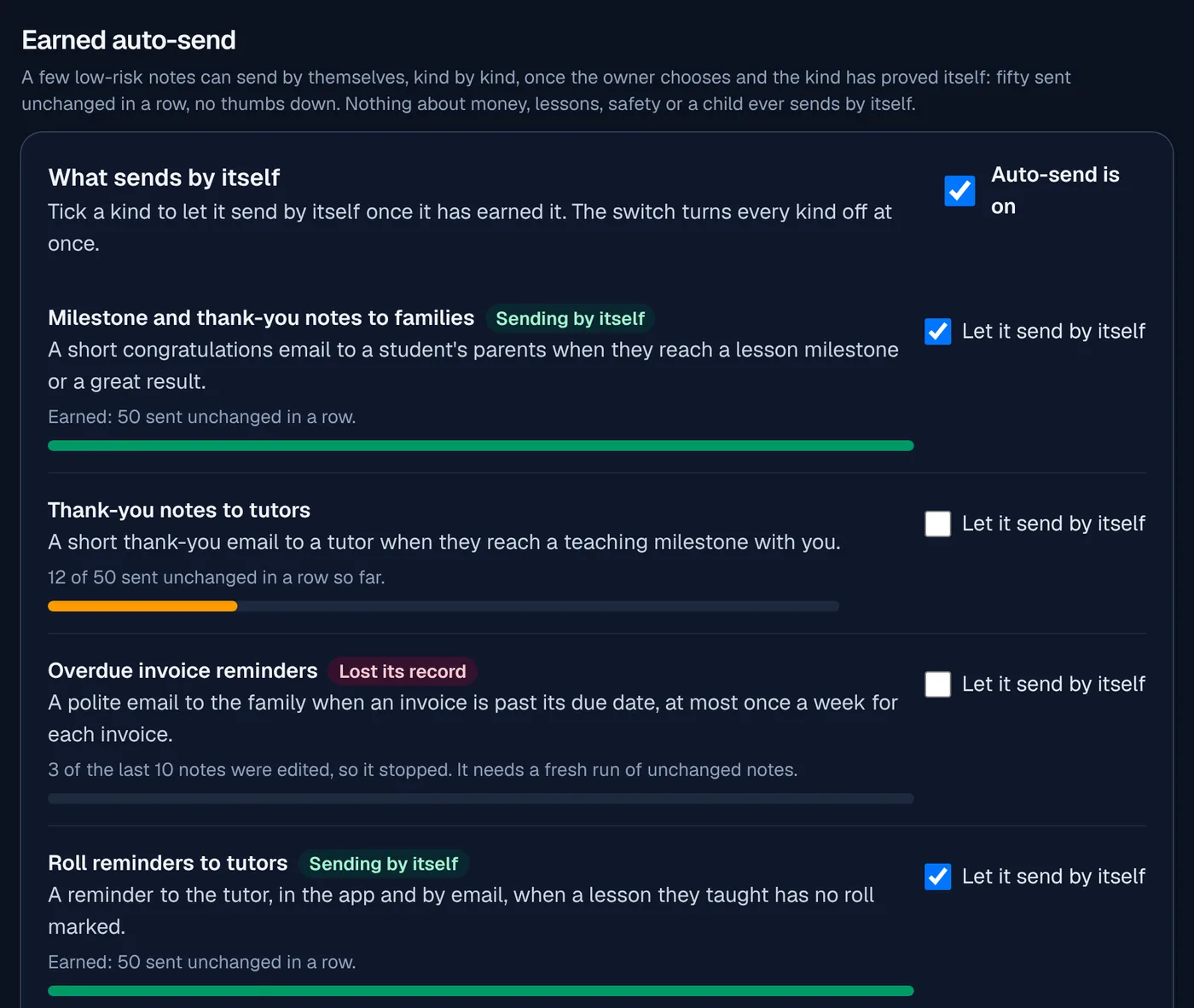
Notes that earn the right to send themselves
An owner may let thank-you notes, milestone notes, overdue reminders and roll reminders send on their own, kind by kind, once 50 in a row were sent unchanged by a person.
Always held first, and stopped by one switch
Each one waits 2 hours before it goes and can be undone while it waits. Money, lessons, safety and anything to a child are never sent this way.
The family's history
Everything said to a family, in one place, and AI that has read it.
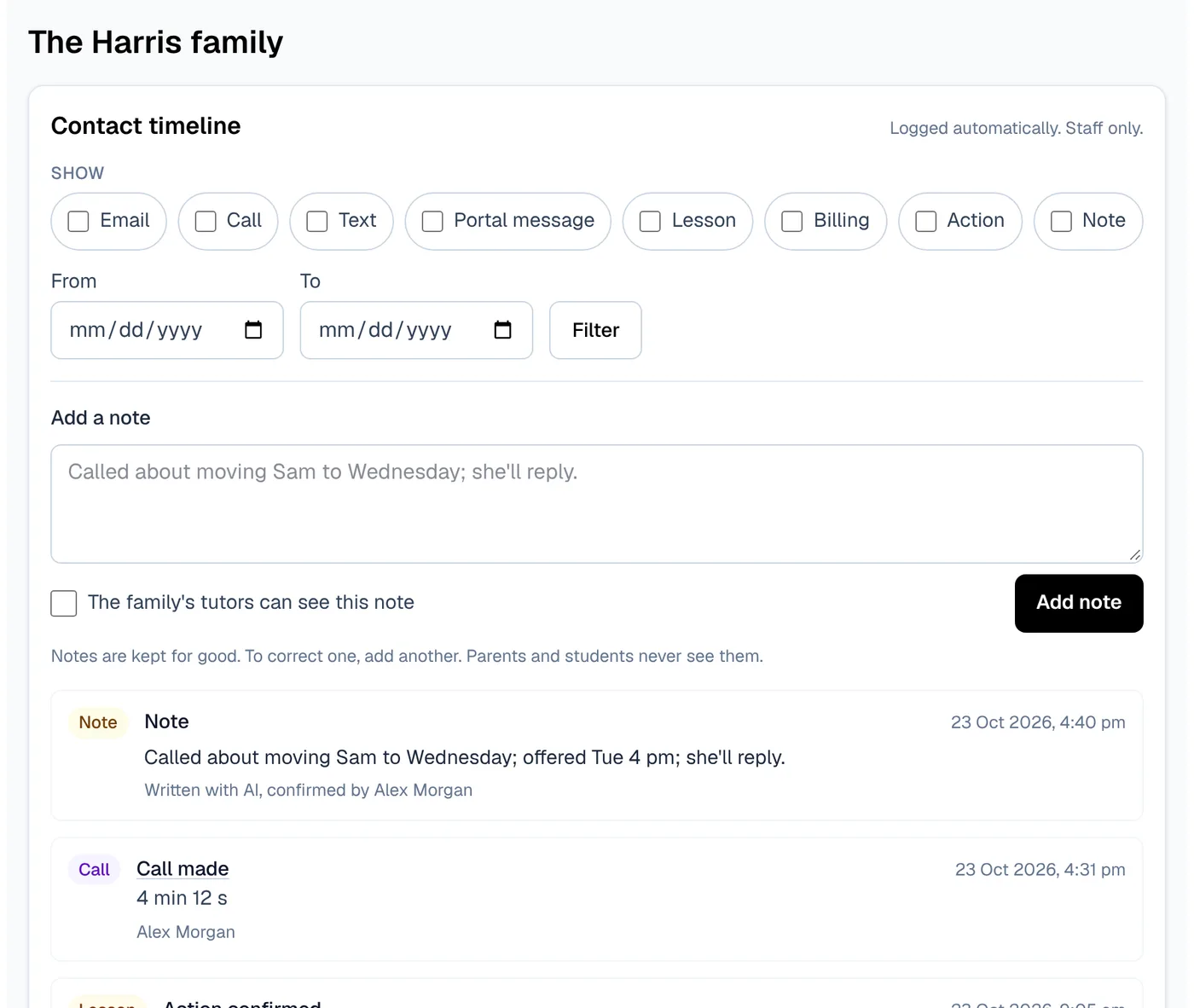
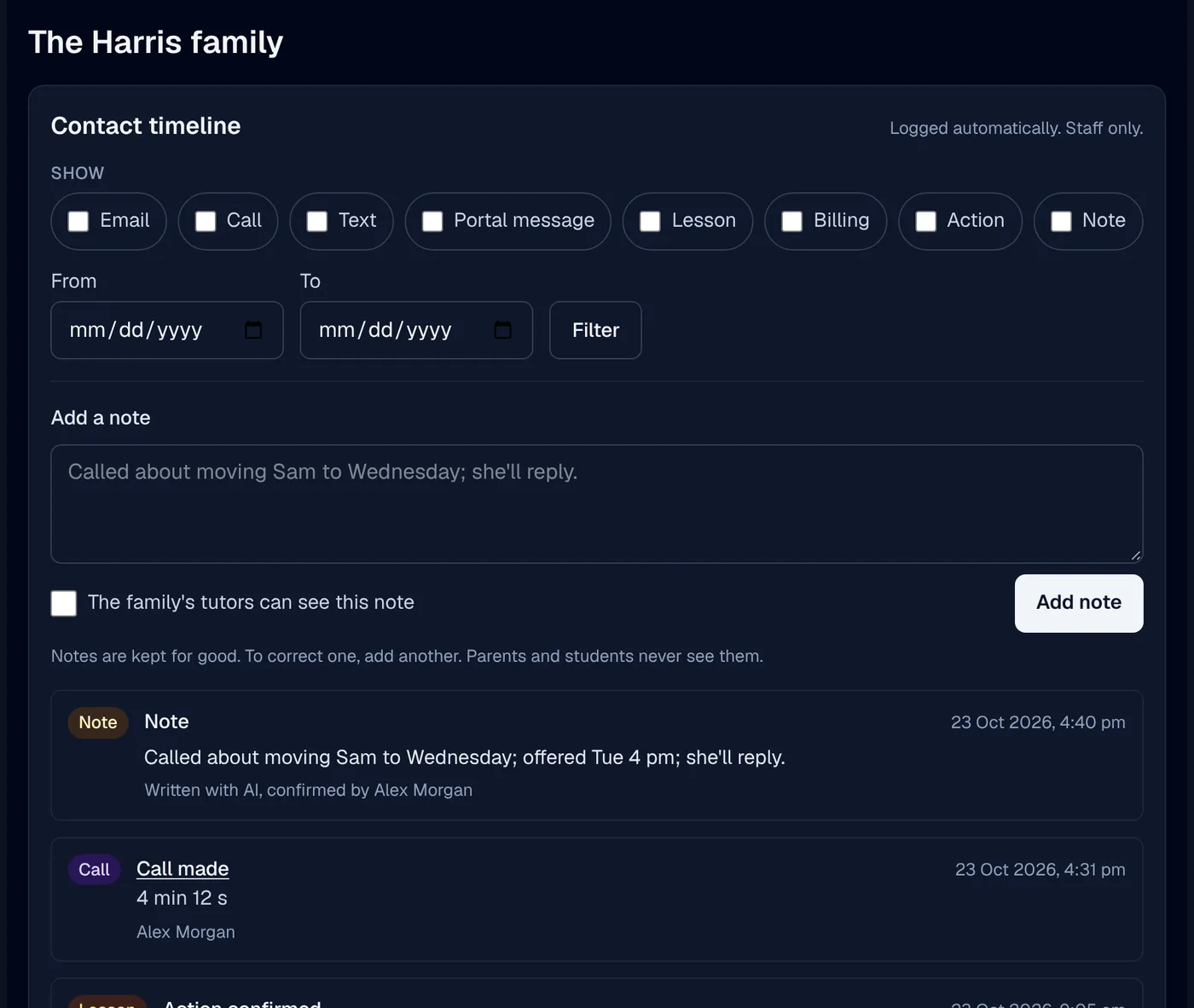
A note in one mailbox, a call in another log and a move in the calendar never add up to the story. The timeline does, and every AI draft starts from it.
One timeline of every contact
Emails, texts, calls, portal messages, lessons booked, moved and cancelled, invoices and payments, each with the time, the staff member and a link to the record.
Read from the records, not copied
The timeline reads each source when you open it, and names any it could not read.
Notes a person confirmed
Add a note by hand, or keep the note a confirmed card wrote, marked when the AI wrote it. Tutors see only notes marked for them.
Every draft starts from the history
The AI is given the family's lessons, notes, homework, recent messages and progress, and the card lists what it was missing.
Drafts in your centre's own words
Messages your staff confirmed teach the AI your tone, with every name and figure taken out first. The owner can switch it off or delete them all.
Thumbs up, thumbs down
Staff rate each card, and owners see the counts by kind.
Keeping families
A plan for the family who may be about to leave, and the one who did.
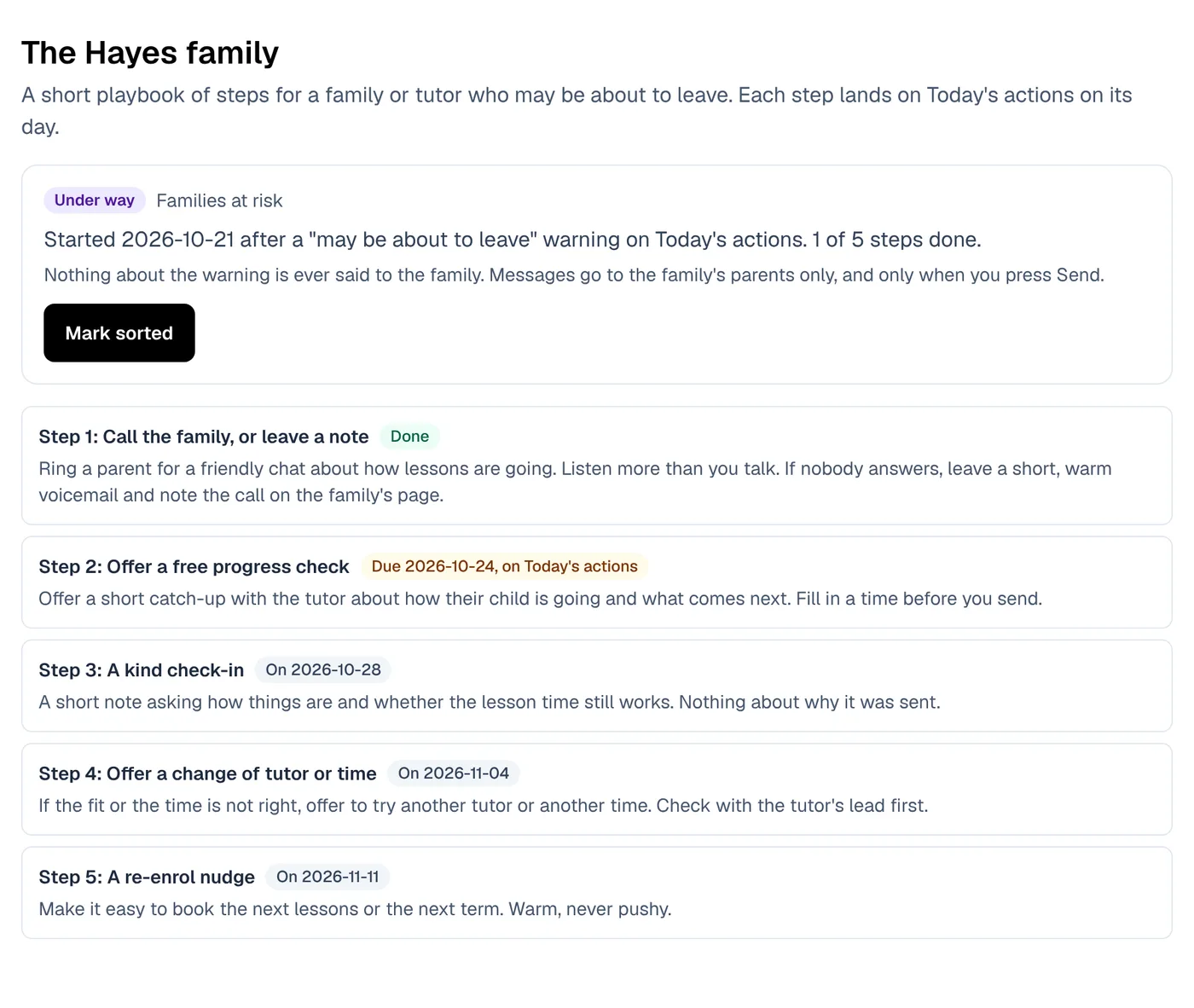
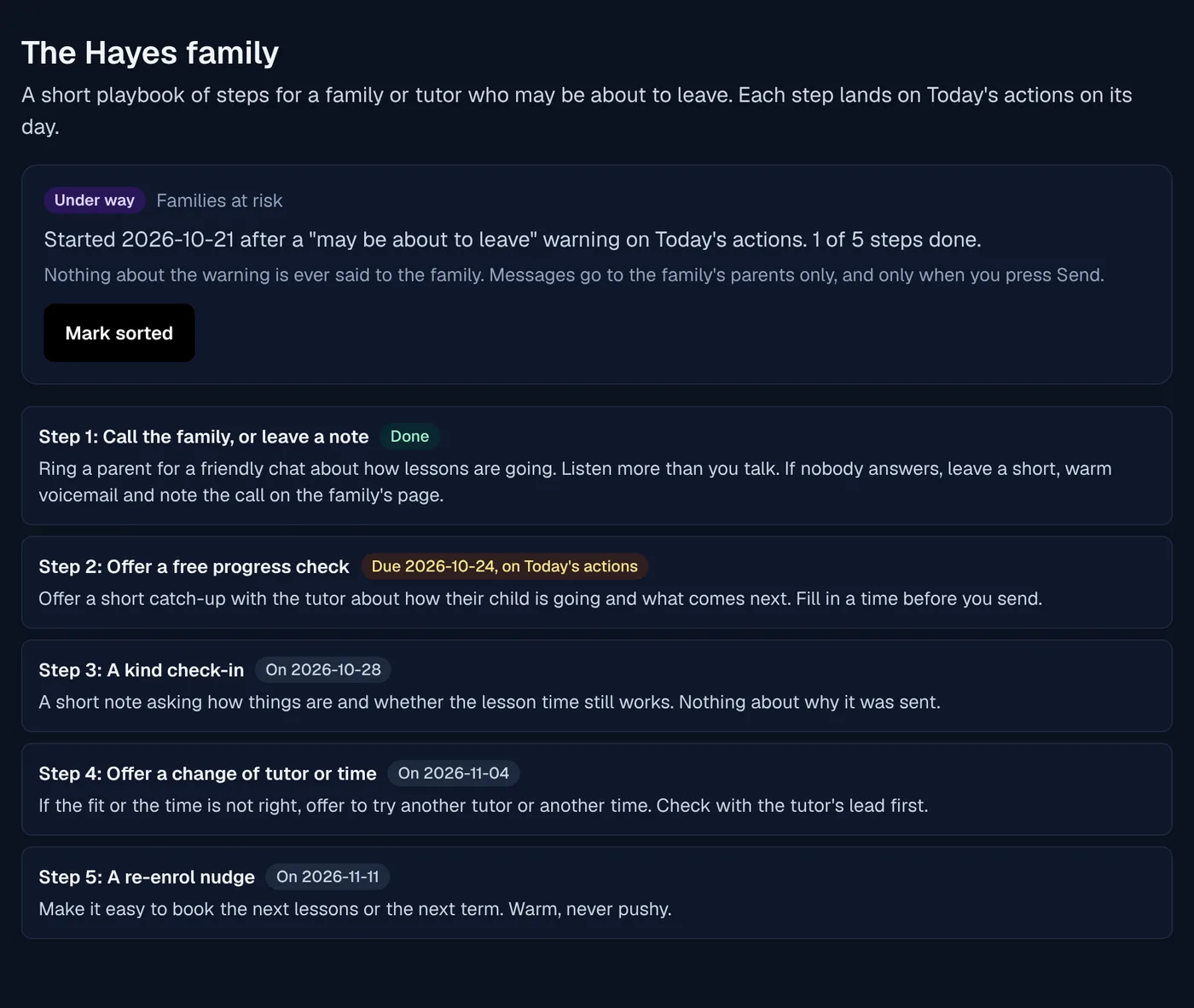
Families rarely say they are leaving. A playbook turns a warning into a few steps on the right day, and win back follows up after they go.
Playbooks that start from a warning
When a warning your centre turned on fires, its steps land on Today's actions on their day: a call, a check-in, an offer you wrote yourself.
Messages written for you, reasons kept private
Prepare drafts a message from the family's history. The app addresses it to the parents, and it never names why the family was flagged.
Win back after a family leaves
A follow-up playbook for families who stopped, which closes by itself when they book again.
Results you can trust
Started, sorted and still enrolled 60 days later, with no percentage shown from fewer than 10 families.
A one-tap lesson rating
After every 5th lesson, parents can rate it with one tap from an email. Off until your centre turns it on.
A quick pulse for tutors
One anonymous question a fortnight on the tutor's home page, with the results for owners.
In short
Less admin
XTutio's Today's actions reads the enquiries, the inbox, the money and the rolls and gives each person a short list for the day. Prepare all drafts the jobs with AI, and every card shows why, the facts it used and what Confirm will do before anything is sent. It works beside the team inbox and operations, chases the money in Billing and payroll, keeps families from leaving with the parent app and hands the bigger jobs to the admin assistant.
Questions centres ask
Does the AI send anything by itself?
No. Every prepared job is a card a person confirms. The one exception is notes an owner chooses to let send themselves, kind by kind, once 50 in a row were sent unchanged, and never money, lessons, safety or anything to a child.
What goes on the list?
New and overdue enquiries, retention tasks, overdue invoices, low packs, mail waiting on a reply, booking requests, staff tasks, tutors away with no cover and checks to verify, for the people who may act on each.
Does the AI see families' names?
No. Names are swapped for stand-ins before the AI reads anything, and put back only for the person sending.